EPUB to PDF API
Send an EPUB to POST /v2/convert/epub/to/pdf and the PDF comes back in the response. The chapters are laid out in reading order by an HTML layout engine, with the book's own CSS and images.
- Endpoint
- POST /v2/
convert/ epub/ to/ pdf - Accepts
- epub
- Sample timing
- 27 ms median of 5 runsHow we measure
- Request size
- Up to 10 MB on the Free plan or 100 MB on paid plans, all files together
Request and response
Every sample below ran against the API before this page was published. Set PDFCONVERSIONAPI_KEY to your key and run it as is.
curl -sS -X POST \
  https://api.pdfconversionapi.com/v2/convert/epub/to/pdf \
  -H "Authorization: Bearer $PDFCONVERSIONAPI_KEY" \
  -F File=@gull-point-ferry.epub \
  --form-string PageSize=letter \
  --form-string BaseFontSize=11 \
  -o response.json

# FileData is base64. Save the first file in converted/,
# or print the JSON error.
if jq -e '.Files' response.json > /dev/null; then
  mkdir -p converted
  name=$(jq -r '.Files[0].FileName' response.json)
  jq -r '.Files[0].FileData' response.json \
    | base64 --decode > "converted/$name"
else
  cat response.json
fi
import base64
import os
import requests
key = os.environ["PDFCONVERSIONAPI_KEY"]
response = requests.post(
"https://api.pdfconversionapi.com/v2/convert/epub/to/pdf",
headers={"Authorization": f"Bearer {key}"},
files=[("File", open("gull-point-ferry.epub", "rb"))],
data={
"PageSize": "letter",
"BaseFontSize": "11",
},
timeout=180,
)
result = response.json()
if not response.ok:
raise SystemExit(f"{result['Code']}: {result['Message']}")
os.makedirs("converted", exist_ok=True)
for file in result["Files"]:
path = os.path.join("converted", file["FileName"])
with open(path, "wb") as out:
out.write(base64.b64decode(file["FileData"]))
print(path, file["FileSize"], "bytes")
import { mkdir, readFile, writeFile } from "node:fs/promises";
import { join } from "node:path";

const form = new FormData();
const file = "gull-point-ferry.epub";
form.append("File", new Blob([await readFile(file)]), file);
form.append("PageSize", "letter");
form.append("BaseFontSize", "11");

const url = "https://api.pdfconversionapi.com/v2/convert/epub/to/pdf";
const key = process.env.PDFCONVERSIONAPI_KEY;
const response = await fetch(url, {
  method: "POST",
  headers: { Authorization: `Bearer ${key}` },
  body: form,
});
const result = await response.json();
if (!response.ok) {
  throw new Error(`${result.Code}: ${result.Message}`);
}

await mkdir("converted", { recursive: true });
for (const file of result.Files) {
  const path = join("converted", file.FileName);
  await writeFile(path, Buffer.from(file.FileData, "base64"));
  console.log(path, file.FileSize, "bytes");
}
{
  "ConversionCost": 1,
  "ConversionTime": 0.027,
  "Files": [
    {
      "FileName": "gull-point-ferry.pdf",
      "FileExt": "pdf",
      "FileSize": 136132,
      "FileData": "JVBERi0xLjcKJYCAgIAKMSAw…"
    }
  ]
}
Response from our test run on 2026-11-03. ConversionTime shows the median of 5 runs. FileData is shortened here; the real response carries the whole file as base64.
The sample, converted
The same file the code sends. Download the input and the output and compare them yourself.
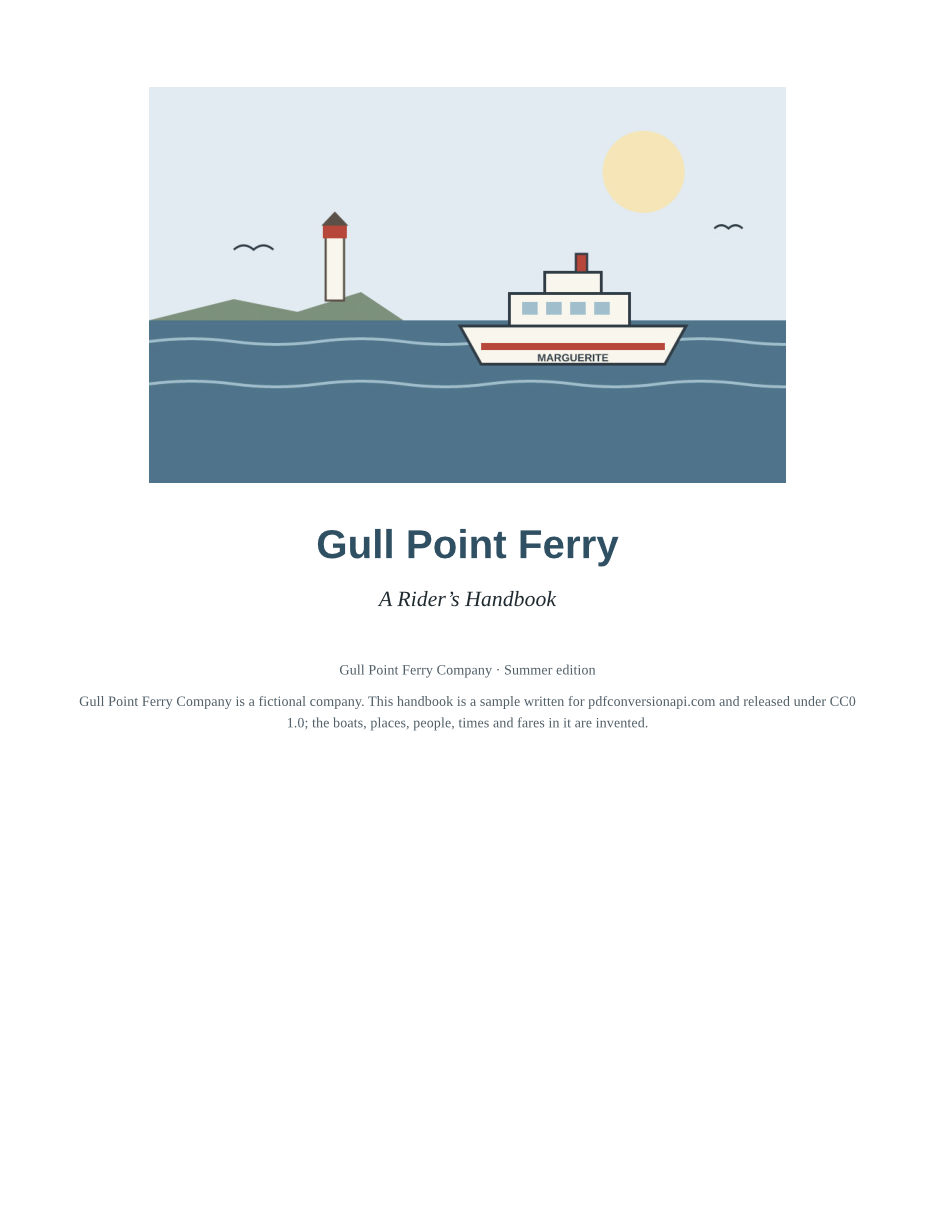
- Input
- gull-point-ferry.epub (53 KB)
- Output
- gull-point-ferry.pdf (133 KB)
- Source
- Written and illustrated for this site (fictional company), EPUB 3 (CC0-1.0). How it was made
- Made by
- 2026-11-04, API build
9eeeb0640aba
Parameters
Send these as form fields next to the file. Names are case-insensitive. If you set one of the documented options below that we don't support yet, the request fails with a 400 that names it instead of returning a file made without it.
| Parameter | What it does |
|---|---|
PageSizeenum, default letter | Paper size for every page, matched in any case. Pages are always portrait; this route has no orientation option.Values: a0 to a9, b0 to b5, letter, legal, ledger |
BaseFontSizenumber, default 12 | Size of body text in points. Text the book sizes in em or percent scales with it. Sizes in pt, px or rem stay as the book set them (rem stays relative to 12 pt), and a font size the book sets on its html element replaces this one.Values: 1 to 50 (points) |
MarginTopnumber, default 40 | Page margin at the top, in points (72 to the inch). Decimals are accepted. Margins from the book's own CSS are added inside it.Values: 0 to 200 (points) |
MarginBottomnumber, default 40 | Page margin at the bottom, in points.Values: 0 to 200 (points) |
MarginLeftnumber, default 40 | Page margin on the left, in points. Unless the book's CSS sets a body margin, the text starts 6 pt further in (the default body margin).Values: 0 to 200 (points) |
MarginRightnumber, default 40 | Page margin on the right, in points, with the same 6 pt default body margin inside it.Values: 0 to 200 (points) |
FileNamestring | Name for the output file, without the extension. Without it the PDF takes the uploaded book's name. |
StoreFileboolean, default false | Return a download link instead of the file. The link expires after 3 hours and the file is then deleted. |
What carries over, and what doesn't
Kept
- Chapters in the book's reading order (its spine), each starting on a new page
- The book's own style sheets: colors, borders, text alignment, indents, small caps and floated images
- Tables with borders, header shading and right-aligned columns
- JPEG, PNG and SVG images packed inside the book, at the size its CSS gives them
- Selectable, searchable text, with every font embedded as a subset
- Links to web addresses, which stay clickable
- Structure tags for headings, paragraphs, lists, tables and figures, with each image's alt text copied to its figure
Lost or not yet supported
- The book's table of contents does not become PDF bookmarks, and links between chapters are not clickable.
- Pages have no page numbers, running headers or footers.
- A font embedded in the book with
@font-facewas not used in our test; the text fell back to Liberation Serif. - The title and author in the book's metadata are not copied to the PDF's document properties, and no document language is set.
- Images and style sheets linked from the web are never fetched, and nothing is drawn in their place.
- In our tests, ::first-letter drop caps and multi-column text (column-count) were not applied.
- Spine items marked linear="no", often the contents page, are printed too, in spine order.
Limits
- Requests up to 10 MB on the Free plan or 100 MB on paid plans in total (all files and fields).
- A conversion can run for up to 120 seconds; after that the API returns 504.
- A book can unpack to at most 1 GB and 10,000 files, and lay out to at most 2,000 pages. Larger books return 413, except one long enough to run past 20,000 pages, which the layout engine stops first with a 422.
- DRM-protected books return 422 "the book is DRM-protected". Font obfuscation (the IDPF and Adobe schemes) is not DRM and is accepted.
- A file that is not a ZIP archive, or has no META-INF/container.xml, returns 422 with "this is not an EPUB" in the message.
Where teams use it
A PDF download next to the e-book
Stores and course platforms that hold titles as EPUB can offer a PDF for readers without an e-reader app. Convert once when the book is uploaded and serve the file from your own storage.
Review copies on Letter or A5
Editors and reviewers often mark up a PDF rather than an EPUB. Pick the paper with PageSize, tighten the margins and set the body size with BaseFontSize, all in the same request.
Page images for previews
The sister routes epub/to/png and epub/to/jpg lay the book out the same way and return one image per page. PageRange=1 gives just the first page for a thumbnail.
An archive copy
Convert the book, then send the PDF to /v2/convert/pdf/to/pdfa. The sample on this page came back from that second step as PDF/A-2b with no issues reported by the API's own validator.
Questions
Do accented letters and other scripts come through?
Yes. In our test, a chapter saved as plain UTF-8 with accented letters, curly quotes, an em dash, a non-breaking space and lines of Japanese, Chinese, Arabic, Greek and Russian converted to PDF and to PNG, and each script was drawn with an installed font (Noto Sans CJK for Japanese and Chinese). The Arabic line was right-aligned with its letters joined. The sample book on this page stores its curly quotes, en dashes and middle dot the same way.
Does the PDF keep the book's table of contents?
Only as a printed page. If the contents page is in the book's spine (as in the sample), it is printed in its place, without page numbers. It does not become PDF bookmarks, and links between chapters are not clickable. Links to web addresses stay clickable.
Which fonts end up in the PDF?
The fonts the book names, when the server has them: Liberation, DejaVu, Noto, Carlito and Caladea. Arial, Helvetica, Times New Roman and Courier New map to their Liberation equivalents, and Calibri and Cambria to Carlito and Caladea. In our test, a TTF font the book embedded with @font-face was not used and the text fell back to Liberation Serif. Whatever is used is embedded as a subset.
Can I convert DRM-protected books?
No. If META-INF/encryption.xml encrypts content with anything other than font obfuscation, the API returns 422 with the message "the book is DRM-protected". Books that only obfuscate their fonts are converted.
Can I get PDF/A, or only some of the pages?
Not in this step. PageRange and Pdfa are not options on this route, and today the API ignores them here instead of refusing them. Convert the book first, then send the PDF to /v2/convert/pdf/to/pdfa for PDF/A-2b or 3b, or to /v2/convert/pdf/to/extract with PageRange to keep some pages. PageRange=3-last keeps the three chapters of the sample; a range that starts past the last page returns 400.
Convert your first EPUB file in a minute.