Images to PDF API
Upload several images to POST /v2/convert/images/to/pdf in the Files field and get one PDF with a page per image, in the order you sent them. Formats can be mixed in the same request.
- Endpoint
- POST /v2/
convert/ images/ to/ pdf - Accepts
- images
- Sample timing
- 52 ms median of 5 runsHow we measure
- Request size
- Up to 10 MB on the Free plan or 100 MB on paid plans, all files together
Request and response
Every sample below ran against the API before this page was published. Set PDFCONVERSIONAPI_KEY to your key and run it as is.
curl -sS -X POST \
  https://api.pdfconversionapi.com/v2/convert/images/to/pdf \
  -H "Authorization: Bearer $PDFCONVERSIONAPI_KEY" \
  -F Files=@taxi-receipt.jpg \
  -F Files=@hotel-folio.png \
  -F Files=@parking-receipt.webp \
  --form-string PageSize=letter \
  -o response.json

# FileData is base64. Save the first file in converted/,
# or print the JSON error.
if jq -e '.Files' response.json > /dev/null; then
  mkdir -p converted
  name=$(jq -r '.Files[0].FileName' response.json)
  jq -r '.Files[0].FileData' response.json \
    | base64 --decode > "converted/$name"
else
  cat response.json
fi
import base64
import os
import requests
key = os.environ["PDFCONVERSIONAPI_KEY"]
response = requests.post(
"https://api.pdfconversionapi.com/v2/convert/images/to/pdf",
headers={"Authorization": f"Bearer {key}"},
files=[
("Files", open("taxi-receipt.jpg", "rb")),
("Files", open("hotel-folio.png", "rb")),
("Files", open("parking-receipt.webp", "rb")),
],
data={
"PageSize": "letter",
},
timeout=180,
)
result = response.json()
if not response.ok:
raise SystemExit(f"{result['Code']}: {result['Message']}")
os.makedirs("converted", exist_ok=True)
for file in result["Files"]:
path = os.path.join("converted", file["FileName"])
with open(path, "wb") as out:
out.write(base64.b64decode(file["FileData"]))
print(path, file["FileSize"], "bytes")
import { mkdir, readFile, writeFile } from "node:fs/promises";
import { join } from "node:path";

const form = new FormData();
for (const file of [
  "taxi-receipt.jpg",
  "hotel-folio.png",
  "parking-receipt.webp",
]) {
  form.append("Files", new Blob([await readFile(file)]), file);
}
form.append("PageSize", "letter");

const url = "https://api.pdfconversionapi.com/v2/convert/images/to/pdf";
const key = process.env.PDFCONVERSIONAPI_KEY;
const response = await fetch(url, {
  method: "POST",
  headers: { Authorization: `Bearer ${key}` },
  body: form,
});
const result = await response.json();
if (!response.ok) {
  throw new Error(`${result.Code}: ${result.Message}`);
}

await mkdir("converted", { recursive: true });
for (const file of result.Files) {
  const path = join("converted", file.FileName);
  await writeFile(path, Buffer.from(file.FileData, "base64"));
  console.log(path, file.FileSize, "bytes");
}
{
  "ConversionCost": 1,
  "ConversionTime": 0.052,
  "Files": [
    {
      "FileName": "taxi-receipt.pdf",
      "FileExt": "pdf",
      "FileSize": 256293,
      "FileData": "JVBERi0xLjcKJYCAgIAKMSAw…"
    }
  ]
}
Response from our test run on 2026-11-03. ConversionTime shows the median of 5 runs. FileData is shortened here; the real response carries the whole file as base64.
The sample, converted
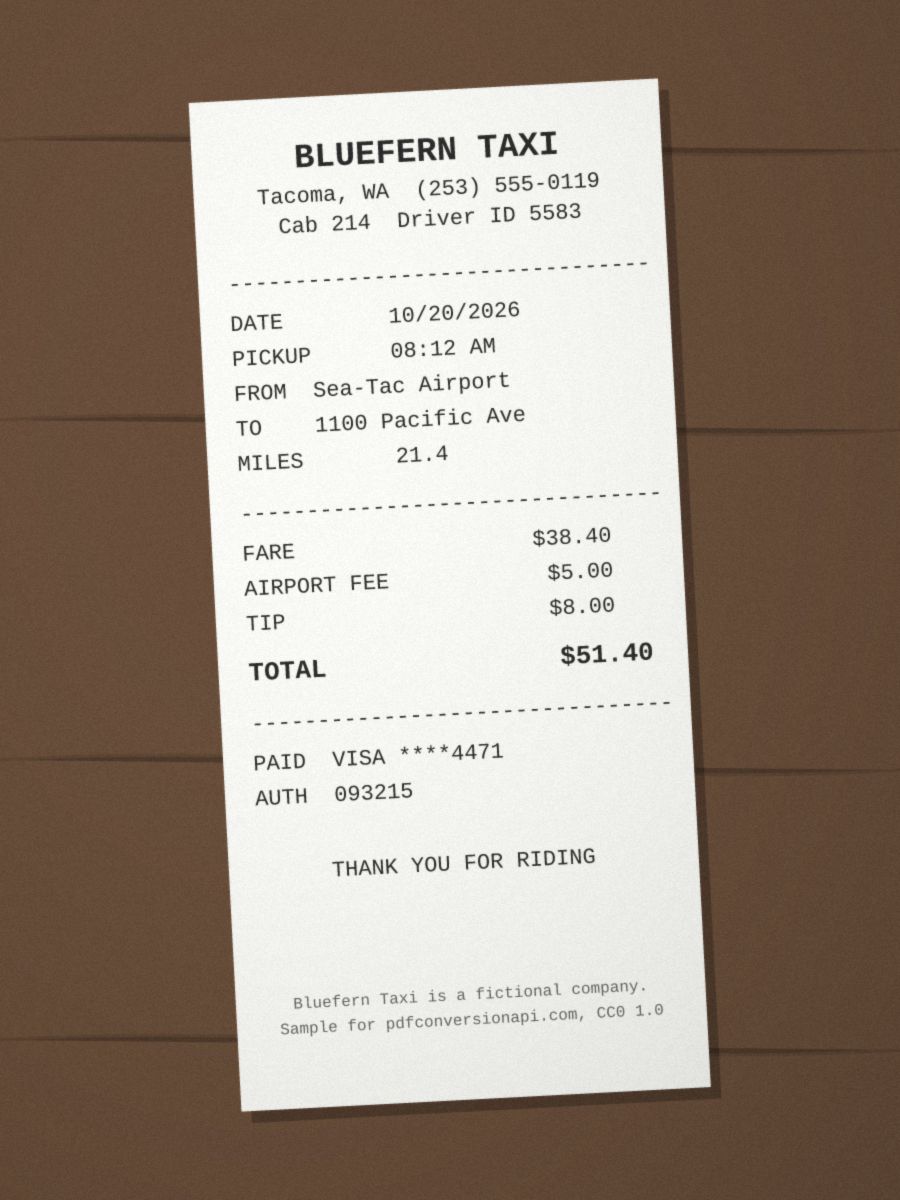
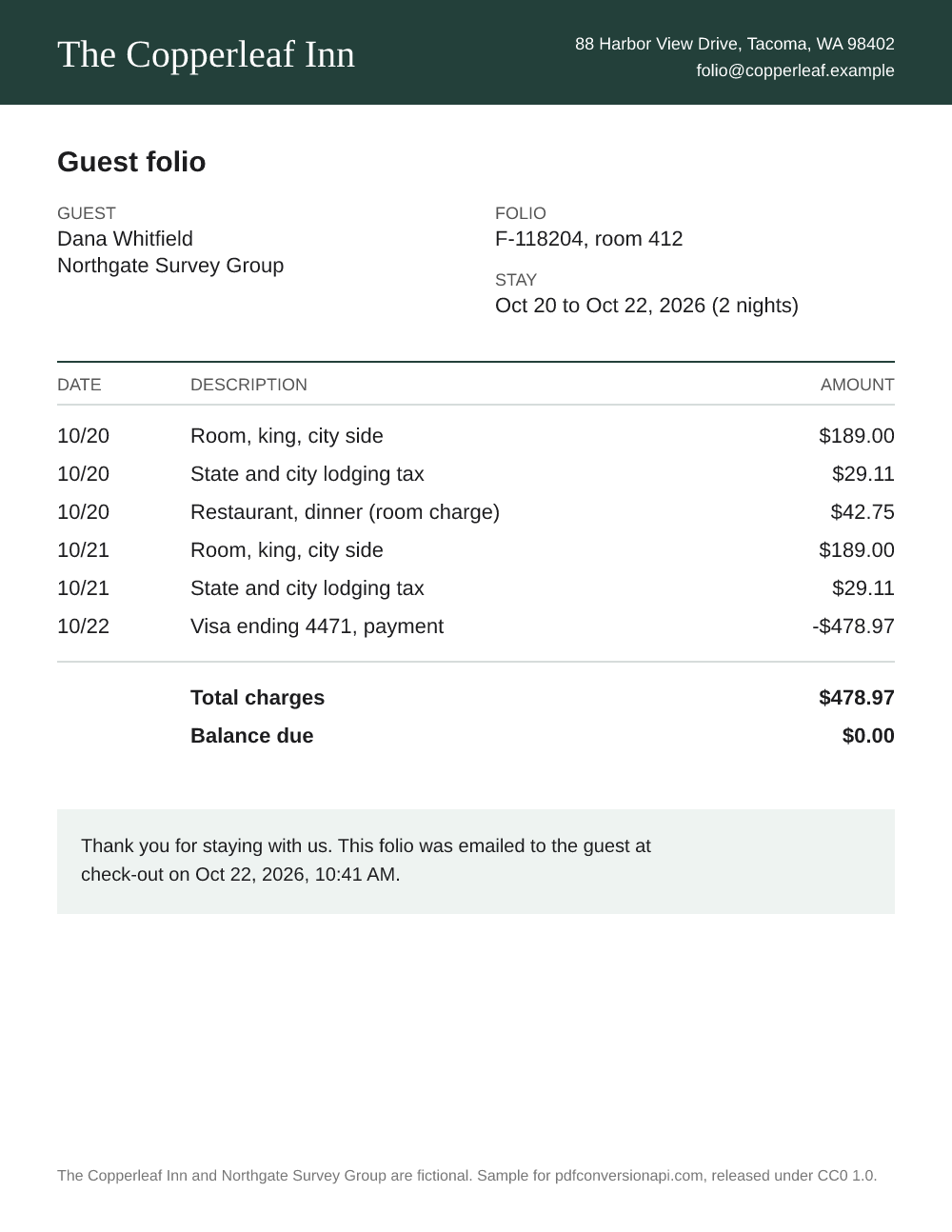
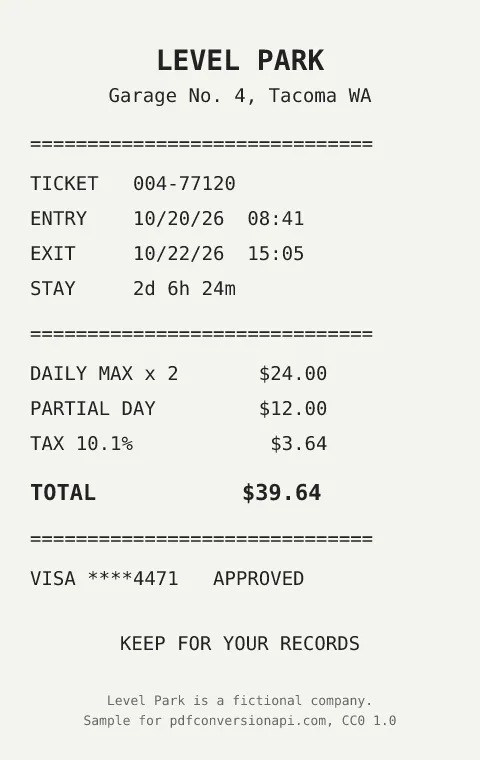
The same file the code sends. Download the input and the output and compare them yourself.
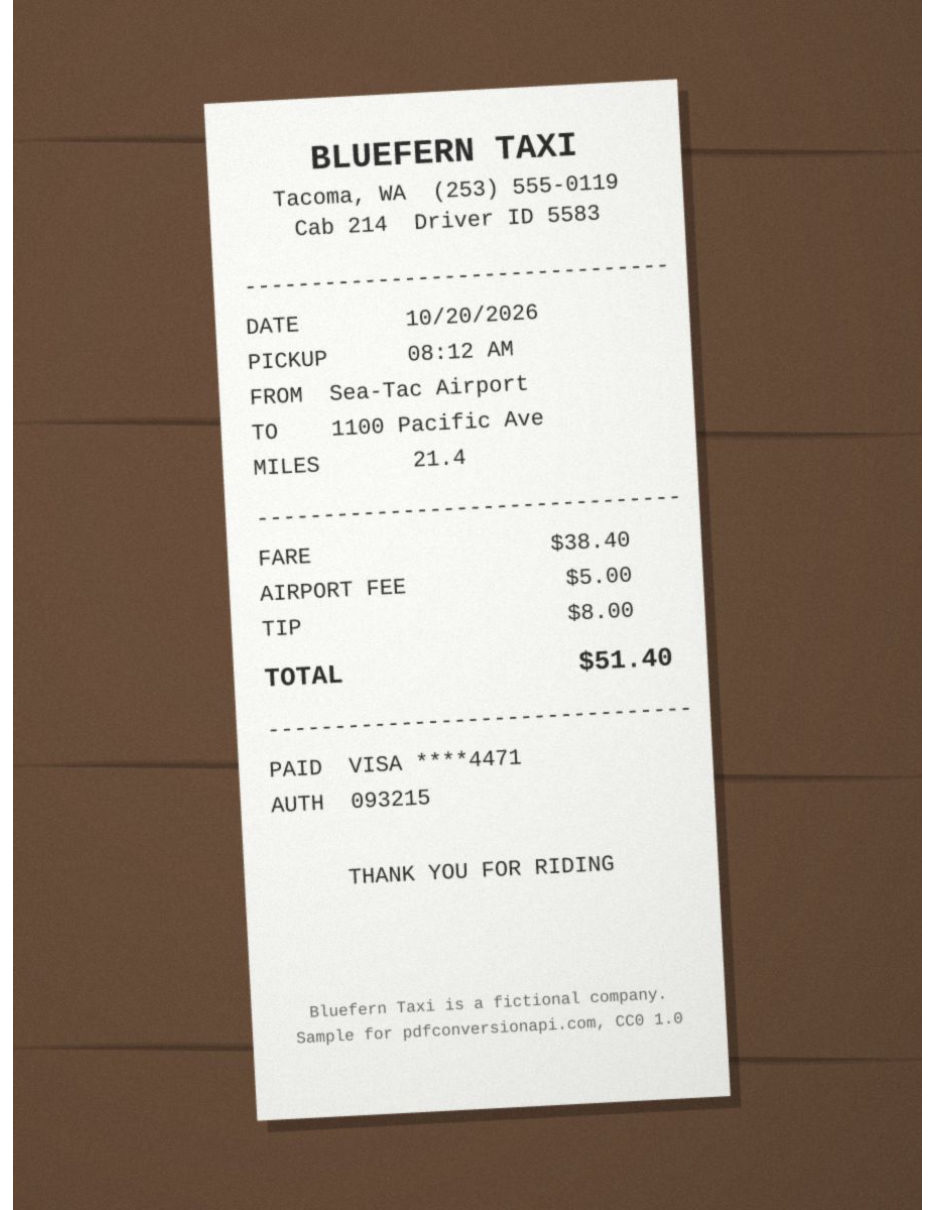
- Input
- taxi-receipt.jpg (97 KB)hotel-folio.png (90 KB)parking-receipt.webp (20 KB)
- Output
- taxi-receipt.pdf (250 KB)
- Source
- Made for this site: three drawn receipts as JPEG, PNG and WebP files (CC0-1.0). How it was made
- Made by
- 2026-11-04, API build
9eeeb0640aba
Parameters
Send these as form fields next to the file. Names are case-insensitive. If you set one of the documented options below that we don't support yet, the request fails with a 400 that names it instead of returning a file made without it.
| Parameter | What it does |
|---|---|
PageSizeenum, default default | One sheet size for every page. Left at default, each page gets the size of its own image (96 pixels per inch), so pages in the same PDF can differ. A named size gives uniform pages; each image is shrunk to fit if needed and centered.Values: default, auto, a3, a4, a5, letter, legal |
PageOrientationenum, default default | Applies to all pages at once, and only together with a named PageSize; default and portrait are the same. Mixed portrait and wide photos can't get different orientations in one request.Values: default, portrait, landscape |
Rotateinteger | Degrees to turn every image clockwise; one value applies to all pages. Left empty, each image follows its own EXIF orientation flag, and any number, 0 included, replaces the flags. With PageSize=letter and 90, the three sample receipts lie on their sides: the taxi receipt and the hotel folio shrink to the 612 pt page width, and the smaller parking stub turns at its own size, 570 x 360 pt.Values: -360 to 360 |
MarginHorizontalinteger, default 0 | White space left and right of every image, in millimeters. On a named sheet the image is fitted inside the margins: 20 mm on Letter narrowed the taxi receipt from 594 to 499 pt. Without PageSize, each page grows by the margins instead.Values: 0 to 500 (mm) |
MarginVerticalinteger, default 0 | White space above and below every image, in millimeters. Margins that leave no room for an image return 400.Values: 0 to 500 (mm) |
FileNamestring | Name of the combined PDF, without the extension. If omitted, the PDF is named after the first image in the request. |
StoreFileboolean, default false | Respond with a URL to the PDF instead of its bytes. The URL stops working after 3 hours, and the file is deleted. |
Not supported yet
Setting one of these to anything but its default returns 400.
| Option | What to do instead |
|---|---|
ColorSpace | TrueColors is accepted and means the same as the default; gray and other values return 400. |
Pdfa | Make the combined file PDF/A with /v2/convert/pdf/to/pdfa. |
What carries over, and what doesn't
Kept
- Page order: pages follow the order of the file parts in the request (we checked by sending the sample's files in reverse)
- JPEG pages hold the original JPEG bytes; PNG pages hold the exact PNG pixels, alpha included
- Every other format is decoded and stored without further loss: the WebP page in the sample matches the WebP's decoded pixels exactly
- Transparency in PNG and WebP files, as a soft mask
- EXIF orientation: a photo stored sideways with an orientation flag comes out upright. We checked JPEG, PNG, TIFF and WebP test files carrying the flag
- Each image's full resolution, whatever page size is chosen
Lost or not yet supported
- Animated GIFs give their first frame, and a multi-page TIFF gives only its first page.
- Formats other than JPEG and PNG are stored as decoded pixels, which can take more room than the original file: the sample's lossy WebP receipt is about 4.5 times bigger inside the PDF.
- ICC color profiles are kept for JPEG and PNG pages only; the other formats are written as plain RGB.
- File names don't appear anywhere in the PDF, and there are no bookmarks or page labels.
- Small images are not scaled up on a named sheet. The parking stub in the sample sits in the middle of its Letter page at its own size.
Limits
- 1 to 50 images per request. A 51st returns 400 'at most 50 files per request'; none returns 400 'no input files were provided'.
- The whole request, all images together, is capped at 10 MB on the Free plan or 100 MB on paid plans, each image at 100,000,000 pixels, and the conversion at 120 seconds. An image over the pixel limit gets a 413 that names it.
- One unreadable image fails the whole request with 422. The message gives its position and file name, for example 'image 3 (scan.png) could not be read: it is not a PNG image'.
- HEIC and SVG files are refused here with 422, for example 'image 2 (mug-listing.heic) could not be read: unrecognized image format'. Convert them first with
/v2/convert/heic/to/jpgor/v2/convert/svg/to/png.
Where teams use it
Receipts for an expense report
Travelers snap a taxi receipt, forward a hotel folio and save a parking stub, each in a different format. Send them in one request with PageSize=letter and finance gets a single Letter-size PDF, one receipt per page, like the sample.
Photo reports from the field
Inspection, insurance and delivery apps collect several photos per job. Upload them in the order they were taken and the PDF pages follow that order, so the report reads like the visit happened.
Phone scans of a multi-page document
Scanning flows in mobile apps often produce one JPEG per sheet. Combining them on the server gives one document to store or e-sign instead of a folder of loose images.
Questions
How do I send more than one image in a request?
Add one multipart part per image, each named Files, as the code samples on this page do. Names like Files[0] and Files[1] are accepted too, but the page order comes from the order of the parts in the request body, not from the number in the name.
Can one request mix JPG, PNG and WebP?
Yes. Each file is identified by its content. In one test request we combined GIF, BMP, TIFF, TGA, WebP, PNM and JPEG files and got a seven-page PDF. HEIC and SVG are the exceptions; convert those first.
Will every page be the same size?
Only if you set PageSize. Without it, each page is cut to its own image, so a portrait phone photo and a small receipt give pages of different sizes. With PageSize=letter every page is 8.5 x 11 in.
One photo came out sideways. Can I fix just that page?
Yes. Send the combined PDF to /v2/convert/pdf/to/rotate with Angle=90 and PageRange set to that page number; the other pages stay as they are. Rotate on this route can't do it, because it turns every image by the same amount. Photos that carry an EXIF orientation flag are already turned upright, so a sideways page usually means the photo has no flag.
My request returned 422. How do I find the bad image?
Read the message. It starts with the image's position in the request, counting from 1, and the file name you sent, then gives the reason: 'image 2 (bad.jpg) could not be read: it is not a JPG image'. Replace or drop that file and send the request again. An image over the pixel limit is named the same way in a 413.
Convert your first IMAGES file in a minute.