PNG to PDF API
POST a PNG to /v2/convert/png/to/pdf and get back a one-page PDF with the same pixels. The converter decodes the PNG and writes it into the PDF compressed without loss, transparency included.
- Endpoint
- POST /v2/
convert/ png/ to/ pdf - Accepts
- png
- Sample timing
- 64 ms median of 5 runsHow we measure
- Request size
- Up to 10 MB on the Free plan or 100 MB on paid plans, all files together
Request and response
Every sample below ran against the API before this page was published. Set PDFCONVERSIONAPI_KEY to your key and run it as is.
curl -sS -X POST \
  https://api.pdfconversionapi.com/v2/convert/png/to/pdf \
  -H "Authorization: Bearer $PDFCONVERSIONAPI_KEY" \
  -F File=@floor-3-evacuation-map.png \
  --form-string PageSize=letter \
  --form-string PageOrientation=landscape \
  -o response.json

# FileData is base64. Save the first file in converted/,
# or print the JSON error.
if jq -e '.Files' response.json > /dev/null; then
  mkdir -p converted
  name=$(jq -r '.Files[0].FileName' response.json)
  jq -r '.Files[0].FileData' response.json \
    | base64 --decode > "converted/$name"
else
  cat response.json
fi
import base64
import os
import requests
key = os.environ["PDFCONVERSIONAPI_KEY"]
response = requests.post(
"https://api.pdfconversionapi.com/v2/convert/png/to/pdf",
headers={"Authorization": f"Bearer {key}"},
files=[("File", open("floor-3-evacuation-map.png", "rb"))],
data={
"PageSize": "letter",
"PageOrientation": "landscape",
},
timeout=180,
)
result = response.json()
if not response.ok:
raise SystemExit(f"{result['Code']}: {result['Message']}")
os.makedirs("converted", exist_ok=True)
for file in result["Files"]:
path = os.path.join("converted", file["FileName"])
with open(path, "wb") as out:
out.write(base64.b64decode(file["FileData"]))
print(path, file["FileSize"], "bytes")
import { mkdir, readFile, writeFile } from "node:fs/promises";
import { join } from "node:path";

const form = new FormData();
const file = "floor-3-evacuation-map.png";
form.append("File", new Blob([await readFile(file)]), file);
form.append("PageSize", "letter");
form.append("PageOrientation", "landscape");

const url = "https://api.pdfconversionapi.com/v2/convert/png/to/pdf";
const key = process.env.PDFCONVERSIONAPI_KEY;
const response = await fetch(url, {
  method: "POST",
  headers: { Authorization: `Bearer ${key}` },
  body: form,
});
const result = await response.json();
if (!response.ok) {
  throw new Error(`${result.Code}: ${result.Message}`);
}

await mkdir("converted", { recursive: true });
for (const file of result.Files) {
  const path = join("converted", file.FileName);
  await writeFile(path, Buffer.from(file.FileData, "base64"));
  console.log(path, file.FileSize, "bytes");
}
{
  "ConversionCost": 1,
  "ConversionTime": 0.064,
  "Files": [
    {
      "FileName": "floor-3-evacuation-map.pdf",
      "FileExt": "pdf",
      "FileSize": 92128,
      "FileData": "JVBERi0xLjcKJYCAgIAKMSAw…"
    }
  ]
}
Response from our test run on 2026-11-03. ConversionTime shows the median of 5 runs. FileData is shortened here; the real response carries the whole file as base64.
The sample, converted
The same file the code sends. Download the input and the output and compare them yourself.
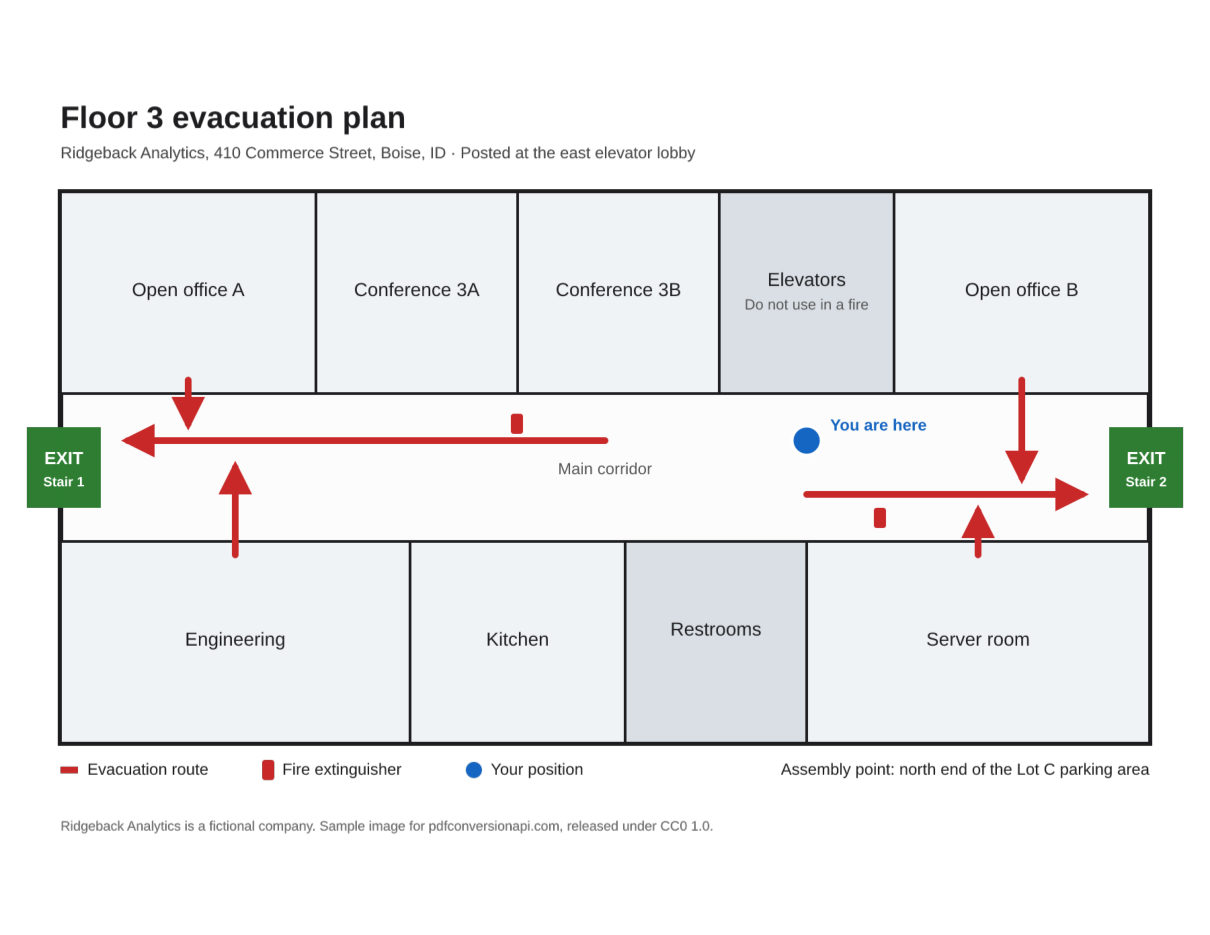
- Input
- floor-3-evacuation-map.png (169 KB)
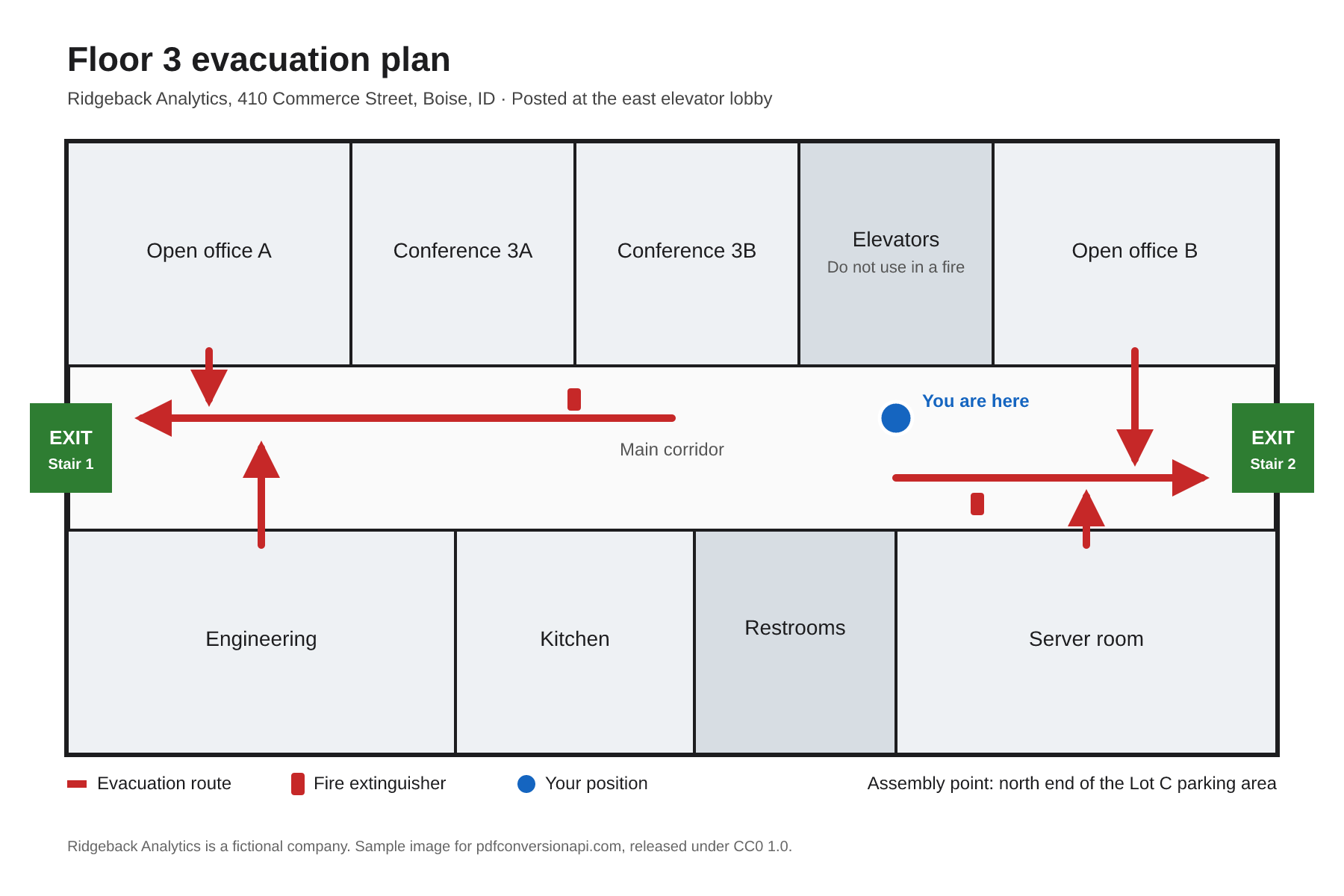
- Output
- floor-3-evacuation-map.pdf (90 KB)
- Source
- Drawn for this site: a transparent PNG (fictional company) (CC0-1.0). How it was made
- Made by
- 2026-11-04, API build
9eeeb0640aba
Parameters
Send these as form fields next to the file. Names are case-insensitive. If you set one of the documented options below that we don't support yet, the request fails with a 400 that names it instead of returning a file made without it.
| Parameter | What it does |
|---|---|
PageSizeenum, default default | Sheet to place the PNG on. Left out, or set to default or auto, the page is exactly as big as the image at 96 pixels per inch. A named sheet shrinks a larger image to fit and centers it; a smaller image keeps its size.Values: default, auto, a3, a4, a5, letter, legal |
PageOrientationenum, default default | Turns the named sheet on its side, swapping its width and height (Letter becomes 11 x 8.5 in), for wide images such as diagrams and screenshots. The values default and portrait leave the sheet upright. Ignored when the page takes the image's size.Values: default, portrait, landscape |
Rotateinteger | Degrees to turn the image clockwise on its page. When the page takes the image's size, a quarter turn swaps its sides: 90 made the sample's 1,350 × 900 pt page 900 × 1,350. Other angles work too; 45 gave a 1,591 pt square page around the turned map. On a named sheet the turned image is fitted to the sheet. Left out, a PNG that carries an EXIF orientation is turned the way it says; send 0 to keep the stored layout.Values: -360–360 |
MarginHorizontalinteger, default 0 | White space left and right of the image, in millimeters. On the image's own page size the page grows by twice the margin: 10 made the sample page 1,406.69 pt wide instead of 1,350. On a named sheet the image is shrunk to fit inside the margins.Values: 0–500 (mm) |
MarginVerticalinteger, default 0 | White space above and below the image, in millimeters, working the same way. On the sample's Letter landscape sheet, 15 mm on all four sides drew the map 707 × 471 pt instead of the full 792 pt width.Values: 0–500 (mm) |
FileNamestring | Output file name without .pdf. By default the PDF is named after the uploaded PNG. |
StoreFileboolean, default false | Keep the PDF on our side for 3 hours and return a download URL in place of the base64 data. The file is deleted when the link expires. |
Not supported yet
Setting one of these to anything but its default returns 400.
| Option | What to do instead |
|---|---|
ColorSpace | TrueColors, which keeps the colors as they are, is accepted like default; other values return 400. Grayscale PNGs stay grayscale; color and palette PNGs become RGB. |
ColorProfile | A profile stored in the PNG (iCCP chunk) is carried into the PDF. |
Pdfa | Run the PDF through /v2/convert/pdf/to/pdfa afterwards. |
What carries over, and what doesn't
Kept
- Every pixel. In the sample, the color values and the alpha channel extracted from the PDF match the PNG exactly
- Transparency, as a soft mask over the image. Palette PNGs with a transparent color get a mask too
- Grayscale as grayscale, and 16-bit grayscale at 16 bits per sample
- An ICC profile stored in the PNG
- Full image resolution on any page size; a smaller sheet only shrinks how large the image is drawn
Lost or not yet supported
- The PNG file is not copied as it is. The PDF stores its own Flate-compressed copy of the pixels, so the file size changes; the sample PDF came out smaller than its PNG.
- There is no way to flatten transparency onto a color here.
AlphaColorandBackgroundColorare accepted on this route but have no effect. If you need a solid background, flatten first with/v2/convert/png/to/jpgandAlphaColor(a lossy JPEG step). - Animated PNGs give one page with the first frame.
- The PNG's stored DPI (pHYs) is ignored. A 300 DPI PNG of 400 x 300 pixels becomes a 4.17 x 3.13 in page, not 1.33 x 1 in.
- Without margins, a named sheet that shrinks a larger image lets it reach the page edge on two sides (left and right in the sample), and a printer that can't print to the edge will cut off a thin strip. Send
MarginHorizontalandMarginVerticalto keep it clear.
Limits
- One PNG per request; send several to
/v2/convert/images/to/pdf. - 100,000,000 pixels per image. Bigger images get a 413 without being decoded.
- Margins are whole millimeters from 0 to 500. Margins that leave less than a point for the image on a named sheet return 400 "MarginHorizontal and MarginVertical leave no room for the image on the page".
- Requests up to 10 MB on the Free plan or 100 MB on paid plans, all files and fields together. Conversions stop after 120 seconds with a 504.
- The file is identified by its content, so a JPEG renamed to .png still converts. Bytes that aren't an image return 422.
Where teams use it
Floor plans, diagrams and charts for printing
Drawings exported from design or BI tools are often PNG. Put them on a sideways Letter sheet, as in the sample, and thin lines and small labels print as sharp as they look on screen because nothing is recompressed with loss.
Screenshots kept as records
Support tickets, QA reports and compliance archives often store screenshots. The PDF holds the exact pixels of the capture, so what someone reviews later is what was on the screen.
Images your app generates
Labels, certificates and charts drawn by your own code can go out as PDF for printing or email. If you have many of them for one document, /v2/convert/images/to/pdf puts each on its own page of a single file.
Questions
Is PNG to PDF conversion lossless?
Yes. The PNG is decoded and its pixels are stored in the PDF with Flate, a lossless compression. We compared the color and alpha data pulled back out of the sample PDF with the original PNG and they were identical.
What happens to transparent areas?
They stay transparent. The alpha channel becomes a soft mask, so a PDF viewer or a printer shows the white page through those areas. The sample map has a transparent background and prints on white.
How do I fit a wide image on a sideways Letter sheet?
Send PageSize=letter and turn the sheet with PageOrientation, as the code samples on this page do. The page becomes 11 x 8.5 in, and the sample map is scaled to the full 11 in width and centered top to bottom. To turn the image instead of the sheet, send PageSize=letter with Rotate=90: the map then fills the height of an upright Letter page, drawn 7.33 x 11 in.
Can the PNG's DPI decide the printed size?
Not today. The page size is always computed from the pixel count at 96 pixels per inch, whatever DPI the file records. To print at a known size, choose a sheet with PageSize; the image is scaled down to fit it.
Why did AlphaColor not change my PDF?
AlphaColor isn't one of the options this route reads. We refuse documented options we can't apply, but parameters outside that list are ignored on every route, so it changes nothing here. Flatten with /v2/convert/png/to/jpg first if you need a colored background.
Convert your first PNG file in a minute.