PNG to JPG API
Upload a PNG to POST /v2/convert/png/to/jpg and the JPEG comes back in the response. JPEG has no alpha channel, so transparent and half-transparent pixels are blended onto white, or onto the color you send as AlphaColor.
- Endpoint
- POST /v2/
convert/ png/ to/ jpg - Accepts
- png
- Sample timing
- 22 ms median of 5 runsHow we measure
- Request size
- Up to 10 MB on the Free plan or 100 MB on paid plans, all files together
Request and response
Every sample below ran against the API before this page was published. Set PDFCONVERSIONAPI_KEY to your key and run it as is.
curl -sS -X POST \
  https://api.pdfconversionapi.com/v2/convert/png/to/jpg \
  -H "Authorization: Bearer $PDFCONVERSIONAPI_KEY" \
  -F File=@mug-product.png \
  --form-string 'AlphaColor=#F3EFE6' \
  --form-string ImageQuality=90 \
  -o response.json

# FileData is base64. Save the first file in converted/,
# or print the JSON error.
if jq -e '.Files' response.json > /dev/null; then
  mkdir -p converted
  name=$(jq -r '.Files[0].FileName' response.json)
  jq -r '.Files[0].FileData' response.json \
    | base64 --decode > "converted/$name"
else
  cat response.json
fi
import base64
import os
import requests
key = os.environ["PDFCONVERSIONAPI_KEY"]
response = requests.post(
"https://api.pdfconversionapi.com/v2/convert/png/to/jpg",
headers={"Authorization": f"Bearer {key}"},
files=[("File", open("mug-product.png", "rb"))],
data={
"AlphaColor": "#F3EFE6",
"ImageQuality": "90",
},
timeout=180,
)
result = response.json()
if not response.ok:
raise SystemExit(f"{result['Code']}: {result['Message']}")
os.makedirs("converted", exist_ok=True)
for file in result["Files"]:
path = os.path.join("converted", file["FileName"])
with open(path, "wb") as out:
out.write(base64.b64decode(file["FileData"]))
print(path, file["FileSize"], "bytes")
import { mkdir, readFile, writeFile } from "node:fs/promises";
import { join } from "node:path";

const form = new FormData();
const file = "mug-product.png";
form.append("File", new Blob([await readFile(file)]), file);
form.append("AlphaColor", "#F3EFE6");
form.append("ImageQuality", "90");

const url = "https://api.pdfconversionapi.com/v2/convert/png/to/jpg";
const key = process.env.PDFCONVERSIONAPI_KEY;
const response = await fetch(url, {
  method: "POST",
  headers: { Authorization: `Bearer ${key}` },
  body: form,
});
const result = await response.json();
if (!response.ok) {
  throw new Error(`${result.Code}: ${result.Message}`);
}

await mkdir("converted", { recursive: true });
for (const file of result.Files) {
  const path = join("converted", file.FileName);
  await writeFile(path, Buffer.from(file.FileData, "base64"));
  console.log(path, file.FileSize, "bytes");
}
{
  "ConversionCost": 1,
  "ConversionTime": 0.022,
  "Files": [
    {
      "FileName": "mug-product.jpg",
      "FileExt": "jpg",
      "FileSize": 98988,
      "FileData": "/9j/4AAQSkZJRgABAgAAAQAB…"
    }
  ]
}
Response from our test run on 2026-11-03. ConversionTime shows the median of 5 runs. FileData is shortened here; the real response carries the whole file as base64.
The sample, converted
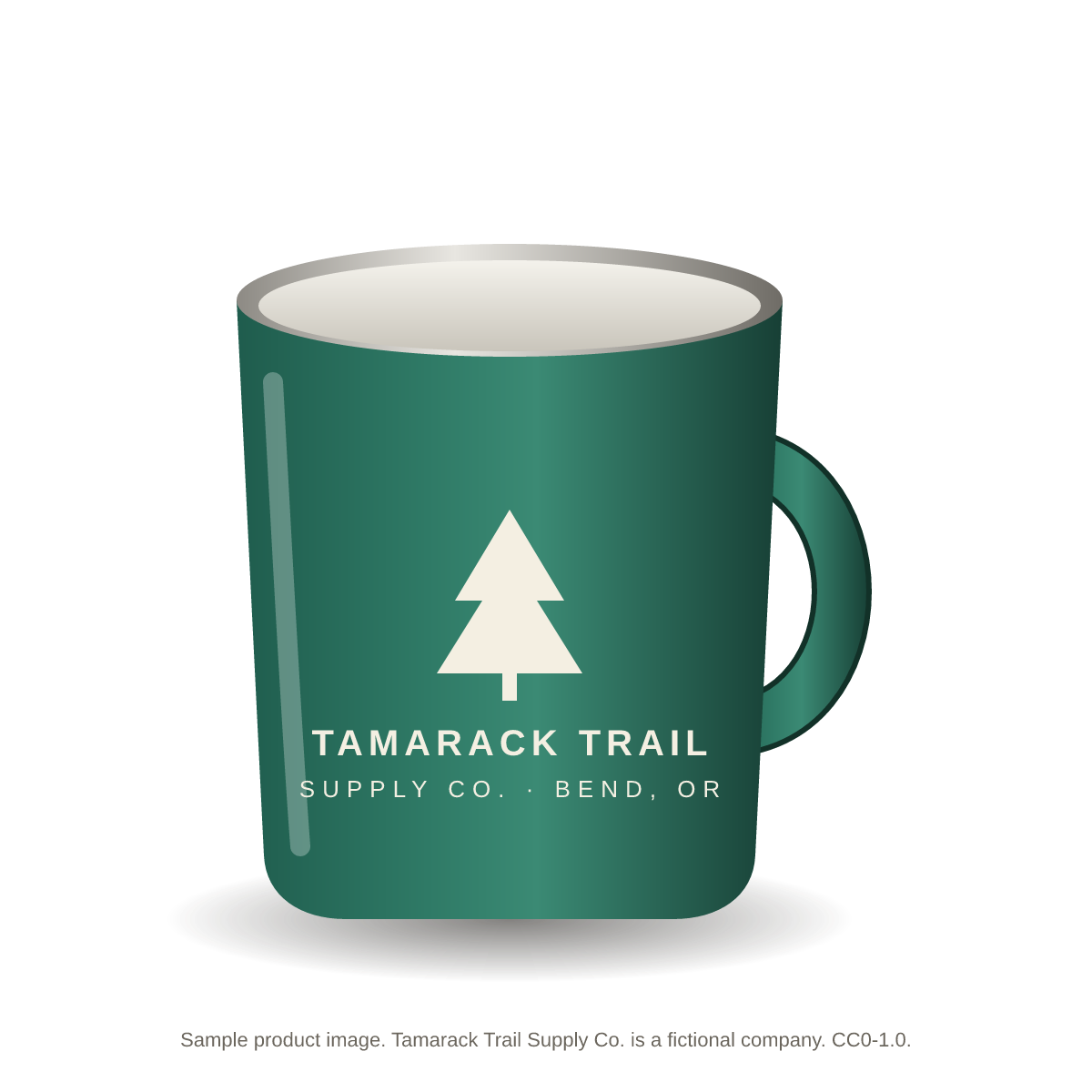
The same file the code sends. Download the input and the output and compare them yourself.
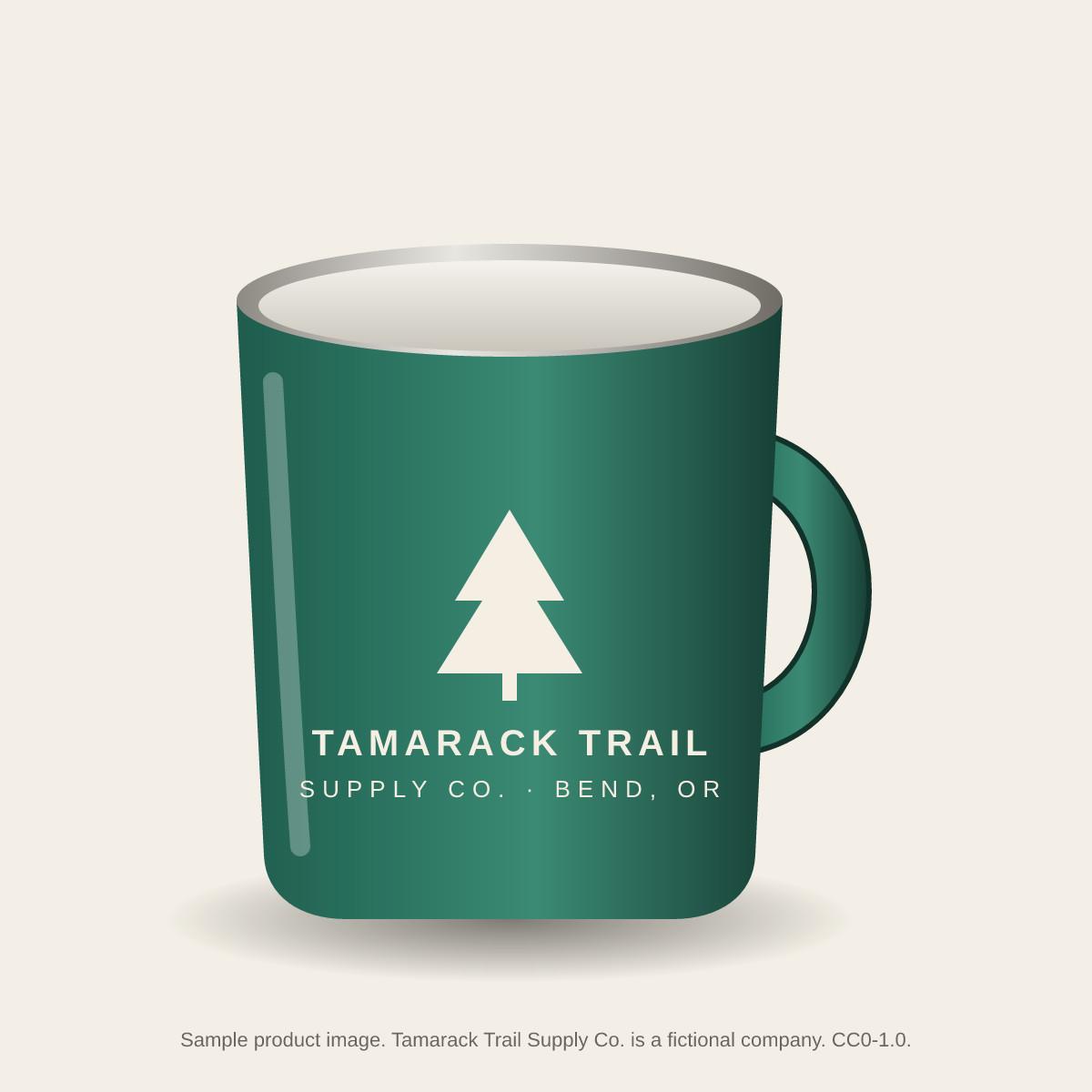
- Input
- mug-product.png (148 KB)
- Output
- mug-product.jpg (97 KB)
- Source
- Drawn for this site: a product image with a transparent background (CC0-1.0). How it was made
- Made by
- 2026-11-04, API build
9eeeb0640aba
Parameters
Send these as form fields next to the file. Names are case-insensitive. If you set one of the documented options below that we don't support yet, the request fails with a 400 that names it instead of returning a file made without it.
| Parameter | What it does |
|---|---|
ImageQualityinteger, default 85 | JPEG quality. Left out, we encode at 85. Higher numbers keep more detail and make bigger files.Values: 1–100 |
AlphaColorstring, default white | The color that shows through wherever the PNG is transparent. Partly transparent pixels, such as soft shadows and anti-aliased edges, are mixed with it in proportion to their opacity.Values: white, black, red, green, blue, gray, #RRGGBB or R,G,B |
BackgroundColorstring, default white | Another name for the fill color. It is used only when AlphaColor is not sent; if both are sent, AlphaColor wins.Values: Same as AlphaColor |
ImageWidthinteger | Target width in pixels. Sent alone, the height is calculated from the original aspect ratio. Resampling uses a Lanczos3 filter.Values: 1–20000 |
ImageHeightinteger | Target height in pixels. Sent alone, the width follows the aspect ratio. Sent with ImageWidth, the two form a box the image is fitted into.Values: 1–20000 |
ScaleProportionsboolean, default true | With both ImageWidth and ImageHeight set, false stretches the image to exactly that size instead of fitting it inside. It only matters when a width or height is sent; on its own it is accepted and changes nothing. |
ScaleIfLargerboolean, default false | Set to true to only ever shrink: when the requested size is bigger than the PNG, the original size is kept. Like ScaleProportions, it does nothing unless ImageWidth or ImageHeight is in the same request. |
ScaleImageboolean, default true | Set to false to crop instead of resize: the output keeps the top-left ImageWidth × ImageHeight pixels of the original. Without ImageWidth or ImageHeight there is nothing to crop, and the PNG keeps its size. |
ColorSpaceenum, default rgb | gray writes a one-channel grayscale JPEG; the mug sample went from 85,441 to 53,149 bytes at the default quality. monochrome turns each pixel black or white before encoding (56,879 bytes), and the JPEG compression leaves some edge pixels in between. Transparent areas are filled with AlphaColor first. cmyk returns 400.Values: rgb, gray, monochrome |
ImageResolutioninteger | The DPI written into the JPEG header, for print layouts and image editors. The pixels are not changed: the 1200 × 1200 sample stays 1200 × 1200 at 300. Left out, the header has no unit (density 1:1), not ConvertAPI's 200.Values: 10–800 |
ImageInterpolationboolean, default false | Accepted with true or false. Every resize already uses a Lanczos3 filter, so both values give the same file; other values return 400. |
FileNamestring | Name for the JPEG, without the extension. Without it, the output is named after the uploaded PNG. |
StoreFileboolean, default false | Return Files[].Url, a download link, in place of the base64 data. Links stop working after 3 hours. |
What carries over, and what doesn't
Kept
- Pixel dimensions, unless you ask for a resize
- Soft edges and shadows: partial transparency is blended by opacity, so the sample's shadow fades into #F3EFE6 with no hard rim
- Full color resolution: the encoder writes 4:4:4 JPEGs with no chroma subsampling, so thin colored lines and small type keep clean edges
- Grayscale, palette and 16-bit PNGs are all read (16-bit is reduced to 8 bits per channel)
- EXIF orientation: a 300 × 200 PNG with an Orientation 6 tag came back turned upright as 200 × 300, without the tag
Lost or not yet supported
- Transparency. JPEG cannot store it, so every transparent pixel takes the fill color.
- Embedded color profiles. A PNG tagged Display P3 keeps its pixel numbers but loses the profile, so saturated colors look duller in viewers that assume sRGB. Convert to sRGB first if that matters.
- Metadata. The JPEG gets a plain JFIF header and nothing else: no EXIF, no ICC profile, no text chunks from the PNG, and no DPI unless you send
ImageResolution. - Animation. An animated PNG becomes a JPEG of its first frame.
- A grayscale PNG stays gray but is stored as a three-channel RGB JPEG unless you send
ColorSpace=gray, which writes one channel (a 64 × 48 gray gradient we made went from 924 to 581 bytes). - Output is baseline JPEG; progressive encoding is not offered.
Limits
- One PNG per request.
- Requests up to 10 MB on the Free plan or 100 MB on paid plans, all files and fields together.
- Images above 100,000,000 pixels return 413 before decoding (a 12,000 × 9,000 test PNG did). The resized size has to fit the same limit.
- A JPEG side can be at most 65,500 pixels: a 70,000 × 8 PNG returned 413 "JPEG images can be at most 65,500 pixels on a side, and this one is 70,000×8", while a 65,500 × 8 one converted. When the request also sends
ImageWidthorImageHeight, the message ends "; lower ImageWidth or ImageHeight". ImageWidthandImageHeightaccept 1 to 20,000 pixels.- A conversion can run for up to 120 seconds; after that the API returns 504.
Where teams use it
Product cutouts for stores and feeds that want JPEG
Product shots often arrive as PNGs with a transparent background. Convert them with AlphaColor set to the page or listing background, so the drop shadow fades into that color rather than into white.
Photos that were saved as PNG
PNG stores every pixel losslessly, which suits screenshots and line art but makes photographs heavy. Camera exports and scans that were saved as PNG can be re-encoded as JPEG; compare a few of your own files at the quality you pick before converting a whole library.
Thumbnails in the same call
Send ImageWidth=400 with the PNG and you get a 400 px wide JPEG back, height kept in proportion. Add ScaleIfLarger=true so small images are never blown up.
Questions
What happens to the transparent background?
It becomes white unless you send AlphaColor (or BackgroundColor). Fully transparent pixels take that color exactly. Semi-transparent ones are mixed with it by their opacity, which is why the shadow under the mug in the sample fades into the off-white instead of becoming the dark blot you get when the alpha channel is thrown away without blending.
Which JPEG quality do you use by default, and does it match ConvertAPI?
We use 85 when ImageQuality is left out. ConvertAPI documents 75 as its default, so if you are moving code over and want the same setting, send ImageQuality=75 explicitly. For the mug sample, quality 75 gave a 74 KB file, 85 gave 85 KB and 100 gave 210 KB.
Why do colors look less saturated after converting?
Check whether the PNG has a wide-gamut profile such as Display P3. We copy the pixel values but not the profile, so viewers read them as sRGB. Converting the PNG to sRGB before you upload it avoids the shift.
Can I make a thumbnail and convert in one request?
Yes. Send ImageWidth, ImageHeight or both. With both, the image is fitted inside the box with its shape kept; add ScaleProportions=false to stretch it, or ScaleImage=false to crop the top-left corner instead.
What if the upload isn't really a PNG?
We read the file's signature, not its name. A JPEG or GIF sent to this route is decoded and re-encoded like a PNG would be. Bytes that aren't an image return 422 with the decoder's reason, for example "Invalid PNG signature".
Convert your first PNG file in a minute.