DOCX to PDF API
Send a Word file to POST /v2/convert/docx/to/pdf and the PDF comes back in the response. The conversion runs on a dedicated Word rendering engine, so there is no copy of Microsoft Word or of an office suite in the path.
- Endpoint
- POST /v2/
convert/ docx/ to/ pdf - Accepts
- docx, doc
- Sample timing
- 46 ms median of 5 runsHow we measure
- Request size
- Up to 10 MB on the Free plan or 100 MB on paid plans, all files together
Request and response
Every sample below ran against the API before this page was published. Set PDFCONVERSIONAPI_KEY to your key and run it as is.
curl -sS -X POST \
  https://api.pdfconversionapi.com/v2/convert/docx/to/pdf \
  -H "Authorization: Bearer $PDFCONVERSIONAPI_KEY" \
  -F File=@quarterly-report.docx \
  --form-string UpdateFields=true \
  -o response.json

# FileData is base64. Save the first file in converted/,
# or print the JSON error.
if jq -e '.Files' response.json > /dev/null; then
  mkdir -p converted
  name=$(jq -r '.Files[0].FileName' response.json)
  jq -r '.Files[0].FileData' response.json \
    | base64 --decode > "converted/$name"
else
  cat response.json
fi
import base64
import os
import requests
key = os.environ["PDFCONVERSIONAPI_KEY"]
response = requests.post(
"https://api.pdfconversionapi.com/v2/convert/docx/to/pdf",
headers={"Authorization": f"Bearer {key}"},
files=[("File", open("quarterly-report.docx", "rb"))],
data={
"UpdateFields": "true",
},
timeout=180,
)
result = response.json()
if not response.ok:
raise SystemExit(f"{result['Code']}: {result['Message']}")
os.makedirs("converted", exist_ok=True)
for file in result["Files"]:
path = os.path.join("converted", file["FileName"])
with open(path, "wb") as out:
out.write(base64.b64decode(file["FileData"]))
print(path, file["FileSize"], "bytes")
import { mkdir, readFile, writeFile } from "node:fs/promises";
import { join } from "node:path";

const form = new FormData();
const file = "quarterly-report.docx";
form.append("File", new Blob([await readFile(file)]), file);
form.append("UpdateFields", "true");

const url = "https://api.pdfconversionapi.com/v2/convert/docx/to/pdf";
const key = process.env.PDFCONVERSIONAPI_KEY;
const response = await fetch(url, {
  method: "POST",
  headers: { Authorization: `Bearer ${key}` },
  body: form,
});
const result = await response.json();
if (!response.ok) {
  throw new Error(`${result.Code}: ${result.Message}`);
}

await mkdir("converted", { recursive: true });
for (const file of result.Files) {
  const path = join("converted", file.FileName);
  await writeFile(path, Buffer.from(file.FileData, "base64"));
  console.log(path, file.FileSize, "bytes");
}
{
  "ConversionCost": 1,
  "ConversionTime": 0.046,
  "Files": [
    {
      "FileName": "quarterly-report.pdf",
      "FileExt": "pdf",
      "FileSize": 82830,
      "FileData": "JVBERi0xLjcKJYCAgIAKMSAw…"
    }
  ]
}
Response from our test run on 2026-11-03. ConversionTime shows the median of 5 runs. FileData is shortened here; the real response carries the whole file as base64.
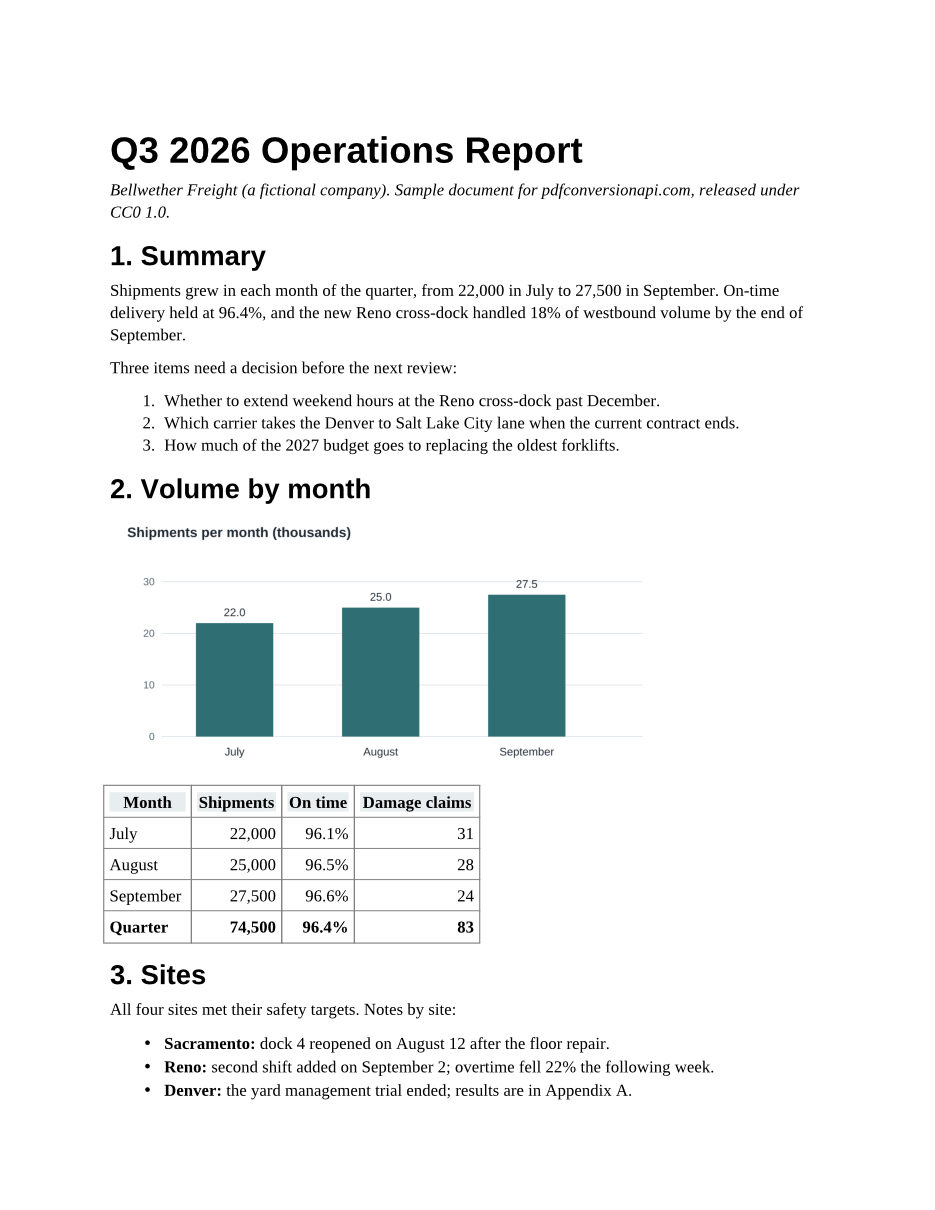
The sample, converted
The same file the code sends. Download the input and the output and compare them yourself.
- Input
- quarterly-report.docx (25 KB)
- Output
- quarterly-report.pdf (81 KB)
- Source
- Written for this site (fictional company); DOCX saved by a word processor (CC0-1.0). How it was made
- Made by
- 2026-11-04, API build
9eeeb0640aba
Parameters
Send these as form fields next to the file. Names are case-insensitive. If you set one of the documented options below that we don't support yet, the request fails with a 400 that names it instead of returning a file made without it.
| Parameter | What it does |
|---|---|
UpdateFieldsboolean, default false | Rebuild the table of contents and refresh cross-references (page references and the like) before the PDF is written. Page counts and DATE fields are filled in with or without it. |
UpdateTableOfContentsboolean, default false | Same effect as UpdateFields. The engine refreshes every field in one pass, so any of the three switches turns it on. |
UpdateReferencesboolean, default false | Same effect as UpdateFields. |
IncludeMarkupboolean, default false | Print comments beside each page and show tracked changes, like the Print Markup setting in Word. Without it, comments are left out and tracked insertions print as plain text. |
Passwordstring | The open password of a protected .docx. The file is decrypted before it is drawn, and the PDF comes back without a password. Leave it out, or send a wrong one, and the answer is 422 "the input file is password-protected". Our encrypted copy of the sample gave the same 3 pages, text and bookmarks as the plain file. |
FileNamestring | Name for the output file, without the extension. Without it the PDF takes the uploaded file's name. |
StoreFileboolean, default false | Return a download link instead of the file. The link expires after 3 hours and the file is then deleted. |
Not supported yet
Setting one of these to anything but its default returns 400.
| Option | What to do instead |
|---|---|
PageRange | Convert the whole document, then keep the pages you need with /v2/convert/pdf/to/extract. |
Pdfa | Convert first, then send the PDF to /v2/convert/pdf/to/pdfa for PDF/A-2b or 3b. |
BookmarkMode | Headings already become PDF bookmarks; the mode can't be changed yet. |
SubsetFonts | Fonts are always embedded as subsets. |
Also refused when set: IncludeMetadata, IncludeStructureTags.
What carries over, and what doesn't
Kept
- Tables, including cell borders, header shading and right-aligned numbers
- Images at the size they were placed in the document
- Numbered and bulleted lists
- Manual page breaks (the sample's appendix starts on a new page)
- Selectable, searchable text, with every font embedded as a subset
- Headings, which become PDF bookmarks
Lost or not yet supported
- In our tests, chart types added in Office 2016 (box and whisker, sunburst) were not drawn. Classic bar and line charts were.
- Fonts the server doesn't have are replaced with metric-compatible ones (Carlito for Calibri, Caladea for Cambria, Liberation for Arial, Times New Roman and Courier New). Line breaks stay the same; the letter shapes differ.
- In our test set, one legacy .doc file lost a single line of text. Check old files with complex layouts.
- There is no PDF/A or page-range option in this step yet (see the table above).
Limits
- Requests up to 10 MB on the Free plan or 100 MB on paid plans, all files and fields together.
- A conversion can run for up to 120 seconds; after that the API returns 504.
- Protected .doc files can't be opened yet: 422 "the input file is password-protected" without
Password, and 400 "password-protected DOC files can't be converted to PDF yet" with it. A .docx protected by Office 2007, whose encryption predates the current scheme, returns 422. Send protected .docx files to the docx route: on the doc route they return 422 even with the right password.
Where teams use it
Contracts and statements from Word templates
Fill a DOCX template in your app, convert it, and send the PDF. Every customer sees the same layout, whatever word processor they have.
Previews for uploaded documents
Browsers display PDF but not DOCX. Convert each upload once and show the PDF in an iframe or with PDF.js instead of asking people to download the original.
Records that must not change
Convert submitted Word files to PDF on arrival. If your retention policy calls for PDF/A, send the result to /v2/convert/pdf/to/pdfa as a second step.
Questions
Do I need Microsoft Word or an office suite on my server?
No. Your code sends the file over HTTPS and gets the PDF back. The conversion runs on our side, so your server only needs an HTTP client.
Are the fonts embedded in the PDF?
Yes. Each font the document uses is embedded as a subset, so the PDF looks the same on machines that don't have those fonts installed, and the text stays selectable.
Can I convert old .doc files?
Yes. Send them to /v2/convert/doc/to/pdf. Word 97-2003 files are read directly. In our test set one old file lost a single line, so spot-check legacy documents with unusual layouts.
How do I refresh the table of contents before converting?
Set UpdateFields=true. The converter then rebuilds the table of contents from the headings and refreshes cross-references before it writes the PDF. In our test file, a table of contents saved with one stale entry came out with both headings and their page numbers, and a page reference saved as 77 printed 2. Without the option, both printed as saved.
What happens to my document after the conversion?
By default the PDF is returned in the response and nothing is kept. With StoreFile=true the PDF is stored behind a random link that expires after 3 hours, and the file is deleted at the next cleanup run.
Convert your first DOCX file in a minute.