PDF to JPG API
POST a PDF to /v2/convert/pdf/to/jpg and every page comes back as a JPEG, named after the file and the page number. Size the pages by DPI or by an exact pixel width or height.
- Endpoint
- POST /v2/
convert/ pdf/ to/ jpg - Accepts
- Sample timing
- 81 ms median of 5 runsHow we measure
- Request size
- Up to 10 MB on the Free plan or 100 MB on paid plans, all files together
Request and response
Every sample below ran against the API before this page was published. Set PDFCONVERSIONAPI_KEY to your key and run it as is.
curl -sS -X POST \
  https://api.pdfconversionapi.com/v2/convert/pdf/to/jpg \
  -H "Authorization: Bearer $PDFCONVERSIONAPI_KEY" \
  -F File=@season-guide.pdf \
  -o response.json

# FileData is base64. Save the first file in converted/,
# or print the JSON error.
if jq -e '.Files' response.json > /dev/null; then
  mkdir -p converted
  name=$(jq -r '.Files[0].FileName' response.json)
  jq -r '.Files[0].FileData' response.json \
    | base64 --decode > "converted/$name"
else
  cat response.json
fi
import base64
import os
import requests
key = os.environ["PDFCONVERSIONAPI_KEY"]
response = requests.post(
"https://api.pdfconversionapi.com/v2/convert/pdf/to/jpg",
headers={"Authorization": f"Bearer {key}"},
files=[("File", open("season-guide.pdf", "rb"))],
timeout=180,
)
result = response.json()
if not response.ok:
raise SystemExit(f"{result['Code']}: {result['Message']}")
os.makedirs("converted", exist_ok=True)
for file in result["Files"]:
path = os.path.join("converted", file["FileName"])
with open(path, "wb") as out:
out.write(base64.b64decode(file["FileData"]))
print(path, file["FileSize"], "bytes")
import { mkdir, readFile, writeFile } from "node:fs/promises";
import { join } from "node:path";

const form = new FormData();
const file = "season-guide.pdf";
form.append("File", new Blob([await readFile(file)]), file);

const url = "https://api.pdfconversionapi.com/v2/convert/pdf/to/jpg";
const key = process.env.PDFCONVERSIONAPI_KEY;
const response = await fetch(url, {
  method: "POST",
  headers: { Authorization: `Bearer ${key}` },
  body: form,
});
const result = await response.json();
if (!response.ok) {
  throw new Error(`${result.Code}: ${result.Message}`);
}

await mkdir("converted", { recursive: true });
for (const file of result.Files) {
  const path = join("converted", file.FileName);
  await writeFile(path, Buffer.from(file.FileData, "base64"));
  console.log(path, file.FileSize, "bytes");
}
{
  "ConversionCost": 1,
  "ConversionTime": 0.081,
  "Files": [
    {
      "FileName": "season-guide-1.jpg",
      "FileExt": "jpg",
      "FileSize": 197743,
      "FileData": "/9j/4AAQSkZJRgABAgAAAQAB…"
    },
    {
      "FileName": "season-guide-2.jpg",
      "FileExt": "jpg",
      "FileSize": 200858,
      "FileData": "/9j/4AAQSkZJRgABAgAAAQAB…"
    }
  ]
}
Response from our test run on 2026-11-03. ConversionTime shows the median of 5 runs. FileData is shortened here; the real response carries the whole file as base64.
The sample, converted
The same file the code sends. Download the input and the output and compare them yourself.
- Input
- season-guide.pdf (115 KB)
- Output
- season-guide-1.jpg (193 KB)season-guide-2.jpg (196 KB)
- Source
- Written and illustrated for this site (fictional market and vendors) (CC0-1.0). How it was made
- Made by
- 2026-11-04, API build
9eeeb0640aba
Parameters
Send these as form fields next to the file. Names are case-insensitive. If you set one of the documented options below that we don't support yet, the request fails with a 400 that names it instead of returning a file made without it.
| Parameter | What it does |
|---|---|
ImageResolutioninteger, default 150 | Dots per inch to draw each page at. Width in pixels is the page width in inches times this number, so a US Letter page at 72 gives 612 × 792. When you send it, the JPEG header records that DPI; left out, it records none. ConvertAPI's default is 200; send ImageResolution=200 if your code relies on that size.Values: 36–600 |
ImageQualityinteger, default 85 | JPEG quality. Lower numbers give smaller files and more visible blocks around text. ConvertAPI's default is 75.Values: 1–100 |
ImageWidthinteger | Width of each page image in pixels; the height keeps the page's proportions. ImageWidth=400 gave a 400 × 518 first page. The page is drawn at that size rather than shrunk from a 150 DPI image.Values: 1–20000 |
ImageHeightinteger | Height in pixels, the width following: ImageHeight=400 gave 309 × 400 pages. With ImageWidth too, each page fits inside both, so 400 × 400 also gave 309 × 400.Values: 1–20000 |
ScaleProportionsboolean, default true | With false and both sizes set, pages are stretched to exactly that box: 400 × 400 gave a square image of the tall Letter page. |
ScaleIfLargerboolean, default false | With true, a size only shrinks pages; a page already smaller than the size at ImageResolution keeps that size. |
ScaleImageboolean, default true | With false, the page is drawn at ImageResolution and cut to ImageWidth × ImageHeight from its top left corner instead of scaled. |
ColorSpaceenum, default rgb | gray writes a one-channel grayscale JPEG: the sample's first page went from 197,743 to 142,535 bytes. monochrome makes every pixel black or white before encoding (147,314 bytes); JPEG compression then leaves some pixels a little off pure black and white, so use PNG where you need exactly two values. cmyk returns 400.Values: rgb, gray, monochrome |
PageRangestring | Only draw these pages. Left out, every page is drawn. last stands for the final page. A page past the end of the file returns 400 with the page count in the message; a range that runs past the end, such as 2-5, stops at the last page.Values: Pages and ranges such as 1-3,5, 10- or 10-last (to the end) |
BackgroundColorstring, default white | Color painted behind each page before it is drawn. It shows wherever the PDF leaves the page unpainted; pictures, shaded cells and pages that fill their own background keep their colors. Text is not recolored, so dark text on a dark color becomes hard to read. A value that is not a color returns 400.Values: white, black, red, green, blue, gray, #RRGGBB or R,G,B |
Passwordstring | Opens a PDF that needs a password to open; the open password and the owner password both work. Sent with a PDF that opens without one, it changes nothing. |
FileNamestring | Stem for the output names, which become <FileName>-1.jpg, <FileName>-2.jpg and so on. Without it the uploaded file's name is used. |
StoreFileboolean, default false | Return a download link for each page instead of the image data. Every page gets its own link, valid for 3 hours. |
Not supported yet
Setting one of these to anything but its default returns 400.
| Option | What to do instead |
|---|---|
Scale | Set the size with ImageResolution, ImageWidth or ImageHeight. |
Rotate | Turn the pages first with /v2/convert/pdf/to/rotate. Rotate refuses signed PDFs, and PDFs with permission restrictions unless you send their owner password in Password; this route draws both as they are. |
CompressionLevel | Use ImageQuality to trade size for quality. |
Also refused when set: FitToSize, CropTo, BitDepth.
What carries over, and what doesn't
Kept
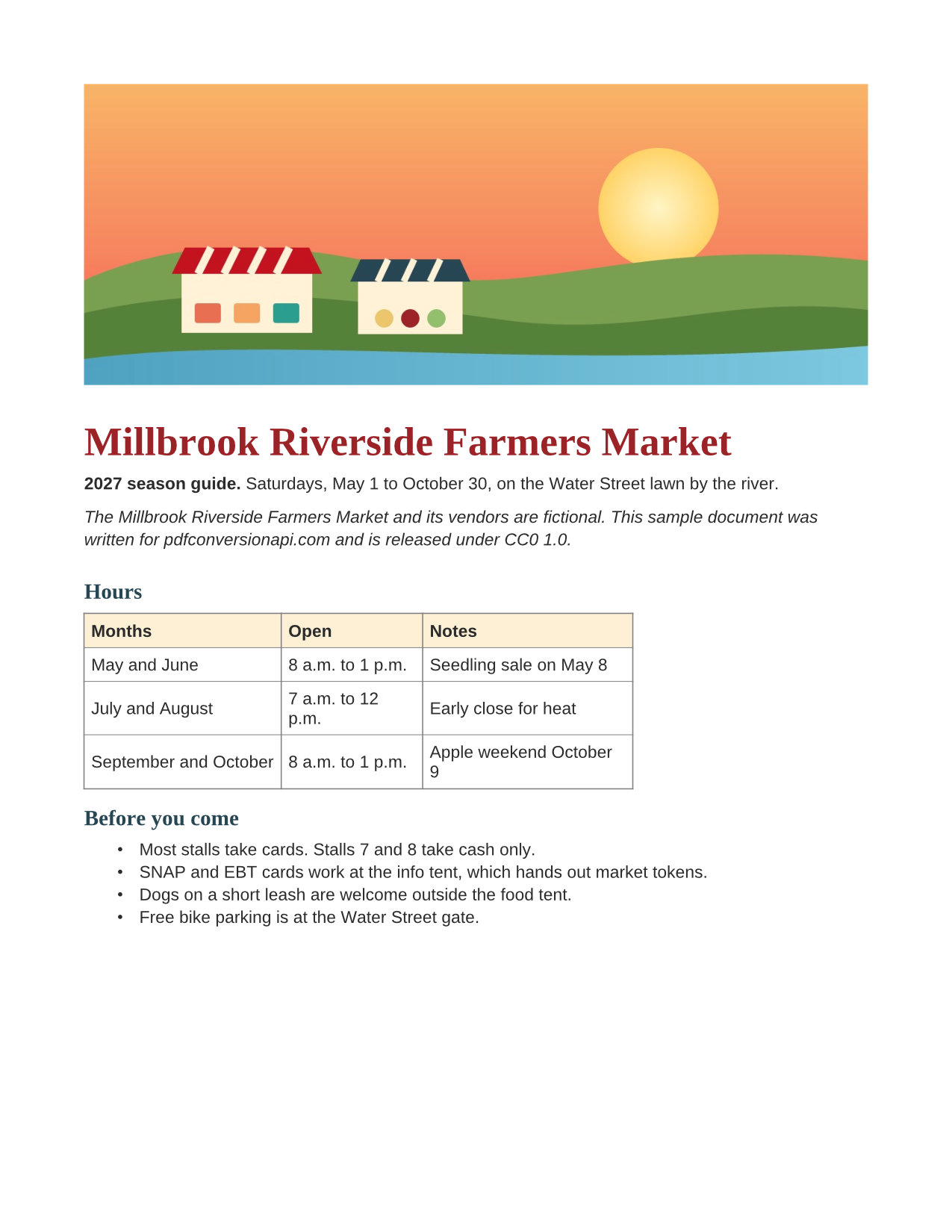
- What a PDF viewer shows on the page: text in its embedded fonts, vector shapes, gradients and pictures (the sample's sunset illustration and shaded table headers)
- The page's proportions. Our US Letter sample came out 1,275 × 1,650 pixels at the default 150 DPI
- RGB colors as the PDF states them, with no profile conversion: the sample's #9B2226 title (155, 34, 38) measured 155, 34, 40 in the JPEG
- Page order, in the Files array and in the names (
season-guide-1.jpg,season-guide-2.jpg) - PDFs that open without a password but restrict printing or copying render normally, and a PDF with an open password renders once you send
Password
Lost or not yet supported
- JPEG is lossy. At the default quality 85 we could see faint speckles around letters and thin table rules when zooming in on the sample. For text-only pages and line art, PNG keeps edges clean.
- Transparency. JPEG has no alpha channel, so every page sits on a solid color: white, or the
BackgroundColoryou send. - The JPEG carries no color profile, and it records a DPI only when you send
ImageResolution; at the default, a print dialog will guess the physical size.
Limits
- Up to 2,000 pages per request. More returns 413; split the work with
PageRange. - Each page image can be at most 16,000 pixels on a side and 100 million pixels in total, whether the size comes from
ImageResolutionorImageWidth/ImageHeight. A 39-inch square page returned 413 at 600 DPI ("page 1 is too large to draw at 23,622×23,622 pixels; lower ImageResolution") and at 400 DPI, and converted at the default 150. - A PDF that needs a password to open returns 422 "the input file is password-protected" until you send the right
Password. - Uploads up to 10 MB on the Free plan or 100 MB on paid plans, and a conversion can run for up to 120 seconds before the API returns 504.
Where teams use it
Thumbnails for a document library
Request PageRange=1 and ImageResolution=72 for each upload and store the 612 × 792 JPEG next to the PDF. A file list with real first pages is quicker to scan than one with generic PDF icons.
Sharing a flyer where PDFs don't open inline
Chat apps and listing forms that take photos often won't show a PDF in place. Convert the pages your users upload and post the JPEGs instead, one image per page.
Page images for a vision model or an image-only OCR service
Some tools accept pictures only. Draw each page at 200 or 300 DPI so small print stays readable, and keep ImageQuality at 85 or above to limit blocky edges around letters.
Questions
Why are my images smaller than the ones ConvertAPI returned?
Our default is 150 DPI, and ConvertAPI documents 200 as its default. A Letter page drawn at 150 DPI is about 1,275 pixels wide; at 200 DPI it is about 1,700. Send ImageResolution=200 and you get the larger size (our 200 DPI render of the sample was 1,700 × 2,200).
How do I get only a thumbnail of the first page?
Send PageRange=1 with a low ImageResolution, such as 72, which gives 612 × 792 for a Letter page. For an exact width, send ImageWidth instead: PageRange=1 with ImageWidth=400 returned a 400 × 518 first page in one request.
How are the output files named and ordered?
One file per page, named <stem>-<page>.jpg, where the stem is the uploaded file's name or FileName. Files[] lists them in page order. With PageRange=2 you get only season-guide-2.jpg, so the number always matches the page in the PDF.
Should I use JPG or PNG for PDF pages?
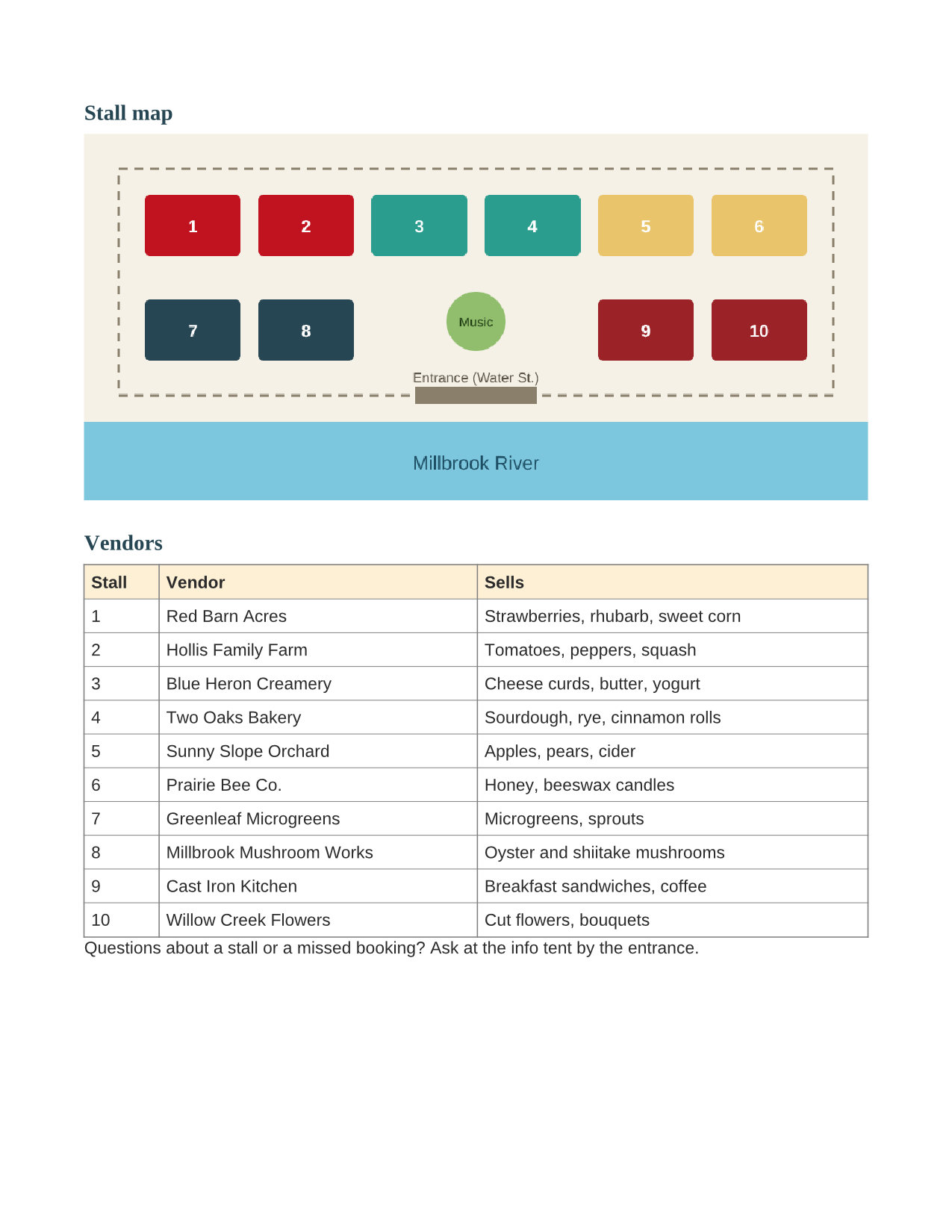
JPG for pages with photos or large illustrations, PNG for text and line art. On our sample, the illustrated first page was 198 KB as JPG and 330 KB as PNG at 150 DPI. The second page, a flat-color map and a table, was 201 KB against 220 KB: a much smaller saving, paid for with noise around every edge.
Can I put the pages on a colored background?
Yes, with BackgroundColor. BackgroundColor=#F4EBD0 turned the white page of our sample cream, while the illustration and the shaded table header kept their own colors. The color only fills what the PDF leaves blank: a page that paints itself white stays white. Text keeps its color too, so with BackgroundColor=black the sample's dark body text all but disappeared.
Can I convert a password-protected PDF?
Yes, send it with Password. Our test statement has separate open and owner passwords, and either one rendered it; without a password, or with a wrong one, the API returned 422 "the input file is password-protected". A PDF that only restricts printing or copying opens without a password and converts as usual.
Convert your first PDF file in a minute.