Flatten PDF forms and comments API
Send a filled-in or reviewed PDF to POST /v2/convert/pdf/to/flatten. Each form field and comment is drawn into its page as it looked, then removed as an editable object, so the values stay visible in any viewer.
- Endpoint
- POST /v2/
convert/ pdf/ to/ flatten - Accepts
- Sample timing
- 22 ms median of 5 runsHow we measure
- Request size
- Up to 10 MB on the Free plan or 100 MB on paid plans, all files together
Request and response
Every sample below ran against the API before this page was published. Set PDFCONVERSIONAPI_KEY to your key and run it as is.
curl -sS -X POST \
  https://api.pdfconversionapi.com/v2/convert/pdf/to/flatten \
  -H "Authorization: Bearer $PDFCONVERSIONAPI_KEY" \
  -F File=@greenhouse-inspection.pdf \
  -o response.json

# FileData is base64. Save the first file in converted/,
# or print the JSON error.
if jq -e '.Files' response.json > /dev/null; then
  mkdir -p converted
  name=$(jq -r '.Files[0].FileName' response.json)
  jq -r '.Files[0].FileData' response.json \
    | base64 --decode > "converted/$name"
else
  cat response.json
fi
import base64
import os
import requests
key = os.environ["PDFCONVERSIONAPI_KEY"]
response = requests.post(
"https://api.pdfconversionapi.com/v2/convert/pdf/to/flatten",
headers={"Authorization": f"Bearer {key}"},
files=[("File", open("greenhouse-inspection.pdf", "rb"))],
timeout=180,
)
result = response.json()
if not response.ok:
raise SystemExit(f"{result['Code']}: {result['Message']}")
os.makedirs("converted", exist_ok=True)
for file in result["Files"]:
path = os.path.join("converted", file["FileName"])
with open(path, "wb") as out:
out.write(base64.b64decode(file["FileData"]))
print(path, file["FileSize"], "bytes")
import { mkdir, readFile, writeFile } from "node:fs/promises";
import { join } from "node:path";

const form = new FormData();
const file = "greenhouse-inspection.pdf";
form.append("File", new Blob([await readFile(file)]), file);

const url = "https://api.pdfconversionapi.com/v2/convert/pdf/to/flatten";
const key = process.env.PDFCONVERSIONAPI_KEY;
const response = await fetch(url, {
  method: "POST",
  headers: { Authorization: `Bearer ${key}` },
  body: form,
});
const result = await response.json();
if (!response.ok) {
  throw new Error(`${result.Code}: ${result.Message}`);
}

await mkdir("converted", { recursive: true });
for (const file of result.Files) {
  const path = join("converted", file.FileName);
  await writeFile(path, Buffer.from(file.FileData, "base64"));
  console.log(path, file.FileSize, "bytes");
}
{
  "ConversionCost": 1,
  "ConversionTime": 0.022,
  "Files": [
    {
      "FileName": "greenhouse-inspection.pdf",
      "FileExt": "pdf",
      "FileSize": 116650,
      "FileData": "JVBERi0xLjcKJeLjz9MKMyAw…"
    }
  ]
}
Response from our test run on 2026-11-03. ConversionTime shows the median of 5 runs. FileData is shortened here; the real response carries the whole file as base64.
The sample and the result
The same file the code sends. Download the input and the output and compare them yourself.
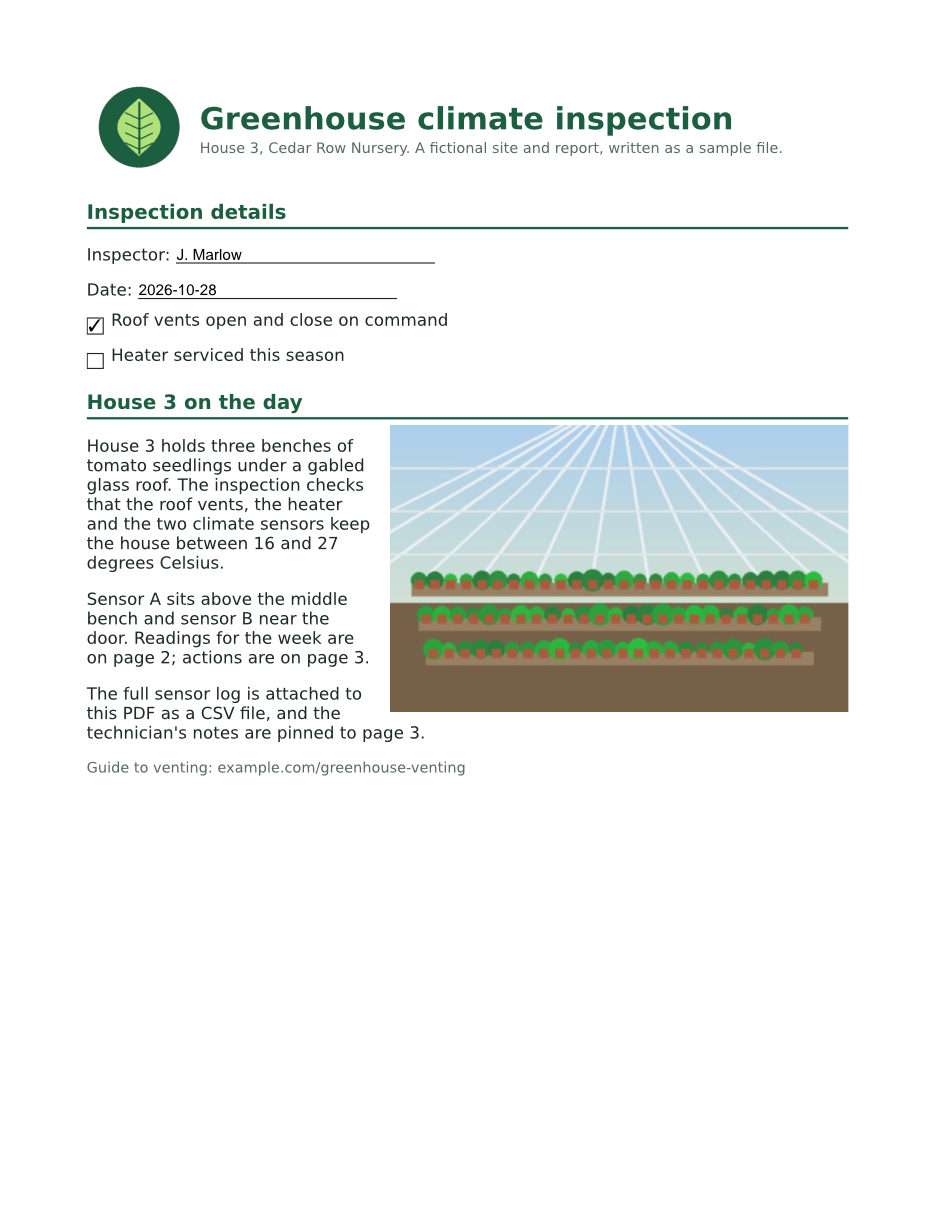
- Input
- greenhouse-inspection.pdf (115 KB)
- Output
- greenhouse-inspection.pdf (114 KB)
- Source
- A three-page greenhouse inspection report for a fictional nursery, with form fields, comments and attached files, made by us for this site. (CC0-1.0). How it was made
- Made by
- 2026-11-04, API build
9eeeb0640aba
Parameters
Send these as form fields next to the file. Names are case-insensitive. If you set one of the documented options below that we don't support yet, the request fails with a 400 that names it instead of returning a file made without it.
| Parameter | What it does |
|---|---|
FlattenControlsboolean, default true | Flatten form fields. Fields stay fillable only when this and FlattenWidgets are both false; FlattenControls=false alone still flattened all 6 fields of the sample, because FlattenWidgets stays true. |
FlattenWidgetsboolean, default true | The second switch for form fields. Send it as false together with FlattenControls=false. On its own, FlattenWidgets=false returns 400 "FlattenWidgets is not supported yet for pdf/to/flatten" today. |
FlattenTextboolean, default true | Flatten comments: highlights, sticky notes and pinned file attachments. With false, the sample kept its highlight, note and paperclip as live comments while its fields were flattened. Values other than true or false return 400. |
Passwordstring | Opens a protected PDF. A file whose owner forbids changes needs the owner password, and the flattened file then comes back unencrypted, as it does with the open password of a file whose owner restricted nothing. Opened with the open password of a file that forbids something else, such as copying, it keeps its protection. |
FileNamestring | Name of the result without the extension. Left out, the upload's name is kept. |
StoreFileboolean, default false | Return a download link (Url and FileId), valid for 3 hours, instead of the file data. |
What carries over, and what doesn't
Kept
- How the pages look: drawn at 100 dpi by
/v2/convert/pdf/to/png, the three pages differed from the input in 58, 1 and 50 pixels, by one color level at most, all inside the field and comment areas - Field values as page text:
J. Marlow, both dates andA. Reyesare in the text layer, and the checkmark is drawn - The highlight's yellow mark and each note's icon, drawn where they were
- Web links, which are not comments: the link on page 1 still works
- Bookmarks, the CSV in the Attachments panel, and document properties including the custom InspectionID
- Encryption of a file sent with its open password when the owner forbids something other than changes: our copy that forbids copying still asked for that password, with the same permissions
Lost or not yet supported
- Editing. The form has 0 fields afterwards (6 before) and no comment can be opened or answered.
- The words inside comments. The sticky note "Thursday reading looks low. Check sensor B position." shows only as its icon, and the highlight's remark is gone. Save them first with
/v2/convert/pdf/to/meta, whose JSON lists each comment's text. - Files pinned as comments. The paperclip icon on page 3 stays, but the text file behind it no longer extracts; the panel CSV still does.
- The original modification date, which becomes the time of the flattening.
Limits
- Turning everything off (
FlattenControls,FlattenWidgetsandFlattenTextallfalse) returns 422 "the input file could not be read: nothing to flatten". - A digitally signed PDF returns 422 "this PDF is digitally signed, and rewriting it would invalidate the signature".
- A PDF whose owner forbids changes returns 422 "this PDF's permissions don't allow changes to the document; send the owner password in Password, or remove the restrictions with /v2/convert/pdf/to/unprotect and the owner password".
- Every page is flattened;
PageRangeis not read here. - One PDF per request, up to 10 MB on the Free plan or 100 MB on paid plans, and up to 120 seconds per request.
Where teams use it
Lock a completed form before it is filed
Once an inspection, application or order form is filled in, flatten it so the values cannot be changed and show the same in viewers that skip form fields. The sample's inspector, dates and checked box are part of the page afterwards.
Keep values through page tools
Merging, splitting or extracting pages builds a new file without the form dictionary, so tools that read a form from it find no fields there. Flatten first and the values travel as ordinary page content.
Print review marks with the document
Highlights and comment icons added during review often disappear when a file is printed or converted by tools that ignore comments. Flattening draws them into the page, as the sample's yellow highlight on page 2 shows.
Questions
Can I flatten the form fields but keep the comments?
Yes: send FlattenText=false. Fields become page content and comments stay live. The reverse, flat comments with fillable fields, needs both FlattenControls=false and FlattenWidgets=false.
Why does FlattenWidgets=false return 400?
Fields are flattened when either FlattenControls or FlattenWidgets is true. While FlattenControls is at its default of true, the API never reads FlattenWidgets, and an unread option set away from its default is refused rather than ignored. Send FlattenControls=false with it.
Is the text of flattened fields searchable?
Yes, the values become page text. /v2/convert/pdf/to/md on the flattened sample returned "Inspector: J. Marlow" and "Approved by: A. Reyes". In the same test, /v2/convert/pdf/to/txt answered 422 "the input file could not be read: the PDF is damaged" for that file, so use the Markdown route to read flattened forms for now.
What happens to sticky notes?
The note icon is drawn on the page and the note itself is removed, text included. If the comments matter, read them from /v2/convert/pdf/to/meta before flattening, or send FlattenText=false to leave them alone.
Does flattening remove the password from a protected PDF?
When you send the owner password, or the open password of a file whose owner restricted nothing. A copy that forbids copying, opened with its open password, came back still asking for it. An owner-restricted copy needs the owner password, and that result had no encryption at all. To remove protection without flattening, use /v2/convert/pdf/to/unprotect.
Convert your first PDF file in a minute.