AI to JPG API
POST an .ai file to /v2/convert/ai/to/jpg and get one JPEG per artboard. The artwork is drawn from the file's PDF part at the final size, so ImageWidth=1200 gives a sharp 1200 × 900 image of a 192 × 144 pt artboard instead of an enlarged thumbnail.
- Endpoint
- POST /v2/
convert/ ai/ to/ jpg - Accepts
- ai
- Sample timing
- 33 ms median of 5 runsHow we measure
- Request size
- Up to 10 MB on the Free plan or 100 MB on paid plans, all files together
Request and response
Every sample below ran against the API before this page was published. Set PDFCONVERSIONAPI_KEY to your key and run it as is.
curl -sS -X POST \
  https://api.pdfconversionapi.com/v2/convert/ai/to/jpg \
  -H "Authorization: Bearer $PDFCONVERSIONAPI_KEY" \
  -F File=@quillback-ridge-logo-sheet.ai \
  --form-string ImageWidth=1200 \
  --form-string ImageQuality=90 \
  -o response.json

# FileData is base64. Save the first file in converted/,
# or print the JSON error.
if jq -e '.Files' response.json > /dev/null; then
  mkdir -p converted
  name=$(jq -r '.Files[0].FileName' response.json)
  jq -r '.Files[0].FileData' response.json \
    | base64 --decode > "converted/$name"
else
  cat response.json
fi
import base64
import os
import requests
key = os.environ["PDFCONVERSIONAPI_KEY"]
response = requests.post(
"https://api.pdfconversionapi.com/v2/convert/ai/to/jpg",
headers={"Authorization": f"Bearer {key}"},
files=[
("File", open("quillback-ridge-logo-sheet.ai", "rb")),
],
data={
"ImageWidth": "1200",
"ImageQuality": "90",
},
timeout=180,
)
result = response.json()
if not response.ok:
raise SystemExit(f"{result['Code']}: {result['Message']}")
os.makedirs("converted", exist_ok=True)
for file in result["Files"]:
path = os.path.join("converted", file["FileName"])
with open(path, "wb") as out:
out.write(base64.b64decode(file["FileData"]))
print(path, file["FileSize"], "bytes")
import { mkdir, readFile, writeFile } from "node:fs/promises";
import { join } from "node:path";

const form = new FormData();
const file = "quillback-ridge-logo-sheet.ai";
form.append("File", new Blob([await readFile(file)]), file);
form.append("ImageWidth", "1200");
form.append("ImageQuality", "90");

const url = "https://api.pdfconversionapi.com/v2/convert/ai/to/jpg";
const key = process.env.PDFCONVERSIONAPI_KEY;
const response = await fetch(url, {
  method: "POST",
  headers: { Authorization: `Bearer ${key}` },
  body: form,
});
const result = await response.json();
if (!response.ok) {
  throw new Error(`${result.Code}: ${result.Message}`);
}

await mkdir("converted", { recursive: true });
for (const file of result.Files) {
  const path = join("converted", file.FileName);
  await writeFile(path, Buffer.from(file.FileData, "base64"));
  console.log(path, file.FileSize, "bytes");
}
{
  "ConversionCost": 1,
  "ConversionTime": 0.033,
  "Files": [
    {
      "FileName": "quillback-ridge-logo-sheet-1.jpg",
      "FileExt": "jpg",
      "FileSize": 91680,
      "FileData": "/9j/4AAQSkZJRgABAgAAAQAB…"
    },
    {
      "FileName": "quillback-ridge-logo-sheet-2.jpg",
      "FileExt": "jpg",
      "FileSize": 89312,
      "FileData": "/9j/4AAQSkZJRgABAgAAAQAB…"
    }
  ]
}
Response from our test run on 2026-11-03. ConversionTime shows the median of 5 runs. FileData is shortened here; the real response carries the whole file as base64.
The sample, converted
The same file the code sends. Download the input and the output and compare them yourself.
- Input
- quillback-ridge-logo-sheet.ai (10 KB)
- Output
- quillback-ridge-logo-sheet-1.jpg (90 KB)quillback-ridge-logo-sheet-2.jpg (87 KB)
- Source
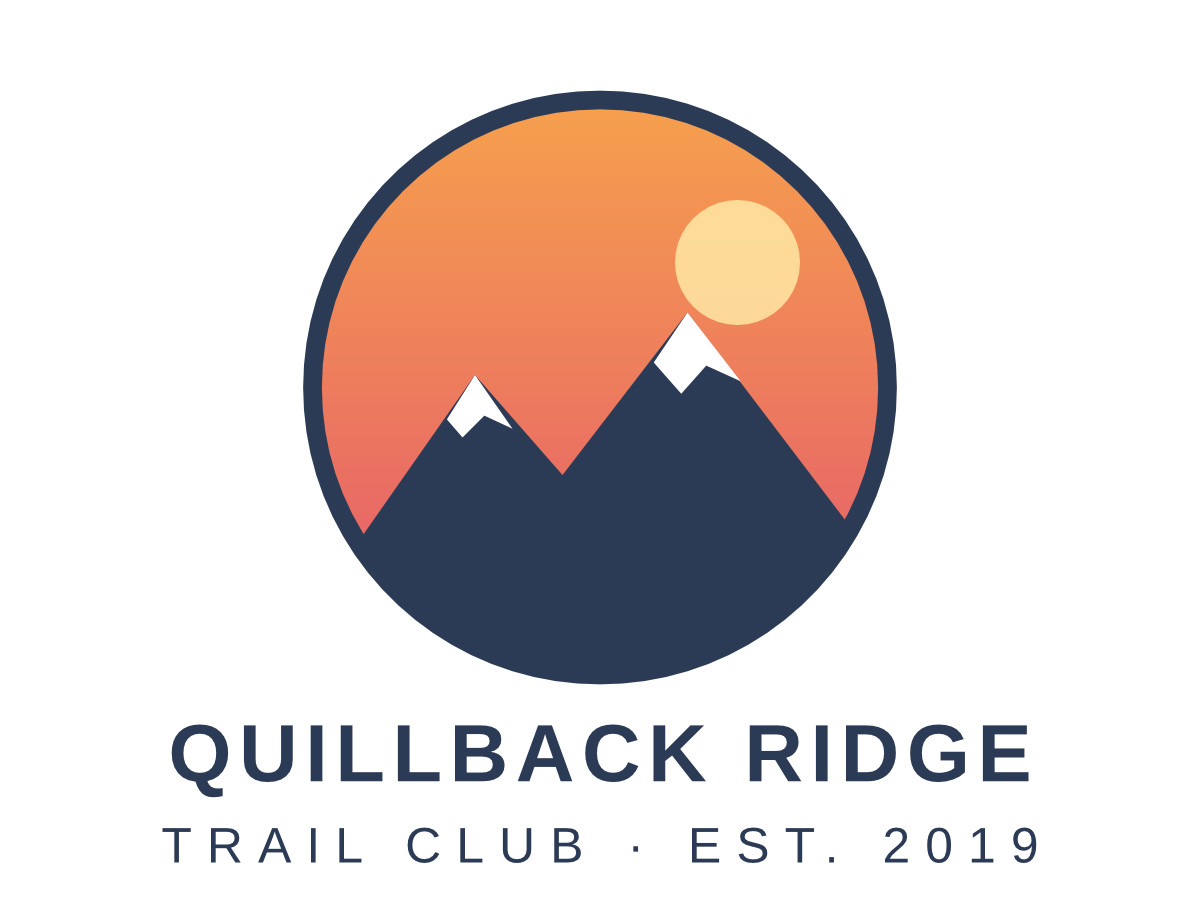
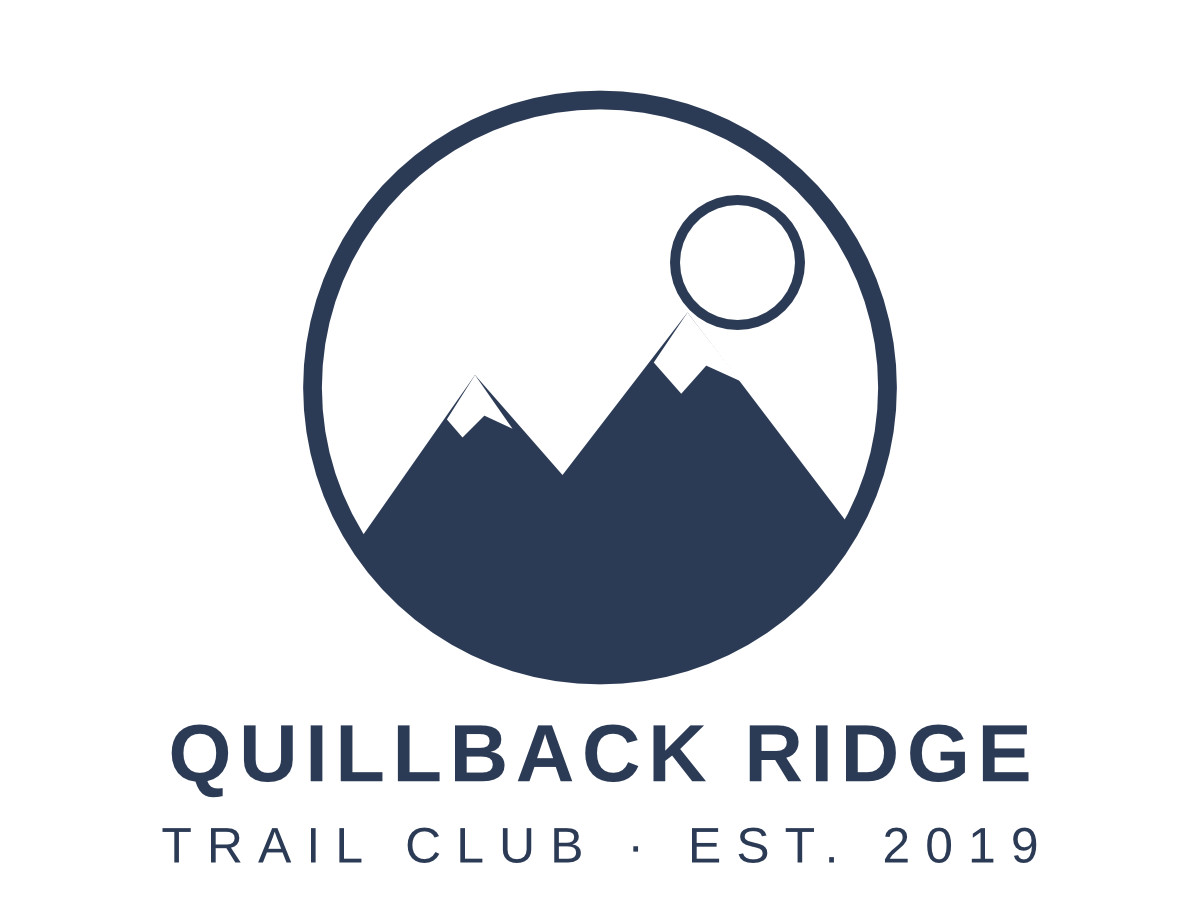
- A two-artboard logo sheet for a fictional trail club, a full-color badge and a one-color version, which we wrote as a PDF-compatible Illustrator file with the lettering already in outlines. (CC0-1.0). How it was made
- Made by
- 2026-11-04, API build
9eeeb0640aba
Parameters
Send these as form fields next to the file. Names are case-insensitive. If you set one of the documented options below that we don't support yet, the request fails with a 400 that names it instead of returning a file made without it.
| Parameter | What it does |
|---|---|
PageRangestring | Which artboards to export, by their order in the file. The sample holds two; PageRange=2 returns only the one-color logo, and asking for artboard 3 is a 400.Values: 1, 2-4, 1,3, last |
ImageWidthinteger | Width of each JPEG in pixels, with the height following the artboard's shape. The sample sends 1200, so both 4:3 artboards come back 1200 × 900.Values: 1–20000 |
ImageHeightinteger | Height in pixels. Sent together with ImageWidth, the artboard is fitted inside that box: 600 × 600 gave 600 × 450.Values: 1–20000 |
ImageResolutioninteger, default 150 | Drawing resolution when no pixel size is given: 150 makes a 192 × 144 pt artboard 400 × 300 px. ConvertAPI's default is 200. When you send it, it is also stored as the JPEG's density (300 reads as 300 DPI); otherwise the header says 1:1 with no unit.Values: 36–600 |
ImageQualityinteger, default 85 | JPEG quality. Artboard 1 at the default 400 × 300 was 18,131 bytes at 85 and 21,435 at 90; the 1200 px sample at 90 is 91,680 bytes.Values: 1–100 |
BackgroundColorstring, default white | Paint laid down before the artwork, which is what empty artboard space becomes in the JPEG. #F3EFE6 turned the corners into (243, 239, 230). transparent is refused with a 400.Values: Color names (white, black, red, green, blue, gray), #RRGGBB or R,G,B |
ScaleProportionsboolean, default true | false with both a width and a height stretches the artboard to that exact box, so a round badge turns oval in a 600 × 600 request. |
ScaleIfLargerboolean, default false | true only ever shrinks: ImageWidth=1200 then leaves the 400 × 300 drawing alone, while ImageWidth=200 still gives 200 × 150. |
ScaleImageboolean, default true | false draws at ImageResolution and cuts the requested width and height from the top-left corner instead of scaling. |
ColorSpaceenum, default default | gray writes a one-channel JPEG (11,634 bytes for artboard 1 at 150 DPI). monochrome makes every pixel black or white before compression; JPEG's own ringing then moves 9,550 of artboard 1's 120,000 pixels up to 22 levels off pure black or white. cmyk returns 400.Values: default, rgb, gray, monochrome |
Passwordstring | Opens an .ai file that was saved with an open password; the owner password is accepted as well. Our copy of the sample with a 256-bit open password gave the same JPEG bytes as the unprotected file. Without it, or with a wrong one, the answer is 422 "the input file is password-protected". |
FileNamestring | Base name for the results; the artboard number is appended, so ridge-badge gives ridge-badge-1.jpg and ridge-badge-2.jpg. |
StoreFileboolean, default false | true returns a download URL for each JPEG in Files[].Url, kept for 3 hours, instead of the base64 data. |
What carries over, and what doesn't
Kept
- Edge sharpness at the requested size: drawing artboard 1 at 1200 px wide gave exactly the same pixels as drawing it at 450 DPI
- One file per artboard, numbered in file order: the sample's sheet came back as -1.jpg and -2.jpg, both 1200 × 900
- The sky gradient, its clip to the circle and the 85% opaque sun from artboard 1
- Full color detail: the JPEGs are baseline with no chroma subsampling (4:4:4)
- CMYK and spot swatches, turned into RGB: in a test file 100% cyan became (0, 174, 239), and a spot color was drawn from its CMYK alternate
Lost or not yet supported
- Transparency. Empty artboard space takes
BackgroundColor, white unless you send one. - The vectors. Scale the JPEG up later and edges soften, so ask for the final pixel size in the request.
- Exact flat colors. Against a lossless render at the same size, artboard 1 differs by 0.3 levels on average and up to 39 at edges, with 728 of its 1,080,000 pixels off by more than 16; PNG and WebP keep them exact.
- Layers and editability: the JPEG is a flat picture of what the file's PDF part draws.
- Color profiles: no ICC profile is written into the JPEG.
Limits
- One .ai file per request, and at most 2,000 artboards in it (413 above that).
- Requests up to 10 MB on the Free plan or 100 MB on paid plans, all files and fields together.
- An artboard can be drawn at most 16,000 px wide or high:
ImageWidth=17000returns 413. - Each JPEG may have up to 100,000,000 pixels;
ImageWidth=12000on a 4:3 artboard asks for 12000 × 9000 and gets a 413. ImageResolution36 to 600;ImageWidthandImageHeight1 to 20,000.- A conversion is stopped after 120 seconds with a 504.
Where teams use it
Thumbnails in a design asset library
Asset managers that keep .ai masters can show a JPEG of every artboard in their file browser without a design application on the server. Set ImageWidth to the size of the grid tile.
Proofs for people without Illustrator
Clients, printers and reviewers open a JPEG anywhere. One request turns a multi-artboard logo sheet into numbered images you can attach to an email or a ticket.
Upload forms that accept JPEG only
When a marketplace or print-on-demand form accepts JPEG and nothing else, pick the artboard with PageRange and set BackgroundColor to the product color so the empty space isn't plain white.
Questions
Why do I get "this Illustrator file has no PDF part"?
We draw the PDF that Illustrator stores inside an .ai file when "Create PDF Compatible File" is on, as it is by default. Older PostScript-based .ai files don't have one: a test file starting with %!PS-Adobe returned this 422. Re-save the file with that option, or export a PDF and send it to /v2/convert/pdf/to/jpg.
How do I get a large JPEG that is still sharp?
Ask for the size in the request with ImageWidth or ImageHeight. The artboard is drawn at that scale from its vectors, so 1200 px wide came out identical to a 450 DPI drawing. ImageResolution=300 works too and gives 800 × 600 for a 192 × 144 pt artboard.
Why are the colors slightly different from what I see in Illustrator?
CMYK artwork has to become RGB, and we convert DeviceCMYK with a US web offset profile (CGATS TR 001) that may differ from your color settings. In a test file, 100% cyan came out as (0, 174, 239) and 100% black as (35, 31, 32), a very dark gray rather than pure black.
Can I export a single artboard?
Yes. Send PageRange with its number (artboards count from 1 in the order the file stores them), or last for the final one. Several are fine too: 1,3 or 2-4.
Can the JPEG have a transparent background?
No, JPEG has no alpha channel. Use /v2/convert/ai/to/png with TransparentColor, or /v2/convert/ai/to/svg, which leaves the artboard background empty.
Convert your first AI file in a minute.