MHTML to DOCX API
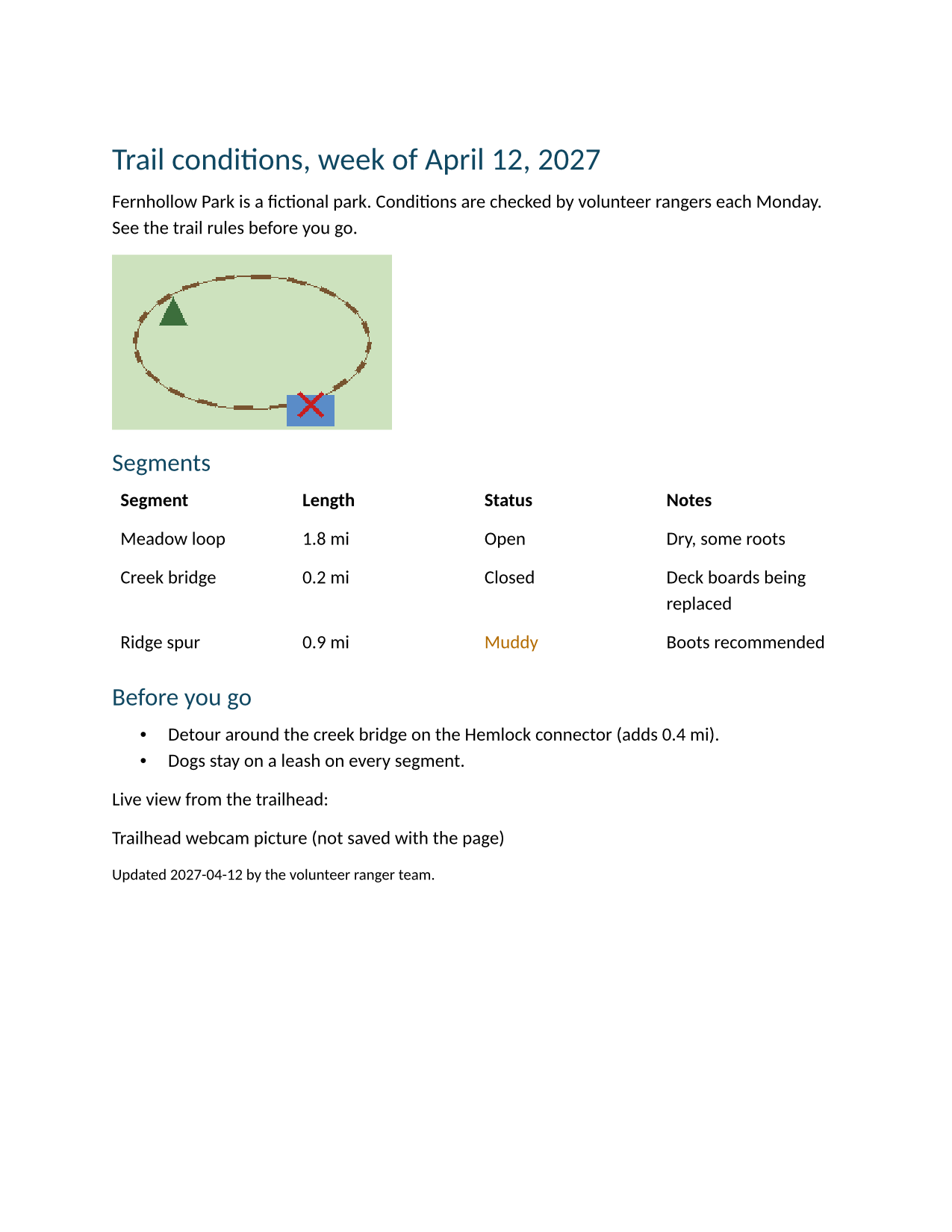
POST /v2/convert/mhtml/to/docx opens a saved web page, puts the pictures stored in it back into the HTML and writes a Word document. The sample page (4,648 bytes) came back as a 10,080-byte .docx with its trail map embedded and its status table, while the webcam picture that wasn't saved became its alt text.
- Endpoint
- POST /v2/
convert/ mhtml/ to/ docx - Accepts
- mhtml
- Sample timing
- 31 ms median of 5 runsHow we measure
- Request size
- Up to 10 MB on the Free plan or 100 MB on paid plans, all files together
Request and response
Every sample below ran against the API before this page was published. Set PDFCONVERSIONAPI_KEY to your key and run it as is.
curl -sS -X POST \
  https://api.pdfconversionapi.com/v2/convert/mhtml/to/docx \
  -H "Authorization: Bearer $PDFCONVERSIONAPI_KEY" \
  -F File=@trail-conditions.mhtml \
  -o response.json

# FileData is base64. Save the first file in converted/,
# or print the JSON error.
if jq -e '.Files' response.json > /dev/null; then
  mkdir -p converted
  name=$(jq -r '.Files[0].FileName' response.json)
  jq -r '.Files[0].FileData' response.json \
    | base64 --decode > "converted/$name"
else
  cat response.json
fi
import base64
import os
import requests
key = os.environ["PDFCONVERSIONAPI_KEY"]
response = requests.post(
"https://api.pdfconversionapi.com/v2/convert/mhtml/to/docx",
headers={"Authorization": f"Bearer {key}"},
files=[("File", open("trail-conditions.mhtml", "rb"))],
timeout=180,
)
result = response.json()
if not response.ok:
raise SystemExit(f"{result['Code']}: {result['Message']}")
os.makedirs("converted", exist_ok=True)
for file in result["Files"]:
path = os.path.join("converted", file["FileName"])
with open(path, "wb") as out:
out.write(base64.b64decode(file["FileData"]))
print(path, file["FileSize"], "bytes")
import { mkdir, readFile, writeFile } from "node:fs/promises";
import { join } from "node:path";

const form = new FormData();
const file = "trail-conditions.mhtml";
form.append("File", new Blob([await readFile(file)]), file);

const url = "https://api.pdfconversionapi.com/v2/convert/mhtml/to/docx";
const key = process.env.PDFCONVERSIONAPI_KEY;
const response = await fetch(url, {
  method: "POST",
  headers: { Authorization: `Bearer ${key}` },
  body: form,
});
const result = await response.json();
if (!response.ok) {
  throw new Error(`${result.Code}: ${result.Message}`);
}

await mkdir("converted", { recursive: true });
for (const file of result.Files) {
  const path = join("converted", file.FileName);
  await writeFile(path, Buffer.from(file.FileData, "base64"));
  console.log(path, file.FileSize, "bytes");
}
{
  "ConversionCost": 1,
  "ConversionTime": 0.031,
  "Files": [
    {
      "FileName": "trail-conditions.docx",
      "FileExt": "docx",
      "FileSize": 10080,
      "FileData": "UEsDBBQAAAAIAAAAIQCUHnBQ…"
    }
  ]
}
Response from our test run on 2026-11-03. ConversionTime shows the median of 5 runs. FileData is shortened here; the real response carries the whole file as base64.
The sample, converted
The same file the code sends. Download the input and the output and compare them yourself.
- Input
- trail-conditions.mhtml (4.5 KB)
- Output
- trail-conditions.docx (9.8 KB)
- Source
- A saved web page for a fictional park's trail report, made for this site: the page, its style sheet and a drawn trail map in one file, plus a link to a webcam picture that was not saved. (CC0-1.0). How it was made
- Made by
- 2026-11-04, API build
9eeeb0640aba
Parameters
Send these as form fields next to the file. Names are case-insensitive. If you set one of the documented options below that we don't support yet, the request fails with a 400 that names it instead of returning a file made without it.
| Parameter | What it does |
|---|---|
FileNamestring | Base name of the Word file. The sample returns trail-conditions.docx; FileName=fernhollow returned fernhollow.docx. |
StoreFileboolean, default false | true replaces the inline file with a 3-hour link in Files[].Url. |
Not supported yet
Setting one of these to anything but its default returns 400.
| Option | What to do instead |
|---|---|
MarginHorizontal | Accepted at ConvertAPI's default of 1. Other values return 400 "MarginHorizontal is not supported yet for MHTML → DOCX". |
MarginVertical | Same: only 1 passes; the page margins are fixed at 1 inch. |
What carries over, and what doesn't
Kept
- The quoted-printable HTML part decoded, with headings as Heading 1 and Heading 2
- Pictures saved in the file: the 1,413-byte trail map is embedded byte for byte, at 240 × 150 px (2.5 × 1.56 in)
- Pictures referenced by
cid:in mail-style MHTML, which were embedded in a test file too - The status table: 4 columns and 4 rows, header row bold and set to repeat
- The bulleted list, the link to the trail rules and the
<small>footer line at 10 pt - A color set in a
styleattribute: "Muddy" kept #b36b00 - The page title as the document title
Lost or not yet supported
- The saved style sheet. It is read from the file and placed in the page, but its rules are not applied: "Closed" lost its red bold class, the table its borders and the h1 its bottom rule.
- Anything the page linked to but didn't save. The webcam picture became the text "Trailhead webcam picture (not saved with the page)".
- Text in a legacy encoding. A test page saved as windows-1252, with a matching meta tag, came out garbled: each é turned into two characters starting with Ã. UTF-8 pages are fine.
- Layout: every result is Letter with 1-inch margins.
Limits
- One .mhtml file per request.
- Requests up to 10 MB on the Free plan or 100 MB on paid plans, all files and fields together.
- The page's HTML, with pictures inlined, may be up to 64 MB; larger pages return 413 "the page is too large to convert".
- 120 seconds per conversion, then 504.
- A file that isn't MIME-formatted, such as a plain .html, returns 422 "this is not an MHTML web page".
Where teams use it
Archiving pages people saved from a browser
Browsers can save a page and its pictures as one .mhtml file. Convert those files to Word so people can open, quote and annotate them in a word processor.
Evidence and records kept as saved pages
When a web page is saved as a record of what it said on a date, a Word copy can go into a case file or a review packet. The saved pictures come with it, and the page is never reloaded, so later edits to the live site don't change the result.
Questions
Does the API download pictures that weren't saved in the file?
No. Only parts stored inside the .mhtml are used. Each saved picture is matched by its Content-Location or Content-ID and inlined; references to anything else are left as they are, so those pictures show as their alt text in the .docx.
Can I send an .mht file?
Yes. The route reads the content, not the extension: the sample uploaded as t.mht gave the same document, with only the timestamps in its properties different. Single-part files with only a text/html body work too; a test file holding just a heading became a one-line document.
Why does the Word file look plainer than the saved page?
Style sheets saved with the page are not applied, only style attributes on the elements. The sample's CSS colored "Closed" red and bordered the table; in the .docx both are plain, while the inline color on "Muddy" survived.
Why are accented letters garbled in my document?
Your page was probably saved in an older encoding such as windows-1252 with a meta tag saying so. The text is decoded once while the MHTML is read, then decoded again by the meta tag's charset, which garbles it. Without the meta tag, the same windows-1252 test page came out as "Café crème", so save the page as UTF-8 or drop that tag before converting.
Convert your first MHTML file in a minute.