Repair PDF API
Send a damaged PDF to POST /v2/convert/pdf/to/repair and get it back rebuilt from the objects it still contains, with a new cross-reference table and trailer. Our sample had lost its last 1,695 bytes; the repaired copy opens again on every page route.
- Endpoint
- POST /v2/
convert/ pdf/ to/ repair - Accepts
- Sample timing
- 24 ms median of 5 runsHow we measure
- Request size
- Up to 10 MB on the Free plan or 100 MB on paid plans, all files together
Request and response
Every sample below ran against the API before this page was published. Set PDFCONVERSIONAPI_KEY to your key and run it as is.
curl -sS -X POST \
  https://api.pdfconversionapi.com/v2/convert/pdf/to/repair \
  -H "Authorization: Bearer $PDFCONVERSIONAPI_KEY" \
  -F File=@greenhouse-inspection-cut.pdf \
  -o response.json

# FileData is base64. Save the first file in converted/,
# or print the JSON error.
if jq -e '.Files' response.json > /dev/null; then
  mkdir -p converted
  name=$(jq -r '.Files[0].FileName' response.json)
  jq -r '.Files[0].FileData' response.json \
    | base64 --decode > "converted/$name"
else
  cat response.json
fi
import base64
import os
import requests
key = os.environ["PDFCONVERSIONAPI_KEY"]
response = requests.post(
"https://api.pdfconversionapi.com/v2/convert/pdf/to/repair",
headers={"Authorization": f"Bearer {key}"},
files=[
("File", open("greenhouse-inspection-cut.pdf", "rb")),
],
timeout=180,
)
result = response.json()
if not response.ok:
raise SystemExit(f"{result['Code']}: {result['Message']}")
os.makedirs("converted", exist_ok=True)
for file in result["Files"]:
path = os.path.join("converted", file["FileName"])
with open(path, "wb") as out:
out.write(base64.b64decode(file["FileData"]))
print(path, file["FileSize"], "bytes")
import { mkdir, readFile, writeFile } from "node:fs/promises";
import { join } from "node:path";

const form = new FormData();
const file = "greenhouse-inspection-cut.pdf";
form.append("File", new Blob([await readFile(file)]), file);

const url = "https://api.pdfconversionapi.com/v2/convert/pdf/to/repair";
const key = process.env.PDFCONVERSIONAPI_KEY;
const response = await fetch(url, {
  method: "POST",
  headers: { Authorization: `Bearer ${key}` },
  body: form,
});
const result = await response.json();
if (!response.ok) {
  throw new Error(`${result.Code}: ${result.Message}`);
}

await mkdir("converted", { recursive: true });
for (const file of result.Files) {
  const path = join("converted", file.FileName);
  await writeFile(path, Buffer.from(file.FileData, "base64"));
  console.log(path, file.FileSize, "bytes");
}
{
  "ConversionCost": 1,
  "ConversionTime": 0.024,
  "Files": [
    {
      "FileName": "greenhouse-inspection-cut.pdf",
      "FileExt": "pdf",
      "FileSize": 117538,
      "FileData": "JVBERi0xLjcKJeLjz9MKOSAw…"
    }
  ]
}
Response from our test run on 2026-11-03. ConversionTime shows the median of 5 runs. FileData is shortened here; the real response carries the whole file as base64.
The sample and the result
The same file the code sends. Download the input and the output and compare them yourself.
- Input
- greenhouse-inspection-cut.pdf (123 KB)
- Output
- greenhouse-inspection-cut.pdf (115 KB)
- Source
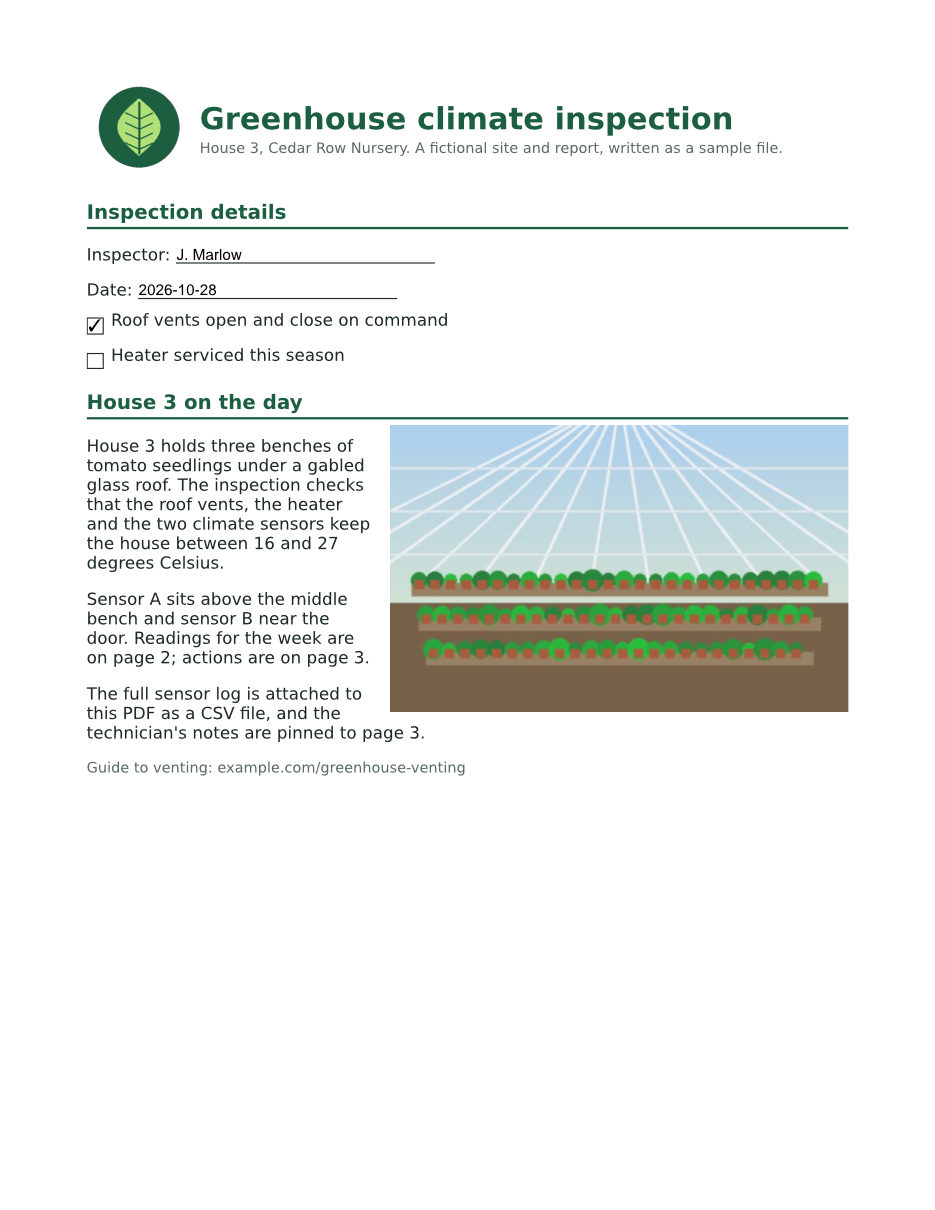
- Our three-page greenhouse inspection report for a fictional nursery, with its last 1,695 bytes (the cross-reference table and trailer) cut off, as an interrupted save would leave it. Made by us for this site. (CC0-1.0). How it was made
- Made by
- 2026-11-04, API build
9eeeb0640aba
Parameters
Send these as form fields next to the file. Names are case-insensitive. If you set one of the documented options below that we don't support yet, the request fails with a 400 that names it instead of returning a file made without it.
| Parameter | What it does |
|---|---|
Passwordstring | Opens a PDF that needs a password. With the open password of a file whose owner restricted something, the repaired copy keeps the same encryption and still asks for that password. With the owner password, or the open password of a file with no restrictions, it comes back unencrypted. So does a file with only an owner password that restricts nothing, with or without Password. |
FileNamestring | Name of the repaired PDF without the extension. Left out, the upload's name is kept. |
StoreFileboolean, default false | Return a download link (Url and FileId) instead of the file data; it expires after 3 hours. |
Not supported yet
Setting one of these to anything but its default returns 400.
| Option | What to do instead |
|---|---|
FixFontEncoding | FixFontEncoding=true returns 400; false is accepted. Fonts are written back as they are, so text that copies out as garbled characters before the repair does so after it too. |
What carries over, and what doesn't
Kept
- Every page that survived: all 3 pages of the repaired sample rendered pixel for pixel like the undamaged original
- Text, embedded fonts, the photo and the logo
- All 6 form fields with their values, the 3 bookmarks, comments and both attached files
- The panel the document opens with, and the PDF version (1.7)
- Encryption and permissions of an input that opens without a password but restricts something, and of a restricted one sent with its open password
Lost or not yet supported
- Document properties that only the lost trailer pointed to. The sample's Title, Author, Subject, Keywords and InspectionID are gone; only a new ModDate is set. Add them back with
/v2/convert/pdf/to/pdf. - Whatever was in the missing bytes. With the last 10% of the file cut instead, page 3 lost its embedded font data and is drawn in a fallback font in which the "fi" and "ff" ligatures are missing or drawn as wrong letters ("Sign-o" instead of "Sign-off" in one PDF viewer).
- Earlier revisions of a file saved with incremental updates: the repaired copy holds only the latest state.
Limits
- A file that is not a PDF at all returns 422 "the input file could not be read: the file is not a readable PDF: no readable page tree or cross-reference data was found".
- A digitally signed PDF returns 422 "this PDF is digitally signed, and rewriting it would invalidate the signature".
- One PDF per request, up to 10 MB on the Free plan or 100 MB on paid plans; a repair can run for up to 120 seconds.
Where teams use it
Recover uploads cut off in transfer
A browser upload, an email gateway or a crashed script can leave a PDF without its last bytes. The objects before the cut are usually intact, and the repair rebuilds the index that points to them, as with the sample.
Put a repair step in front of other PDF routes
Before the repair, our cut-off sample got 422 "failed parsing cross reference table" from the page image, split, text and rotate routes. After it, all of them accepted the file. Retry a failed conversion through repair first.
Give strict software a clean file
Archives, print workflows and validators may refuse files with broken offsets that a desktop viewer quietly tolerates. The repaired sample passed a PDF structure check with no warnings, where the input had five.
Questions
What kinds of damage can it fix?
Damage to the file's index: a missing or cut-off cross-reference table and trailer, a wrong startxref offset, offsets shifted by bytes added at the top of the file, and wrong stream lengths. We made each of these from the sample and all four came back as files that opened cleanly. Content that is missing from the file cannot be rebuilt.
How do I know a PDF needs repair?
Other routes answer 422 with "the input file could not be read" and a reason such as "failed parsing cross reference table". /v2/convert/pdf/to/meta also reads damaged files and lists what it had to fix under repairs; for the sample that was "rebuilt cross-reference index from 76 object headers".
Why is the repaired file smaller than the damaged one?
The damaged sample stores every object on its own, uncompressed, and its index was cut off. The repaired copy packs small objects into a compressed object stream, so it is 117,538 bytes against 125,648, with the same pages and content.
Does repair change a PDF that isn't damaged?
It saves it again, so the content stays and the modification date changes. Our undamaged original went through with all pages, fields and properties kept. If nothing is wrong, you can skip the call.
Convert your first PDF file in a minute.