ODG to JPG API
POST /v2/convert/odg/to/jpg returns one baseline JPEG per page of an OpenDocument drawing. Our floor plan, sent with ImageQuality=80, comes back as two 1,650 × 1,275 JPEGs of 171,614 and 118,593 bytes.
- Endpoint
- POST /v2/
convert/ odg/ to/ jpg - Accepts
- odg
- Sample timing
- 0.579 s median of 5 runsHow we measure
- Request size
- Up to 10 MB on the Free plan or 100 MB on paid plans, all files together
Request and response
Every sample below ran against the API before this page was published. Set PDFCONVERSIONAPI_KEY to your key and run it as is.
curl -sS -X POST \
  https://api.pdfconversionapi.com/v2/convert/odg/to/jpg \
  -H "Authorization: Bearer $PDFCONVERSIONAPI_KEY" \
  -F File=@maker-fair-floor-plan.odg \
  --form-string ImageQuality=80 \
  -o response.json

# FileData is base64. Save the first file in converted/,
# or print the JSON error.
if jq -e '.Files' response.json > /dev/null; then
  mkdir -p converted
  name=$(jq -r '.Files[0].FileName' response.json)
  jq -r '.Files[0].FileData' response.json \
    | base64 --decode > "converted/$name"
else
  cat response.json
fi
import base64
import os
import requests
key = os.environ["PDFCONVERSIONAPI_KEY"]
response = requests.post(
"https://api.pdfconversionapi.com/v2/convert/odg/to/jpg",
headers={"Authorization": f"Bearer {key}"},
files=[("File", open("maker-fair-floor-plan.odg", "rb"))],
data={
"ImageQuality": "80",
},
timeout=180,
)
result = response.json()
if not response.ok:
raise SystemExit(f"{result['Code']}: {result['Message']}")
os.makedirs("converted", exist_ok=True)
for file in result["Files"]:
path = os.path.join("converted", file["FileName"])
with open(path, "wb") as out:
out.write(base64.b64decode(file["FileData"]))
print(path, file["FileSize"], "bytes")
import { mkdir, readFile, writeFile } from "node:fs/promises";
import { join } from "node:path";

const form = new FormData();
const file = "maker-fair-floor-plan.odg";
form.append("File", new Blob([await readFile(file)]), file);
form.append("ImageQuality", "80");

const url = "https://api.pdfconversionapi.com/v2/convert/odg/to/jpg";
const key = process.env.PDFCONVERSIONAPI_KEY;
const response = await fetch(url, {
  method: "POST",
  headers: { Authorization: `Bearer ${key}` },
  body: form,
});
const result = await response.json();
if (!response.ok) {
  throw new Error(`${result.Code}: ${result.Message}`);
}

await mkdir("converted", { recursive: true });
for (const file of result.Files) {
  const path = join("converted", file.FileName);
  await writeFile(path, Buffer.from(file.FileData, "base64"));
  console.log(path, file.FileSize, "bytes");
}
{
  "ConversionCost": 1,
  "ConversionTime": 0.579,
  "Files": [
    {
      "FileName": "maker-fair-floor-plan-1.jpg",
      "FileExt": "jpg",
      "FileSize": 171614,
      "FileData": "/9j/4AAQSkZJRgABAgAAAQAB…"
    },
    {
      "FileName": "maker-fair-floor-plan-2.jpg",
      "FileExt": "jpg",
      "FileSize": 118593,
      "FileData": "/9j/4AAQSkZJRgABAgAAAQAB…"
    }
  ]
}
Response from our test run on 2026-11-03. ConversionTime shows the median of 5 runs. FileData is shortened here; the real response carries the whole file as base64.
The sample, converted
The same file the code sends. Download the input and the output and compare them yourself.
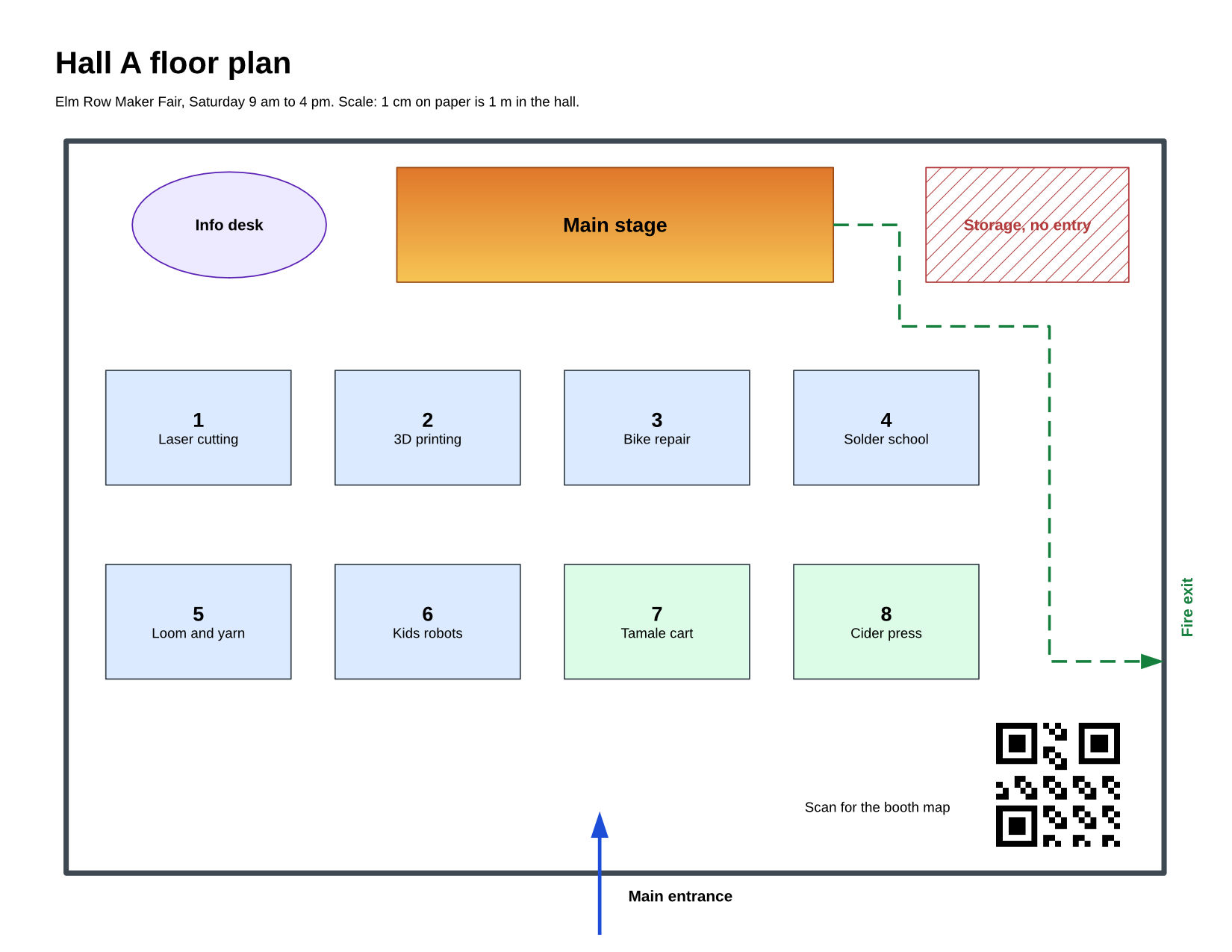
- Input
- maker-fair-floor-plan.odg (4.4 KB)
- Output
- maker-fair-floor-plan-1.jpg (168 KB)maker-fair-floor-plan-2.jpg (116 KB)
- Source
- A two-page floor plan and booth directory for a fictional maker fair, which we wrote as an OpenDocument drawing by hand (CC0-1.0). How it was made
- Made by
- 2026-11-04, API build
9eeeb0640aba
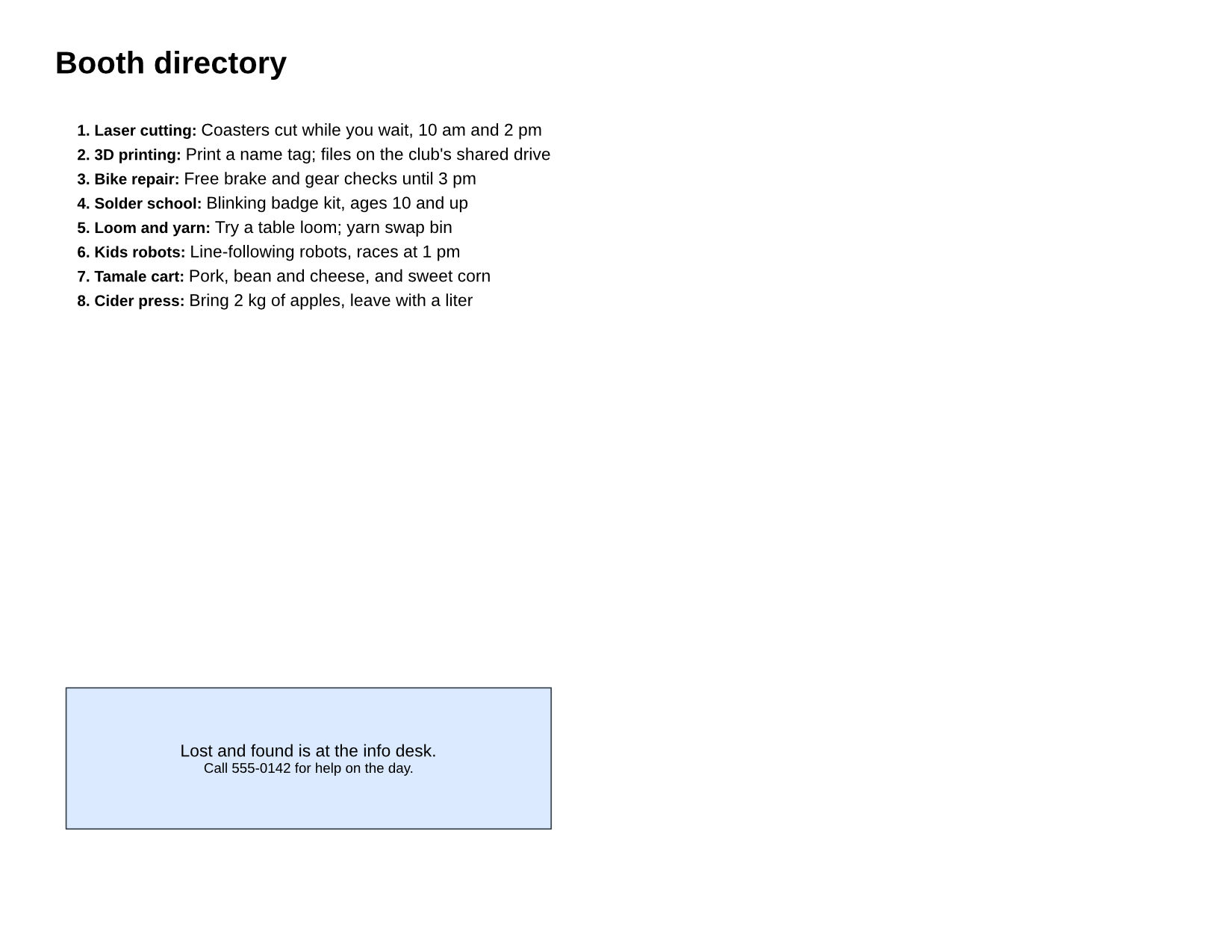
Parameters
Send these as form fields next to the file. Names are case-insensitive. If you set one of the documented options below that we don't support yet, the request fails with a 400 that names it instead of returning a file made without it.
| Parameter | What it does |
|---|---|
ImageQualityinteger, default 85 | JPEG compression level. For the hall page: 50 gave 131,234 bytes, 80 gave 171,614, the default 85 gave 188,627 and 95 gave 265,258. 0 and 101 return 400.Values: 1–100 |
ImageResolutioninteger, default 150 | Dots per inch, also stored as the JPEG's density when sent: 96 made the hall page 1,056 × 816 and 97,955 bytes.Values: 36–600 |
ImageWidthinteger | Fixed width in pixels, height to match: 1024 gave 1,024 × 791 at 92,170 bytes.Values: 1–20000 |
ImageHeightinteger | Fixed height in pixels; with ImageWidth it sets a box the page fits into.Values: 1–20000 |
ScaleProportionsboolean, default true | false fills the ImageWidth × ImageHeight box exactly, distorting the plan. |
ScaleImageboolean, default true | false cuts a region of that size from the top-left corner of the page at 150 DPI instead of scaling. |
ScaleIfLargerboolean, default false | true never enlarges: a width above 1,650 leaves the page at its 150 DPI size. |
ColorSpaceenum, default default | gray writes a one-channel JPEG: 126,619 bytes for the hall page instead of 188,627.Values: default, rgb, gray, monochrome |
PageRangestring | Which pages become JPEGs, e.g. 1 for the hall plan alone. |
Passwordstring | Password of a protected drawing; without it, a protected file returns 422. |
FileNamestring | Stem for -1.jpg, -2.jpg. |
StoreFileboolean, default false | Answer with links to stored JPEGs, kept for 3 hours. |
Not supported yet
Setting one of these to anything but its default returns 400.
| Option | What to do instead |
|---|---|
PageSize | 400 "PageSize is not supported yet for ODG files"; size the image with ImageWidth, ImageHeight or ImageResolution. |
Also refused when set: PageOrientation.
What carries over, and what doesn't
Kept
- Every page as its own JPEG, at 1,650 × 1,275 pixels for a Letter landscape page at 150 DPI
- Fill colors, gradient and hatch as they print, flattened onto the white page
- All shapes and labels on visible, printable layers, drawn at the requested resolution
Lost or not yet supported
- Transparency: JPEG has no alpha channel, and
TransparentColor=whiteis accepted but returns the same 188,627-byte page. - Exact pixels: at quality 80, 548,329 of the hall page's 2,103,750 pixels differ from the PNG, by up to 70 of 255 levels in a channel. For this flat drawing JPEG is also larger than lossless output at the default quality: 188,627 bytes, against 156,740 as PNG and 77,522 as WebP.
- The density setting, unless
ImageResolutionis sent; the sample files record none. - Shapes on screen-only, print-only or hidden layers.
Limits
- 100,000,000 pixels per page image and 16,000 pixels per side; larger sizes return 413.
- 2,000 pages per request, up to 10 MB on the Free plan or 100 MB on paid plans in total, and 120 seconds per conversion.
Where teams use it
Upload forms that take JPEG only
When a ticketing or content system accepts JPEG attachments and nothing else, converting the drawing first lets a floor plan or wiring sketch go in as an image.
Smaller previews by email
ImageResolution=96 brought the hall page to 1,056 × 816 and 97,955 bytes at the default quality, about half its size at 150 DPI, which suits an inline email image.
Gray copies for black-and-white printing
ColorSpace=gray returns a one-channel JPEG, about a third smaller: 126,619 bytes for the hall page instead of 188,627.
Questions
Which quality should I use for drawings?
The sample uses 80: the hall page was 171,614 bytes, and 10,299 of its 2.1 million pixels, about 0.5%, differ from the PNG by more than 16 levels in a channel. Quality 50 gave 131,234 bytes. If the size matters most, WebP output keeps every pixel and was 77,522 bytes for the same page.
Why is the JPEG larger than the PNG?
Large flat areas with sharp edges, like the booths and walls, cost JPEG more bytes than a lossless format here: at quality 85 the hall page was 188,627 bytes, against 156,740 as PNG.
Can I get a white background instead of transparency?
You always get one: every drawing page is drawn on its own white fill, and JPEG can't hold transparency. That fill covers the whole image, so BackgroundColor changes nothing: #FF0000 returned the same 188,627-byte hall page as no color at all.
Can I convert just the first page?
Send PageRange=1. The response then holds one file, maker-fair-floor-plan-1.jpg for the sample.
Convert your first ODG file in a minute.