PDF to PPTX API
Send a PDF to POST /v2/convert/pdf/to/pptx and get a .pptx with one slide per page. Text lands in editable text boxes with its size and color, tables become PowerPoint tables, and pictures are copied in unchanged.
- Endpoint
- POST /v2/
convert/ pdf/ to/ pptx - Accepts
- Sample timing
- 24 ms median of 5 runsHow we measure
- Request size
- Up to 10 MB on the Free plan or 100 MB on paid plans, all files together
Request and response
Every sample below ran against the API before this page was published. Set PDFCONVERSIONAPI_KEY to your key and run it as is.
curl -sS -X POST \
  https://api.pdfconversionapi.com/v2/convert/pdf/to/pptx \
  -H "Authorization: Bearer $PDFCONVERSIONAPI_KEY" \
  -F File=@greenhouse-inspection.pdf \
  -o response.json

# FileData is base64. Save the first file in converted/,
# or print the JSON error.
if jq -e '.Files' response.json > /dev/null; then
  mkdir -p converted
  name=$(jq -r '.Files[0].FileName' response.json)
  jq -r '.Files[0].FileData' response.json \
    | base64 --decode > "converted/$name"
else
  cat response.json
fi
import base64
import os
import requests
key = os.environ["PDFCONVERSIONAPI_KEY"]
response = requests.post(
"https://api.pdfconversionapi.com/v2/convert/pdf/to/pptx",
headers={"Authorization": f"Bearer {key}"},
files=[("File", open("greenhouse-inspection.pdf", "rb"))],
timeout=180,
)
result = response.json()
if not response.ok:
raise SystemExit(f"{result['Code']}: {result['Message']}")
os.makedirs("converted", exist_ok=True)
for file in result["Files"]:
path = os.path.join("converted", file["FileName"])
with open(path, "wb") as out:
out.write(base64.b64decode(file["FileData"]))
print(path, file["FileSize"], "bytes")
import { mkdir, readFile, writeFile } from "node:fs/promises";
import { join } from "node:path";

const form = new FormData();
const file = "greenhouse-inspection.pdf";
form.append("File", new Blob([await readFile(file)]), file);

const url = "https://api.pdfconversionapi.com/v2/convert/pdf/to/pptx";
const key = process.env.PDFCONVERSIONAPI_KEY;
const response = await fetch(url, {
  method: "POST",
  headers: { Authorization: `Bearer ${key}` },
  body: form,
});
const result = await response.json();
if (!response.ok) {
  throw new Error(`${result.Code}: ${result.Message}`);
}

await mkdir("converted", { recursive: true });
for (const file of result.Files) {
  const path = join("converted", file.FileName);
  await writeFile(path, Buffer.from(file.FileData, "base64"));
  console.log(path, file.FileSize, "bytes");
}
{
  "ConversionCost": 1,
  "ConversionTime": 0.024,
  "Files": [
    {
      "FileName": "greenhouse-inspection.pptx",
      "FileExt": "pptx",
      "FileSize": 43899,
      "FileData": "UEsDBBQAAAgIAAAAIQBoUfwC…"
    }
  ]
}
Response from our test run on 2026-11-03. ConversionTime shows the median of 5 runs. FileData is shortened here; the real response carries the whole file as base64.
The sample, converted
The same file the code sends. Download the input and the output and compare them yourself.
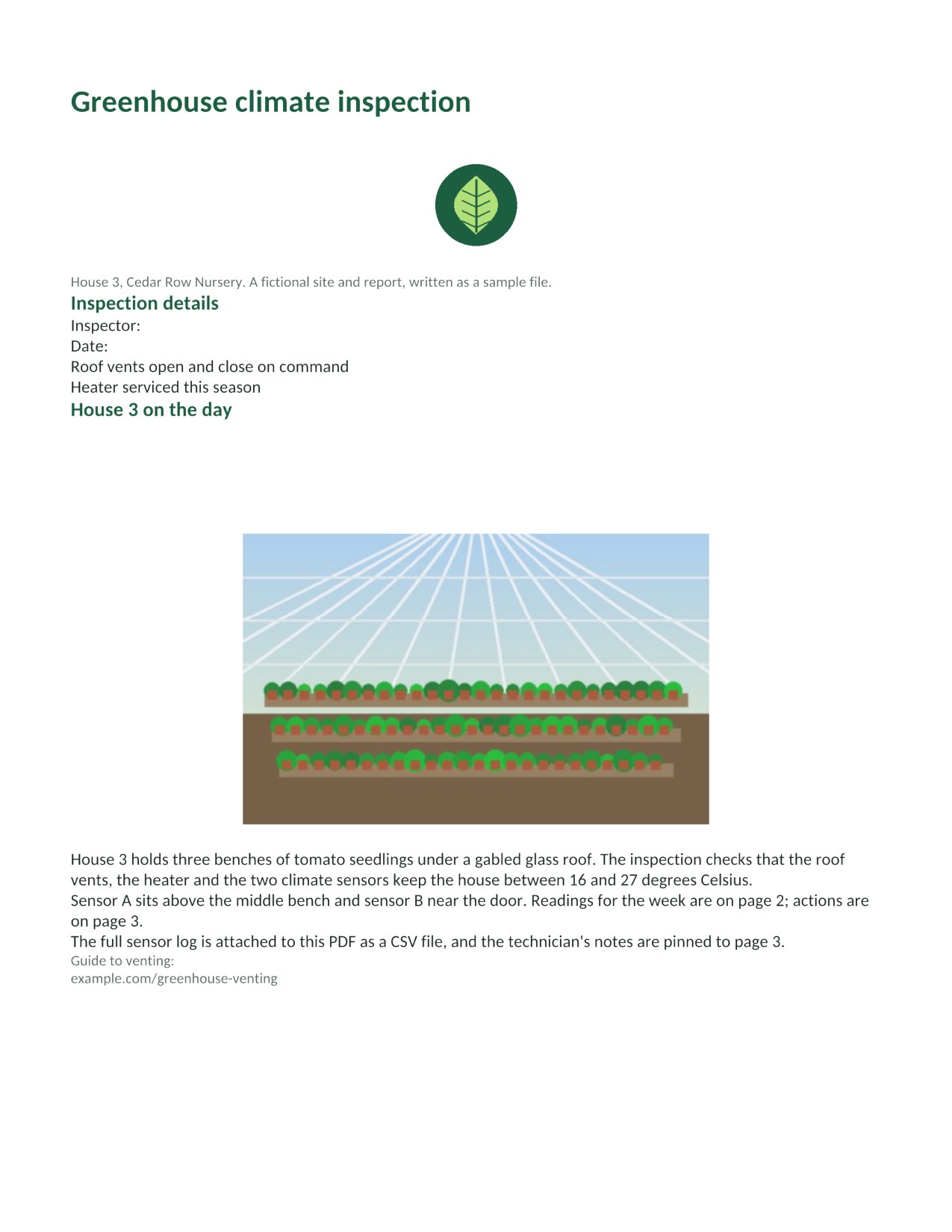
- Input
- greenhouse-inspection.pdf (115 KB)
- Output
- greenhouse-inspection.pptx (43 KB)
- Source
- A three-page greenhouse inspection report for a fictional nursery, with form fields, comments and attached files, made by us for this site. (CC0-1.0). How it was made
- Made by
- 2026-11-04, API build
9eeeb0640aba
Parameters
Send these as form fields next to the file. Names are case-insensitive. If you set one of the documented options below that we don't support yet, the request fails with a 400 that names it instead of returning a file made without it.
| Parameter | What it does |
|---|---|
PageRangestring | Make slides only from these pages; they are cut out of the PDF before the export. PageRange=2 gave a one-slide, 5,924-byte deck that keeps the document's title as its title property.Values: Pages and ranges such as 2, 1-3,5 or 4-last |
Passwordstring | Opens a protected PDF. A file whose owner forbids copying needs the owner password, even when it opens without a password. With PageRange, the open password works only for a file whose owner restricted nothing; otherwise it returns 400 "PageRange can't be combined with the open password yet for PDF → PPTX; send the owner password in Password, or remove the protection with /v2/convert/pdf/to/unprotect first". |
FileNamestring | Name of the deck without the extension. Left out, the upload's name is used. |
StoreFileboolean, default false | Return a download link (Url and FileId) instead of the file data, valid for 3 hours. |
Not supported yet
Setting one of these to anything but its default returns 400.
| Option | What to do instead |
|---|---|
EmbedFonts | The deck names no fonts of its own; text uses the theme font, Calibri. EmbedFonts=true returns 400. |
TextRecoveryMode | Text comes from the PDF's text layer only; auto is accepted, other values return 400. |
OcrMode | A scanned page becomes a slide holding the page picture and no text. Run /v2/convert/pdf/to/ocr first if you need the words. |
Also refused when set: OcrLanguage, OcrEngine.
What carries over, and what doesn't
Kept
- One slide per page, in order: 3 slides for the sample
- Text as editable text boxes with the PDF's sizes and colors: 20 pt green titles, 13 pt headings, 11 pt body text and 9.5 pt gray captions
- The readings table as a real PowerPoint table with 8 rows and 5 columns
- Pictures copied in byte for byte: the logo PNG and the photo JPEG in the deck match the images in the PDF
- The document title, as the deck's title property
Lost or not yet supported
- Page orientation. A deck has one slide size, taken from the first page exported: the sample's slides are all 8.5 x 11 in portrait, so the wide readings page is laid out down a portrait slide. Exported alone, that page gave an 11 x 8.5 in slide.
- Positions. Elements are stacked top to bottom: the photo that sat beside its text now sits between the heading and the text.
- The vector bar chart, which is left out, and its labels.
- Form values and checkboxes ("Inspector:" is empty), comments and attachments.
- Clickable links: the web address is plain text.
- Original fonts: the runs name no typeface, so PowerPoint and other apps use the theme's Calibri or a stand-in.
Limits
- Scanned pages carry no text: an image-only 3-page PDF became 3 slides with only a page picture each (813,026 bytes).
- A PDF whose owner forbids copying returns 422 "this PDF's permissions don't allow copying text and images" until you send the owner password, with or without
PageRange. - One PDF per request, up to 10 MB on the Free plan or 100 MB on paid plans; a conversion can take up to 120 seconds.
Where teams use it
Present a report without retyping it
Turn a PDF report into a deck and edit it there: the sample's headings, paragraphs and readings table arrive as text boxes and a table you can restyle, cut down or move.
Reuse one page as a slide
Use PageRange to make a single slide from the page you need, such as a results table or a summary, and paste it into an existing presentation.
Recover slides when only the PDF is left
When a deck was shared as PDF and the original is lost, converting back gives slides whose text and pictures can be edited again, though the layout needs tidying.
Questions
Will the slides look like the PDF pages?
Not exactly. Text, tables and pictures come through as separate, editable objects, but they are stacked down the slide rather than placed where they were, and drawings made of lines and shapes, like the sample's chart, are left out. Plan on some layout work.
What slide size does the deck get?
The size of the first page exported, for every slide. Our Letter portrait sample gave 8.5 x 11 in slides. For landscape slides, start the export at a landscape page with PageRange: page 2 alone gave an 11 x 8.5 in slide.
Can I get each page as a picture on its slide instead?
Not from this route. Render the pages with /v2/convert/pdf/to/png, then send each image to /v2/convert/png/to/pptx, which places a picture on a slide.
Does it read text in scanned PDFs?
No. OCR options return 400 here. Send the scan to /v2/convert/pdf/to/ocr first; the PDF that comes back has a text layer this export can read.
Convert your first PDF file in a minute.