PNG to PPTX API
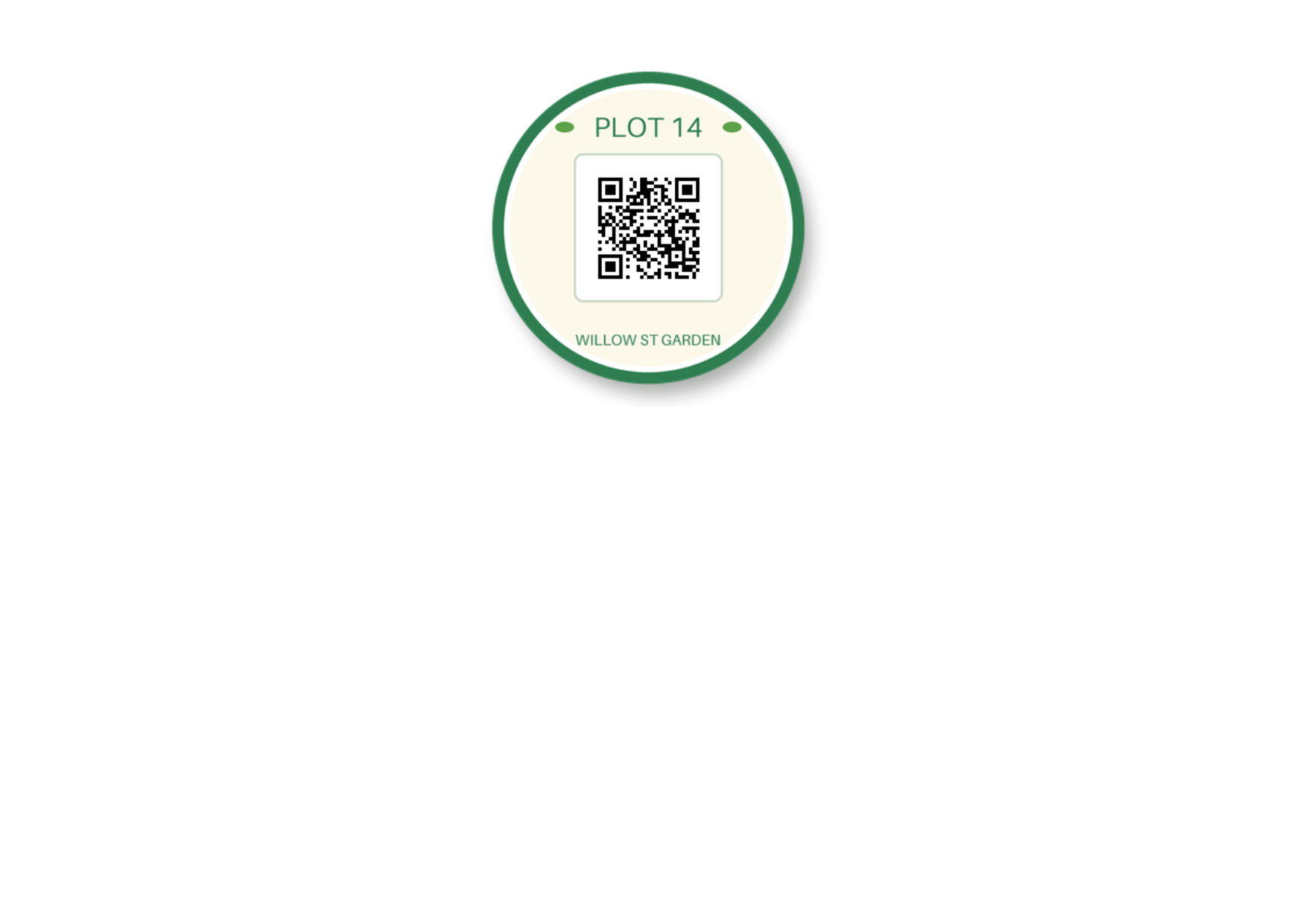
POST a PNG to /v2/convert/png/to/pptx and receive a one-slide .pptx with the image on it, transparency intact. The sample asks for A4 landscape: a 29.7 × 21 cm slide with the 7.94 cm sticker centered across it and 1.31 cm from the top.
- Endpoint
- POST /v2/
convert/ png/ to/ pptx - Accepts
- png
- Sample timing
- 28 ms median of 5 runsHow we measure
- Request size
- Up to 10 MB on the Free plan or 100 MB on paid plans, all files together
Request and response
Every sample below ran against the API before this page was published. Set PDFCONVERSIONAPI_KEY to your key and run it as is.
curl -sS -X POST \
  https://api.pdfconversionapi.com/v2/convert/png/to/pptx \
  -H "Authorization: Bearer $PDFCONVERSIONAPI_KEY" \
  -F File=@garden-plot-badge.png \
  --form-string PageSize=a4 \
  --form-string PageOrientation=landscape \
  -o response.json

# FileData is base64. Save the first file in converted/,
# or print the JSON error.
if jq -e '.Files' response.json > /dev/null; then
  mkdir -p converted
  name=$(jq -r '.Files[0].FileName' response.json)
  jq -r '.Files[0].FileData' response.json \
    | base64 --decode > "converted/$name"
else
  cat response.json
fi
import base64
import os
import requests
key = os.environ["PDFCONVERSIONAPI_KEY"]
response = requests.post(
"https://api.pdfconversionapi.com/v2/convert/png/to/pptx",
headers={"Authorization": f"Bearer {key}"},
files=[("File", open("garden-plot-badge.png", "rb"))],
data={
"PageSize": "a4",
"PageOrientation": "landscape",
},
timeout=180,
)
result = response.json()
if not response.ok:
raise SystemExit(f"{result['Code']}: {result['Message']}")
os.makedirs("converted", exist_ok=True)
for file in result["Files"]:
path = os.path.join("converted", file["FileName"])
with open(path, "wb") as out:
out.write(base64.b64decode(file["FileData"]))
print(path, file["FileSize"], "bytes")
import { mkdir, readFile, writeFile } from "node:fs/promises";
import { join } from "node:path";

const form = new FormData();
const file = "garden-plot-badge.png";
form.append("File", new Blob([await readFile(file)]), file);
form.append("PageSize", "a4");
form.append("PageOrientation", "landscape");

const url = "https://api.pdfconversionapi.com/v2/convert/png/to/pptx";
const key = process.env.PDFCONVERSIONAPI_KEY;
const response = await fetch(url, {
  method: "POST",
  headers: { Authorization: `Bearer ${key}` },
  body: form,
});
const result = await response.json();
if (!response.ok) {
  throw new Error(`${result.Code}: ${result.Message}`);
}

await mkdir("converted", { recursive: true });
for (const file of result.Files) {
  const path = join("converted", file.FileName);
  await writeFile(path, Buffer.from(file.FileData, "base64"));
  console.log(path, file.FileSize, "bytes");
}
{
  "ConversionCost": 1,
  "ConversionTime": 0.028,
  "Files": [
    {
      "FileName": "garden-plot-badge.pptx",
      "FileExt": "pptx",
      "FileSize": 54837,
      "FileData": "UEsDBBQAAAgIAAAAIQDSkDHV…"
    }
  ]
}
Response from our test run on 2026-11-03. ConversionTime shows the median of 5 runs. FileData is shortened here; the real response carries the whole file as base64.
The sample, converted
The same file the code sends. Download the input and the output and compare them yourself.
- Input
- garden-plot-badge.png (39 KB)
- Output
- garden-plot-badge.pptx (54 KB)
- Source
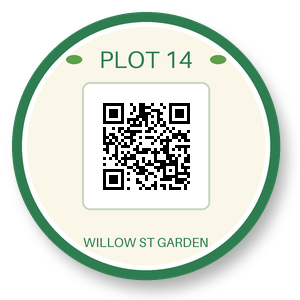
- A round garden-plot sticker with a QR code, a transparent background and a soft drop shadow, drawn by us for these pages. (CC0-1.0). How it was made
- Made by
- 2026-11-04, API build
9eeeb0640aba
Parameters
Send these as form fields next to the file. Names are case-insensitive. If you set one of the documented options below that we don't support yet, the request fails with a 400 that names it instead of returning a file made without it.
| Parameter | What it does |
|---|---|
PageSizeenum, default default | Slide dimensions taken from a paper size. a4 with landscape, as sent by the sample, gives 29.7 × 21 cm. Without it the slide is the PNG's size at 96 pixels per inch, 7.94 cm square for the sticker, which is then drawn 5.94 cm wide with a 1 cm gap all round.Values: default, auto, a3, a4, a5, letter, legal |
PageOrientationenum, default default | Whether a paper-size slide is upright or wide. The sample's landscape makes A4 wider than tall. A slide that follows the image ignores it.Values: default, portrait, landscape |
MarginHorizontalinteger, default 0 | Extra width on each side of an image-sized slide. Send MarginVertical with it: MarginHorizontal=10 alone kept the sticker at full size but 1 cm down a slide only 7.94 cm tall, so its bottom centimeter fell off the slide. With 5 mm on every side the sticker shrank to 6.94 cm. On a paper size, wide margins shrink the image instead.Values: 0–500 (millimeters) |
MarginVerticalinteger, default 0 | Extra height above and below. With 10 mm on all four sides the slide grew to 9.94 cm square and the sticker kept its 7.94 cm. The space is not split evenly: with MarginVertical=20 alone the sticker sat 1 cm from the top and 5 cm from the bottom.Values: 0–500 (millimeters) |
Rotateinteger | Turns the slide's frame, not the image. The square sticker with Rotate=90 gave a byte-identical file. A 300 × 200 PNG turned into a portrait slide with the image squeezed into a 3.29 × 4.94 cm frame.Values: -360 to 360, or none |
FileNamestring | Base name of the deck; garden-plot-badge.pptx when not set. |
StoreFileboolean, default false | true keeps the .pptx on our side for 3 hours and returns its address in Files[].Url. |
Not supported yet
Setting one of these to anything but its default returns 400.
| Option | What to do instead |
|---|---|
EnableOcr | EnableOcr=true returns 400 "EnableOcr is not supported yet". Words in the image stay pixels on the slide. |
OcrLanguage | Must be auto; OcrLanguage=en is refused with 400. |
What carries over, and what doesn't
Kept
- All 90,000 RGBA values of the sample, alpha included: the PNG inside the deck decodes to the same pixels
- Partial transparency: the sticker's 13,498 soft shadow and edge pixels
- The image at full size, 7.94 cm, on a slide with room for it inside the layout inset (1 cm on small slides), such as A4 landscape or an image-sized slide with 10 mm margins
- Centering across the slide: 10.88 cm of space on each side of the sticker on A4 landscape
Lost or not yet supported
- Vertical centering. On the A4 landscape slide the sticker's top is 1.31 cm from the edge and 11.75 cm of the slide is left free below it.
- The original bytes: the image is written again, 49,783 bytes instead of 40,051, with the Description text chunk and the 144 dpi value dropped.
- 16-bit samples (stored as 8-bit) and palette storage (8-bit RGBA with a transparent index, 8-bit RGB without).
- Color profiles and the frames after the first in an animated PNG.
- Rotation of the image itself; see
Rotate. The same goes for a PNG whose EXIF data says to turn it. - A title: the file has no title property, and the slide has no text boxes or notes.
Limits
- A single PNG per request, giving one slide.
- Bodies up to 10 MB on the Free plan or 100 MB on paid plans.
- 100,000,000 pixels at most; bigger images get 413.
- Image-sized slides grow with the pixels: a 3000 × 3000 PNG gave a 31.25 in square slide.
- Margins of 0 to 500 mm. If they leave no space on the chosen paper, the reply is 400.
- 120 seconds per conversion.
Where teams use it
Logos and icons for slide decks
A transparent logo or product cut-out goes onto the slide with its alpha channel rather than flattened onto white, so its clear areas stay clear wherever it is moved.
Charts rendered as PNG
Reporting jobs that draw charts to PNG can hand back a .pptx people can drop into their own deck. The picture's pixels are kept exactly, so thin lines and axis labels are not blurred by recompression.
Wide paper-size slides for printing
Use PageSize=a4 or letter with PageOrientation=landscape to get a slide that prints on standard paper, with the image at its real size near the top.
Questions
Will my transparent PNG show the slide background through it?
The alpha channel is in the file: the PNG stored in the deck has the same alpha value as your upload for every pixel, including the soft shadow. The slide itself has no background fill set by us, and our render of the sample shows the white default under the clear areas.
Where on the slide is the image placed?
Centered from left to right, with its top a fixed distance from the slide's top edge: 1.31 cm on the sample's A4 landscape slide and 1 cm on a slide cut to the image. It is never enlarged; it is scaled down only when it doesn't fit.
Why is the PNG in the .pptx a different size from mine?
The converter writes the image out again rather than copying your file. The pixels are identical, but the encoding differs and text chunks and the DPI setting are not kept, so the sample went from 40,051 to 49,783 bytes.
Can I get a whole deck from several PNGs?
Not from this route, which takes one file. Send the images together to /v2/convert/images/to/pdf, then convert the PDF with pdf-to-pptx to get one slide per image.
Convert your first PNG file in a minute.