PNG to DOCX API
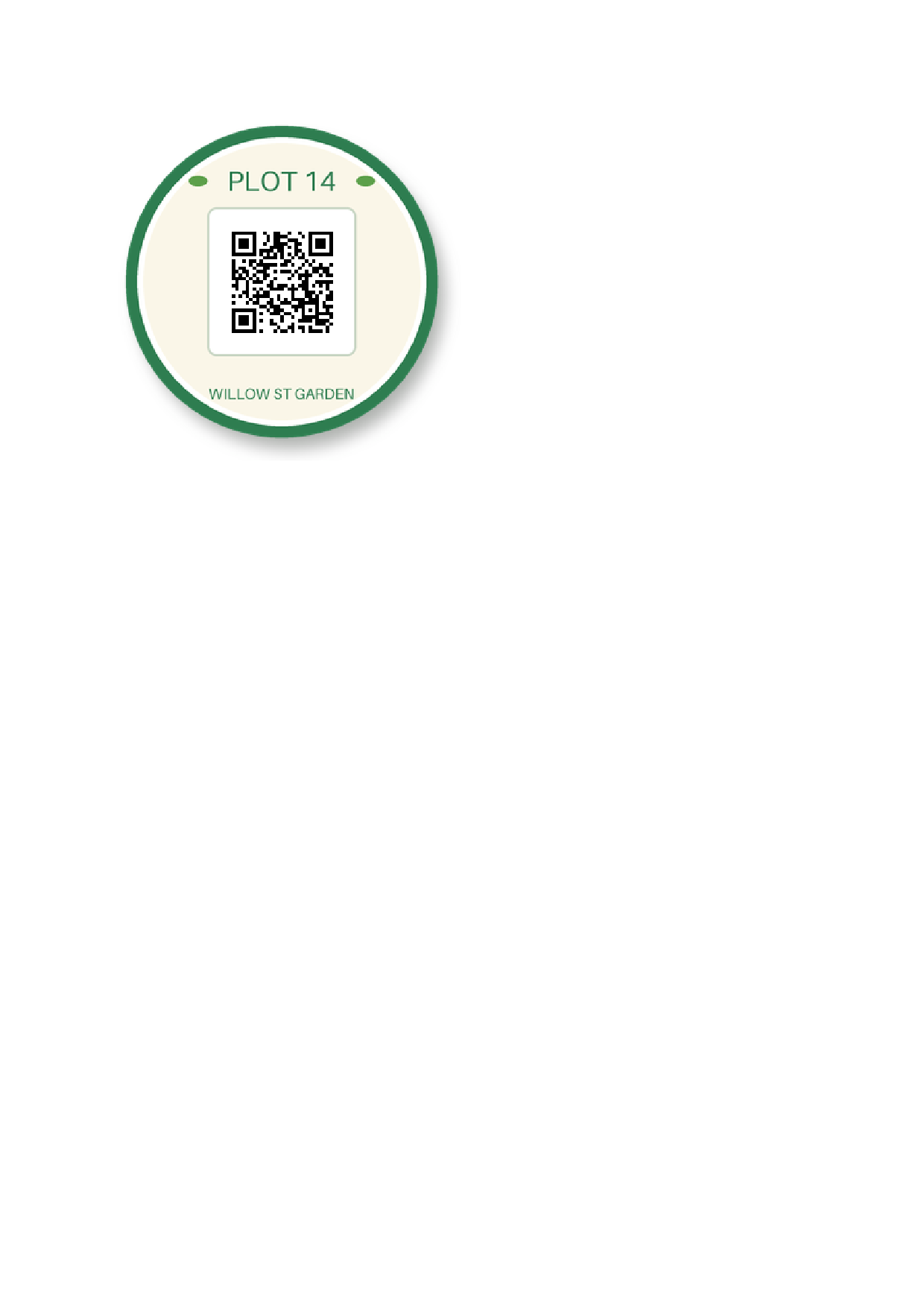
POST a PNG to /v2/convert/png/to/docx and get a .docx holding the image as one inline picture, alpha channel and all. The sample asks for A4 and gets the 300 px sticker at 3.13 in square on an 8.27 × 11.69 in page, in a 52,306-byte file.
- Endpoint
- POST /v2/
convert/ png/ to/ docx - Accepts
- png
- Sample timing
- 27 ms median of 5 runsHow we measure
- Request size
- Up to 10 MB on the Free plan or 100 MB on paid plans, all files together
Request and response
Every sample below ran against the API before this page was published. Set PDFCONVERSIONAPI_KEY to your key and run it as is.
curl -sS -X POST \
  https://api.pdfconversionapi.com/v2/convert/png/to/docx \
  -H "Authorization: Bearer $PDFCONVERSIONAPI_KEY" \
  -F File=@garden-plot-badge.png \
  --form-string PageSize=a4 \
  -o response.json

# FileData is base64. Save the first file in converted/,
# or print the JSON error.
if jq -e '.Files' response.json > /dev/null; then
  mkdir -p converted
  name=$(jq -r '.Files[0].FileName' response.json)
  jq -r '.Files[0].FileData' response.json \
    | base64 --decode > "converted/$name"
else
  cat response.json
fi
import base64
import os
import requests
key = os.environ["PDFCONVERSIONAPI_KEY"]
response = requests.post(
"https://api.pdfconversionapi.com/v2/convert/png/to/docx",
headers={"Authorization": f"Bearer {key}"},
files=[("File", open("garden-plot-badge.png", "rb"))],
data={
"PageSize": "a4",
},
timeout=180,
)
result = response.json()
if not response.ok:
raise SystemExit(f"{result['Code']}: {result['Message']}")
os.makedirs("converted", exist_ok=True)
for file in result["Files"]:
path = os.path.join("converted", file["FileName"])
with open(path, "wb") as out:
out.write(base64.b64decode(file["FileData"]))
print(path, file["FileSize"], "bytes")
import { mkdir, readFile, writeFile } from "node:fs/promises";
import { join } from "node:path";

const form = new FormData();
const file = "garden-plot-badge.png";
form.append("File", new Blob([await readFile(file)]), file);
form.append("PageSize", "a4");

const url = "https://api.pdfconversionapi.com/v2/convert/png/to/docx";
const key = process.env.PDFCONVERSIONAPI_KEY;
const response = await fetch(url, {
  method: "POST",
  headers: { Authorization: `Bearer ${key}` },
  body: form,
});
const result = await response.json();
if (!response.ok) {
  throw new Error(`${result.Code}: ${result.Message}`);
}

await mkdir("converted", { recursive: true });
for (const file of result.Files) {
  const path = join("converted", file.FileName);
  await writeFile(path, Buffer.from(file.FileData, "base64"));
  console.log(path, file.FileSize, "bytes");
}
{
  "ConversionCost": 1,
  "ConversionTime": 0.027,
  "Files": [
    {
      "FileName": "garden-plot-badge.docx",
      "FileExt": "docx",
      "FileSize": 52306,
      "FileData": "UEsDBBQAAAgIAAAAIQBrxkS6…"
    }
  ]
}
Response from our test run on 2026-11-03. ConversionTime shows the median of 5 runs. FileData is shortened here; the real response carries the whole file as base64.
The sample, converted
The same file the code sends. Download the input and the output and compare them yourself.
- Input
- garden-plot-badge.png (39 KB)
- Output
- garden-plot-badge.docx (51 KB)
- Source
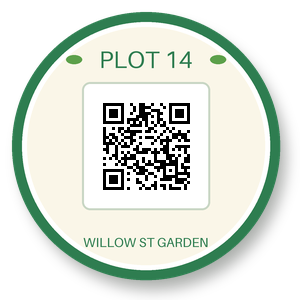
- A round garden-plot sticker with a QR code, a transparent background and a soft drop shadow, drawn by us for these pages. (CC0-1.0). How it was made
- Made by
- 2026-11-04, API build
9eeeb0640aba
Parameters
Send these as form fields next to the file. Names are case-insensitive. If you set one of the documented options below that we don't support yet, the request fails with a 400 that names it instead of returning a file made without it.
| Parameter | What it does |
|---|---|
PageSizeenum, default default | Paper for the document. a4, as in the sample, puts the sticker inside 1-inch Word margins at its own 3.13 in. Left out, the page is exactly the image, 3.13 in square, and the sticker inside is drawn at 2.34 in so the layout's margins fit around it.Values: default, auto, a3, a4, a5, letter, legal |
PageOrientationenum, default default | Swaps the width and height of a named size: A4 landscape is 11.69 × 8.27 in. A page cut to the image has nothing to swap, so it is ignored there.Values: default, portrait, landscape |
MarginHorizontalinteger, default 0 | Room at the left and right. Without a page size it widens the page but leaves it no taller than the image: MarginHorizontal=10 alone gave a 3.91 × 3.13 in page and our render cut off the sticker's bottom, so send MarginVertical too. On A4 or Letter a large value shrinks the image instead, and one that leaves no space is refused with 400.Values: 0–500 (millimeters) |
MarginVerticalinteger, default 0 | Room at the top and bottom. With MarginHorizontal=10 too and no page size, the page became 3.91 in square, and inside Word's own margins the sticker measured 2.93 in.Values: 0–500 (millimeters) |
Rotateinteger | Accepted, but the picture itself is not turned in the Word file. On square art like the sticker, Rotate=90 returned the very same file. On a 300 × 200 PNG it turned the page to portrait and squeezed the image into a 1.56 × 2.34 in frame.Values: -360 to 360, or none |
FileNamestring | Name of the .docx, extension added. Without it the result is garden-plot-badge.docx. |
StoreFileboolean, default false | With true the document is kept for 3 hours and Files[].Url links to it instead of carrying base64 data. |
Not supported yet
Setting one of these to anything but its default returns 400.
| Option | What to do instead |
|---|---|
EnableOcr | Refused when true with 400 "EnableOcr is not supported yet". Text drawn in the PNG stays part of the picture. |
OcrLanguage | auto passes; any language code returns 400. |
What carries over, and what doesn't
Kept
- Every pixel and alpha value: the PNG inside the sample decodes to the same 90,000 RGBA values as the upload
- Soft edges and the drop shadow, stored as partial alpha (13,498 such pixels in the sticker)
- Fully transparent areas: 21,347 pixels in the sample
- The image's own size on a paper size that can hold it: 300 px at 96 per inch is 3.13 in on A4. A page cut to the image draws it at 75%
Lost or not yet supported
- The original file. The image is written out again as a 49,783-byte PNG in place of the 40,051-byte upload, without its Description text chunk or its 144 dpi.
- 16-bit depth and palettes. A 16-bit PNG is stored as 8-bit RGB; a palette PNG as 8-bit RGBA when it has a transparent index and as 8-bit RGB when it has none.
- Embedded color profiles: a copy of the sticker with an sRGB profile produced the same .docx as the sticker without one.
- Animation. Only the first frame of an animated PNG is placed.
- Centering on a named page: the image sits at the top left of the text area.
- Turning the image, as described under
Rotate. A PNG with an EXIF orientation of 6 gets the same squeezed portrait frame.
Limits
- One PNG per request and one page per document.
- Up to 10 MB on the Free plan or 100 MB on paid plans per request.
- 100,000,000 pixels per image (413 above that).
- Without
PageSizethe page follows the pixels: a 3000 × 3000 PNG gave a 22 × 22 in page with a 20 in picture. - Margins between 0 and 500 mm.
- 120 seconds per conversion.
Where teams use it
Logos and stamps for Word templates
A transparent logo, seal or signature image keeps its alpha channel inside the document instead of being flattened onto white, so the clear areas stay clear when the picture is moved.
Screenshots for documentation people edit
Turn a PNG screenshot into a page a technical writer can open in Word and annotate. The pixels are not recompressed lossily, so small interface text stays sharp.
Diagrams exported from drawing tools
Charts and diagrams saved as PNG can go to reviewers who work in Word. Set PageSize=letter or a4 so the page prints at a known size.
Questions
Does the transparent background stay transparent in Word?
Yes. The PNG in the document keeps its alpha channel, with the same values as your file: the sticker's 21,347 clear pixels and its 13,498 partly clear shadow pixels are unchanged. In our render of the sample the shadow still fades softly into the white page.
Is the PNG inside the .docx my original file?
No, but its pixels are. The converter writes the image out again, so the file inside is 49,783 bytes rather than 40,051, and the text chunk and 144 dpi setting are gone. Decoded, both give the same RGBA values.
What size does the image appear in Word?
Pixels divided by 96, in inches, unless the page is smaller. The 300 px sticker is 3.13 in wide on A4. With no page size the page is cut to the image and the picture inside is drawn at 75% to leave room for Word's margins.
My screenshot is very large. What happens?
Send a PageSize. Without one the page is sized from the pixels, and a 3000 × 3000 PNG came back on a 22 × 22 in page. With a named size the image is scaled down to fit inside it, never up.
Convert your first PNG file in a minute.