PPS to WebP API
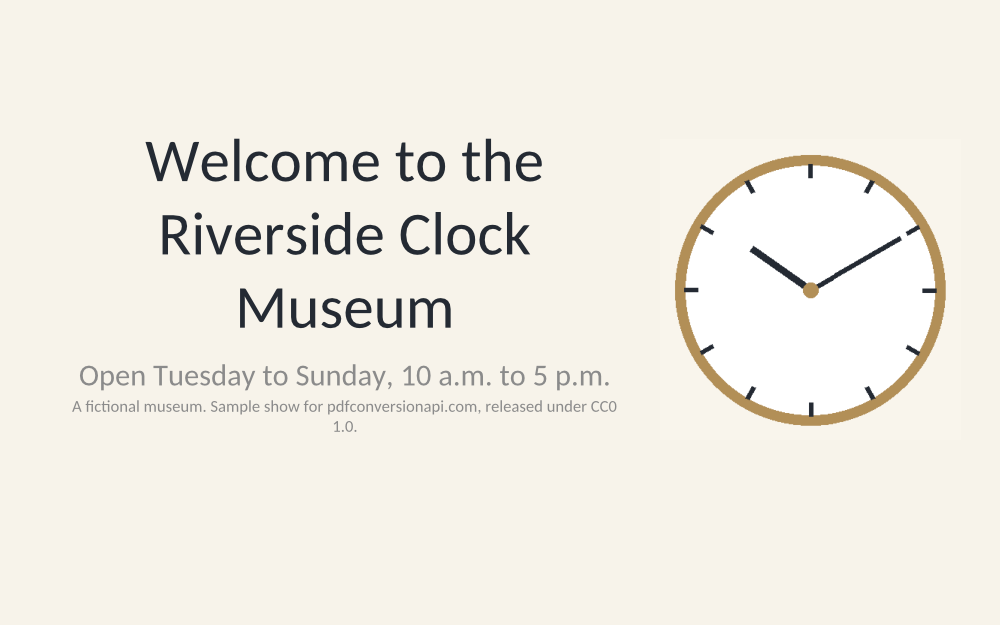
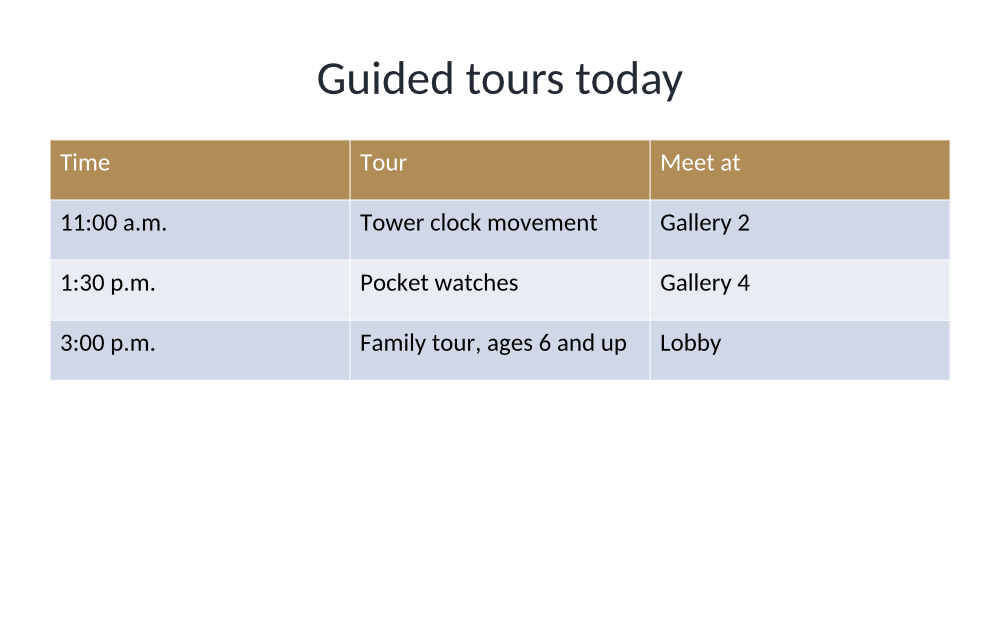
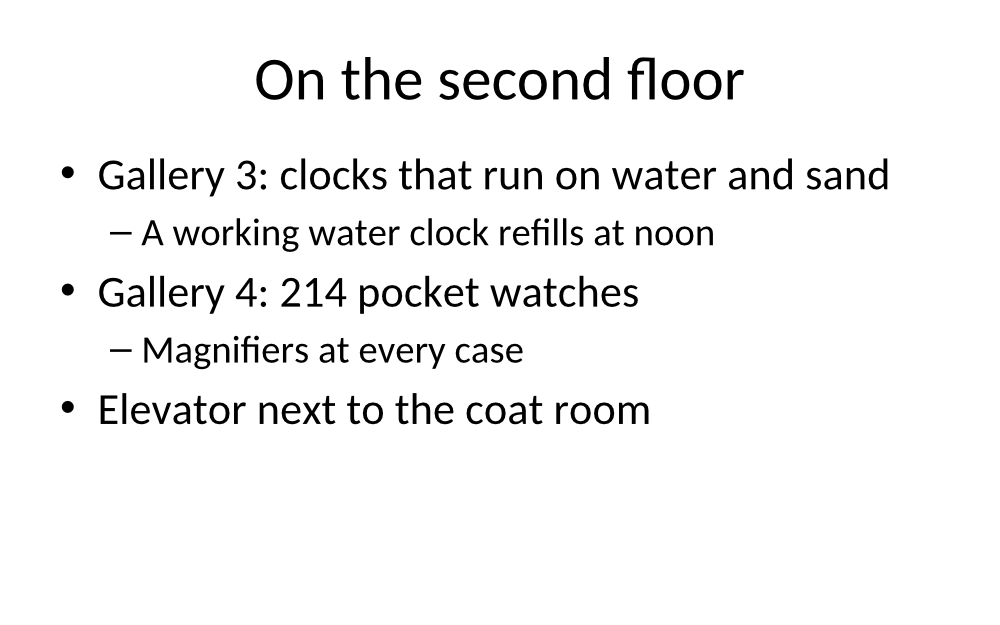
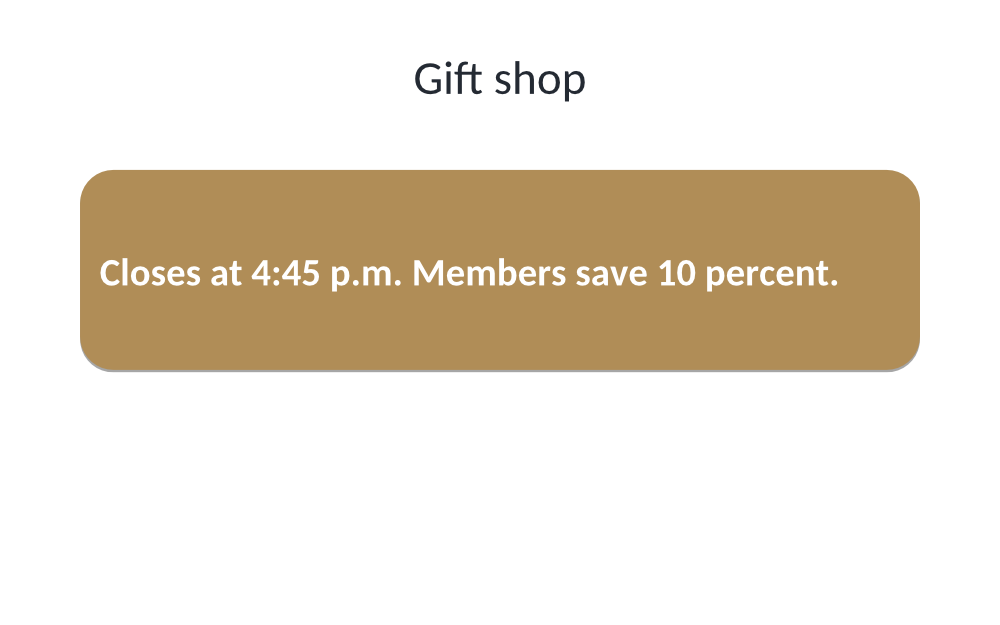
POST /v2/convert/pps/to/webp draws each visible slide of a PowerPoint 97-2003 show and returns it as a lossless WebP. With ImageResolution=100 the sample's four 16:10 slides come back at 1,000 × 625, 129,234 bytes together.
- Endpoint
- POST /v2/
convert/ pps/ to/ webp - Accepts
- pps
- Sample timing
- 0.56 s median of 5 runsHow we measure
- Request size
- Up to 10 MB on the Free plan or 100 MB on paid plans, all files together
Request and response
Every sample below ran against the API before this page was published. Set PDFCONVERSIONAPI_KEY to your key and run it as is.
curl -sS -X POST \
  https://api.pdfconversionapi.com/v2/convert/pps/to/webp \
  -H "Authorization: Bearer $PDFCONVERSIONAPI_KEY" \
  -F File=@riverside-lobby-loop.pps \
  --form-string ImageResolution=100 \
  -o response.json

# FileData is base64. Save the first file in converted/,
# or print the JSON error.
if jq -e '.Files' response.json > /dev/null; then
  mkdir -p converted
  name=$(jq -r '.Files[0].FileName' response.json)
  jq -r '.Files[0].FileData' response.json \
    | base64 --decode > "converted/$name"
else
  cat response.json
fi
import base64
import os
import requests
key = os.environ["PDFCONVERSIONAPI_KEY"]
response = requests.post(
"https://api.pdfconversionapi.com/v2/convert/pps/to/webp",
headers={"Authorization": f"Bearer {key}"},
files=[("File", open("riverside-lobby-loop.pps", "rb"))],
data={
"ImageResolution": "100",
},
timeout=180,
)
result = response.json()
if not response.ok:
raise SystemExit(f"{result['Code']}: {result['Message']}")
os.makedirs("converted", exist_ok=True)
for file in result["Files"]:
path = os.path.join("converted", file["FileName"])
with open(path, "wb") as out:
out.write(base64.b64decode(file["FileData"]))
print(path, file["FileSize"], "bytes")
import { mkdir, readFile, writeFile } from "node:fs/promises";
import { join } from "node:path";

const form = new FormData();
const file = "riverside-lobby-loop.pps";
form.append("File", new Blob([await readFile(file)]), file);
form.append("ImageResolution", "100");

const url = "https://api.pdfconversionapi.com/v2/convert/pps/to/webp";
const key = process.env.PDFCONVERSIONAPI_KEY;
const response = await fetch(url, {
  method: "POST",
  headers: { Authorization: `Bearer ${key}` },
  body: form,
});
const result = await response.json();
if (!response.ok) {
  throw new Error(`${result.Code}: ${result.Message}`);
}

await mkdir("converted", { recursive: true });
for (const file of result.Files) {
  const path = join("converted", file.FileName);
  await writeFile(path, Buffer.from(file.FileData, "base64"));
  console.log(path, file.FileSize, "bytes");
}
{
  "ConversionCost": 1,
  "ConversionTime": 0.56,
  "Files": [
    {
      "FileName": "riverside-lobby-loop-1.webp",
      "FileExt": "webp",
      "FileSize": 47532,
      "FileData": "UklGRqS5AABXRUJQVlA4TJe5…"
    },
    {
      "FileName": "riverside-lobby-loop-2.webp",
      "FileExt": "webp",
      "FileSize": 29946,
      "FileData": "UklGRvJ0AABXRUJQVlA4TOV0…"
    },
    {
      "FileName": "riverside-lobby-loop-3.webp",
      "FileExt": "webp",
      "FileSize": 31908,
      "FileData": "UklGRpx8AABXRUJQVlA4TI98…"
    },
    … 1 more files
  ]
}
Response from our test run on 2026-11-03. ConversionTime shows the median of 5 runs. FileData is shortened here; the real response carries the whole file as base64.
The sample, converted
The same file the code sends. Download the input and the output and compare them yourself.
- Input
- riverside-lobby-loop.pps (75 KB)
- Output
- riverside-lobby-loop-1.webp (46 KB)riverside-lobby-loop-2.webp (29 KB)riverside-lobby-loop-3.webp (31 KB)riverside-lobby-loop-4.webp (19 KB)
- Source
- A five-slide self-running lobby show for a fictional clock museum, made by us and saved as a PowerPoint 97-2003 show with fades and 8-second timings; slide 4 is hidden. (CC0-1.0). How it was made
- Made by
- 2026-11-04, API build
9eeeb0640aba
Parameters
Send these as form fields next to the file. Names are case-insensitive. If you set one of the documented options below that we don't support yet, the request fails with a 400 that names it instead of returning a file made without it.
| Parameter | What it does |
|---|---|
ImageResolutioninteger, default 150 | Drawing density. The sample's 100 gives 1,000 × 625 per slide, the default 150 gives 1,500 × 937. WebP stores no DPI, so the value only sets the pixel count.Values: 36–600 |
ImageWidthinteger | Exact width in pixels; together with ImageHeight the slide fits inside the box with its 16:10 shape kept.Values: 1–20000 |
PageRangestring | Which visible slides to draw.Values: e.g. 1, 1-3 |
ConvertHiddenSlidesboolean, default false | Also draw slides hidden from the show. |
Passwordstring | Encrypted shows can't be converted yet: our PowerPoint-locked test file got 422 "the input file is password-protected" even with its password. |
Not supported yet
Setting one of these to anything but its default returns 400.
| Option | What to do instead |
|---|---|
ImageQuality | Slides are written as lossless WebP only. Any value except 75 returns 400 "ImageQuality is not supported yet for PPS → WebP". |
What carries over, and what doesn't
Kept
- Lossless pixels (WebP's VP8L mode): small captions and table text look as drawn
- The show's visible slides in order, one file each
- The slides' 16:10 shape
- Vector-drawn text, tables and shapes, so a higher
ImageResolutionadds real detail
Lost or not yet supported
- Lossy compression, and with it any quality setting.
- The fade transitions, the timing and the loop flag of the show.
- Hidden slides and speaker notes, unless you ask for hidden slides.
Limits
- One .pps per request, up to 10 MB on the Free plan or 100 MB on paid plans.
- Each slide image at most 16,000 pixels per side and 100 million pixels; 2,000 slides per request.
- 120 seconds per conversion, then 504.
- Password-protected shows: 422 for now, with or without
Password.
Where teams use it
Putting a lobby show on the museum's website
Show the same slides online that run on the screen at the door, as a lightweight gallery: the four sample slides need 129,234 bytes at 1,000 × 625.
Building a web-based replacement for a kiosk loop
Convert the .pps once, then cycle the WebP images in a browser page with the show's own timing of 8 seconds per slide.
Questions
How do WebP files compare with PNG and JPEG for this show?
At 150 DPI the four slides take 183,582 bytes as WebP, 420,301 as PNG and 393,126 as JPEG at quality 85. WebP is the smallest of the three here and, unlike JPEG, lossless.
Where are the show's timings?
Images can't carry them. Each slide of the sample advances after 8 seconds; you can read that value from the .pptx that /v2/convert/pps/to/pptx returns, where every slide keeps its advance time.
Why is `ImageQuality` refused?
This route writes lossless WebP only, so there is no quality to set yet. If you need smaller files, lower ImageResolution: at 100 DPI the sample's WebPs total 129,234 bytes, against 183,582 at 150.
Convert your first PPS file in a minute.