DOCX to RTF API
POST /v2/convert/docx/to/rtf writes the Word document as Rich Text Format, a plain-ASCII format that word processors and many rich text controls read. The handbook sample became a 19,776-byte RTF with its pending tracked change marked by author.
- Endpoint
- POST /v2/
convert/ docx/ to/ rtf - Accepts
- docx
- Sample timing
- 23 ms median of 5 runsHow we measure
- Request size
- Up to 10 MB on the Free plan or 100 MB on paid plans, all files together
Request and response
Every sample below ran against the API before this page was published. Set PDFCONVERSIONAPI_KEY to your key and run it as is.
curl -sS -X POST \
  https://api.pdfconversionapi.com/v2/convert/docx/to/rtf \
  -H "Authorization: Bearer $PDFCONVERSIONAPI_KEY" \
  -F File=@volunteer-handbook.docx \
  -o response.json

# FileData is base64. Save the first file in converted/,
# or print the JSON error.
if jq -e '.Files' response.json > /dev/null; then
  mkdir -p converted
  name=$(jq -r '.Files[0].FileName' response.json)
  jq -r '.Files[0].FileData' response.json \
    | base64 --decode > "converted/$name"
else
  cat response.json
fi
import base64
import os
import requests
key = os.environ["PDFCONVERSIONAPI_KEY"]
response = requests.post(
"https://api.pdfconversionapi.com/v2/convert/docx/to/rtf",
headers={"Authorization": f"Bearer {key}"},
files=[("File", open("volunteer-handbook.docx", "rb"))],
timeout=180,
)
result = response.json()
if not response.ok:
raise SystemExit(f"{result['Code']}: {result['Message']}")
os.makedirs("converted", exist_ok=True)
for file in result["Files"]:
path = os.path.join("converted", file["FileName"])
with open(path, "wb") as out:
out.write(base64.b64decode(file["FileData"]))
print(path, file["FileSize"], "bytes")
import { mkdir, readFile, writeFile } from "node:fs/promises";
import { join } from "node:path";

const form = new FormData();
const file = "volunteer-handbook.docx";
form.append("File", new Blob([await readFile(file)]), file);

const url = "https://api.pdfconversionapi.com/v2/convert/docx/to/rtf";
const key = process.env.PDFCONVERSIONAPI_KEY;
const response = await fetch(url, {
  method: "POST",
  headers: { Authorization: `Bearer ${key}` },
  body: form,
});
const result = await response.json();
if (!response.ok) {
  throw new Error(`${result.Code}: ${result.Message}`);
}

await mkdir("converted", { recursive: true });
for (const file of result.Files) {
  const path = join("converted", file.FileName);
  await writeFile(path, Buffer.from(file.FileData, "base64"));
  console.log(path, file.FileSize, "bytes");
}
{
  "ConversionCost": 1,
  "ConversionTime": 0.023,
  "Files": [
    {
      "FileName": "volunteer-handbook.rtf",
      "FileExt": "rtf",
      "FileSize": 19776,
      "FileData": "e1xydGYxXGFuc2lcYW5zaWNw…"
    }
  ]
}
Response from our test run on 2026-11-03. ConversionTime shows the median of 5 runs. FileData is shortened here; the real response carries the whole file as base64.
The sample, converted
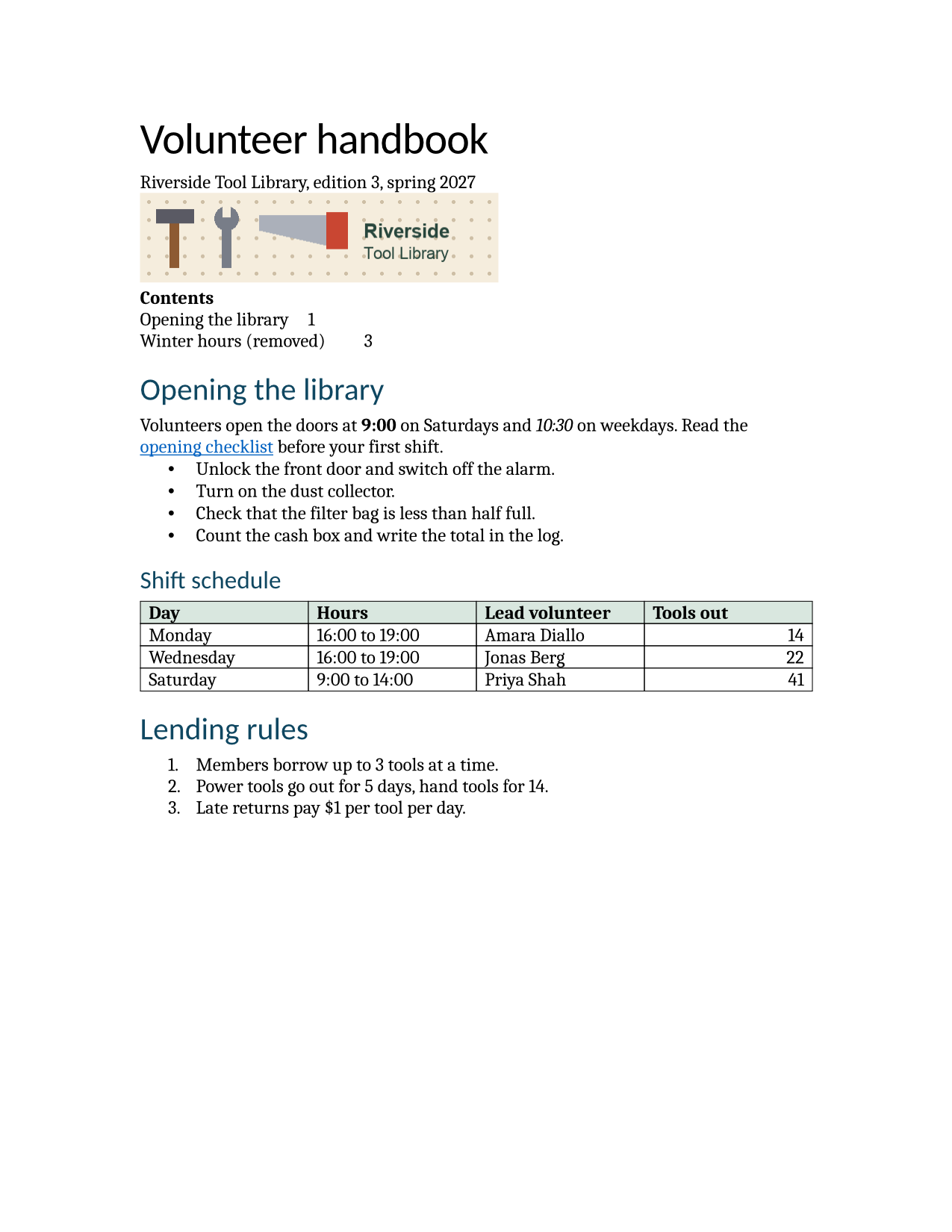
The same file the code sends. Download the input and the output and compare them yourself.
- Input
- volunteer-handbook.docx (43 KB)
- Output
- volunteer-handbook.rtf (19 KB)
- Source
- A two-page volunteer handbook for a fictional tool library, written for this site, with a stale table of contents, a footnote, a comment, a tracked change, a table and a picture. (CC0-1.0). How it was made
- Made by
- 2026-11-04, API build
9eeeb0640aba
Parameters
Send these as form fields next to the file. Names are case-insensitive. If you set one of the documented options below that we don't support yet, the request fails with a 400 that names it instead of returning a file made without it.
| Parameter | What it does |
|---|---|
UpdateFieldsboolean, default false | Rebuild the table of contents first. In the RTF, each new TOC line is then a HYPERLINK field pointing at a bookmark on its heading (_Toc000000001 and on); without it, the two stale lines are copied as text. |
UpdateTableOfContentsboolean, default false | Same refresh as UpdateFields, and so is UpdateReferences. A value other than true or false, such as nah, returns 400. |
Passwordstring | Password for an encrypted .docx; the RTF is never encrypted. |
FileNamestring | Base name of the RTF; the sample is volunteer-handbook.rtf. |
StoreFileboolean, default false | Return a link valid for 3 hours instead of the RTF. |
What carries over, and what doesn't
Kept
- The tracked change with its author:
\deletedaround the old "7" and\revisedaround the new "5", with Dana Okafor in the revision table - Table borders on all 64 cell edges of the shift table, and the #d9e7df header fill
- Heading 1 and Heading 2 as styles with outline levels
- The banner as a PNG picture, 4,608 by 1,152 twips (3.2 by 0.8 inches)
- The hyperlink, Letter paper with 1.25-inch side margins, and bullets written as Unicode (
\u8226) - Title, subject, author, keywords and comment in the info group
Lost or not yet supported
- Priya Shah's comment.
- The footnote, and the header and footer with their page numbers.
- The Calibri body font. The font table has a single entry, Cambria, so readers show the whole document in it.
- List nesting and the TOC's dot leaders: the inner bullet is written at the outer level, and TOC lines keep a tab but not the right-aligned dotted stop.
Limits
- Requests up to 10 MB on the Free plan or 100 MB on paid plans, all files and fields together.
- 120 seconds per conversion, then 504.
- ConvertAPI documents
Password,UpdateTableOfContentsandUpdateReferencesfor DOCX to RTF, and all three are read. Other names, such asPageRange, are ignored.
Where teams use it
Loading Word content into rich text controls
Desktop and web rich text editors, and many reporting tools, accept RTF but not DOCX. Converting server-side gives them bold, italic, colors, lists and tables to display.
Exchanging documents with older systems
Clinical, legal and government systems built before 2007 often import RTF letters. The format is ASCII, so it also survives systems that mangle binary attachments.
Questions
Which code page and encoding does the RTF use?
It declares \ansi\ansicpg1252 with \uc1, but writes every character outside ASCII as a \u escape with ? as the fallback, even ones Windows-1252 has. The sample's bullets come out as \u8226?, and in our test curly quotes and é became \u8220?, \u8221? and \u233?. Unicode-aware readers show the real characters; older ones show question marks.
Are comments supported in RTF?
The format has annotation groups, but our converter does not write them yet. To keep comment text, use /v2/convert/docx/to/md or /v2/convert/docx/to/txt with IncludeMarkup=true, which list them with their authors.
Why does the whole document look like Cambria?
The sample's paragraphs ask for Calibri through the Normal style, and the RTF ends up with only the theme's body font, Cambria, in its font table. If the face matters, set it in the reader or the template that opens the RTF.
Convert your first DOCX file in a minute.