Delete PDF pages API
Send a PDF and the pages to drop in PageRange to POST /v2/convert/pdf/to/delete-pages. The PDF that comes back holds every other page, in its original order and unchanged.
- Endpoint
- POST /v2/
convert/ pdf/ to/ delete-pages - Accepts
- Sample timing
- 1 ms median of 5 runsHow we measure
- Request size
- Up to 10 MB on the Free plan or 100 MB on paid plans, all files together
Request and response
Every sample below ran against the API before this page was published. Set PDFCONVERSIONAPI_KEY to your key and run it as is.
curl -sS -X POST \
  https://api.pdfconversionapi.com/v2/convert/pdf/to/delete-pages \
  -H "Authorization: Bearer $PDFCONVERSIONAPI_KEY" \
  -F File=@greenhouse-inspection.pdf \
  --form-string PageRange=2 \
  -o response.json

# FileData is base64. Save the first file in converted/,
# or print the JSON error.
if jq -e '.Files' response.json > /dev/null; then
  mkdir -p converted
  name=$(jq -r '.Files[0].FileName' response.json)
  jq -r '.Files[0].FileData' response.json \
    | base64 --decode > "converted/$name"
else
  cat response.json
fi
import base64
import os
import requests
key = os.environ["PDFCONVERSIONAPI_KEY"]
response = requests.post(
"https://api.pdfconversionapi.com/v2/convert/pdf/to/delete-pages",
headers={"Authorization": f"Bearer {key}"},
files=[("File", open("greenhouse-inspection.pdf", "rb"))],
data={
"PageRange": "2",
},
timeout=180,
)
result = response.json()
if not response.ok:
raise SystemExit(f"{result['Code']}: {result['Message']}")
os.makedirs("converted", exist_ok=True)
for file in result["Files"]:
path = os.path.join("converted", file["FileName"])
with open(path, "wb") as out:
out.write(base64.b64decode(file["FileData"]))
print(path, file["FileSize"], "bytes")
import { mkdir, readFile, writeFile } from "node:fs/promises";
import { join } from "node:path";

const form = new FormData();
const file = "greenhouse-inspection.pdf";
form.append("File", new Blob([await readFile(file)]), file);
form.append("PageRange", "2");

const url =
  "https://api.pdfconversionapi.com/v2/convert/pdf/to/delete-pages";
const key = process.env.PDFCONVERSIONAPI_KEY;
const response = await fetch(url, {
  method: "POST",
  headers: { Authorization: `Bearer ${key}` },
  body: form,
});
const result = await response.json();
if (!response.ok) {
  throw new Error(`${result.Code}: ${result.Message}`);
}

await mkdir("converted", { recursive: true });
for (const file of result.Files) {
  const path = join("converted", file.FileName);
  await writeFile(path, Buffer.from(file.FileData, "base64"));
  console.log(path, file.FileSize, "bytes");
}
{
  "ConversionCost": 1,
  "ConversionTime": 0.001,
  "Files": [
    {
      "FileName": "greenhouse-inspection.pdf",
      "FileExt": "pdf",
      "FileSize": 81430,
      "FileData": "JVBERi0xLjcKJbutwN4KMSAw…"
    }
  ]
}
Response from our test run on 2026-11-03. ConversionTime shows the median of 5 runs. FileData is shortened here; the real response carries the whole file as base64.
The sample and the result
The same file the code sends. Download the input and the output and compare them yourself.
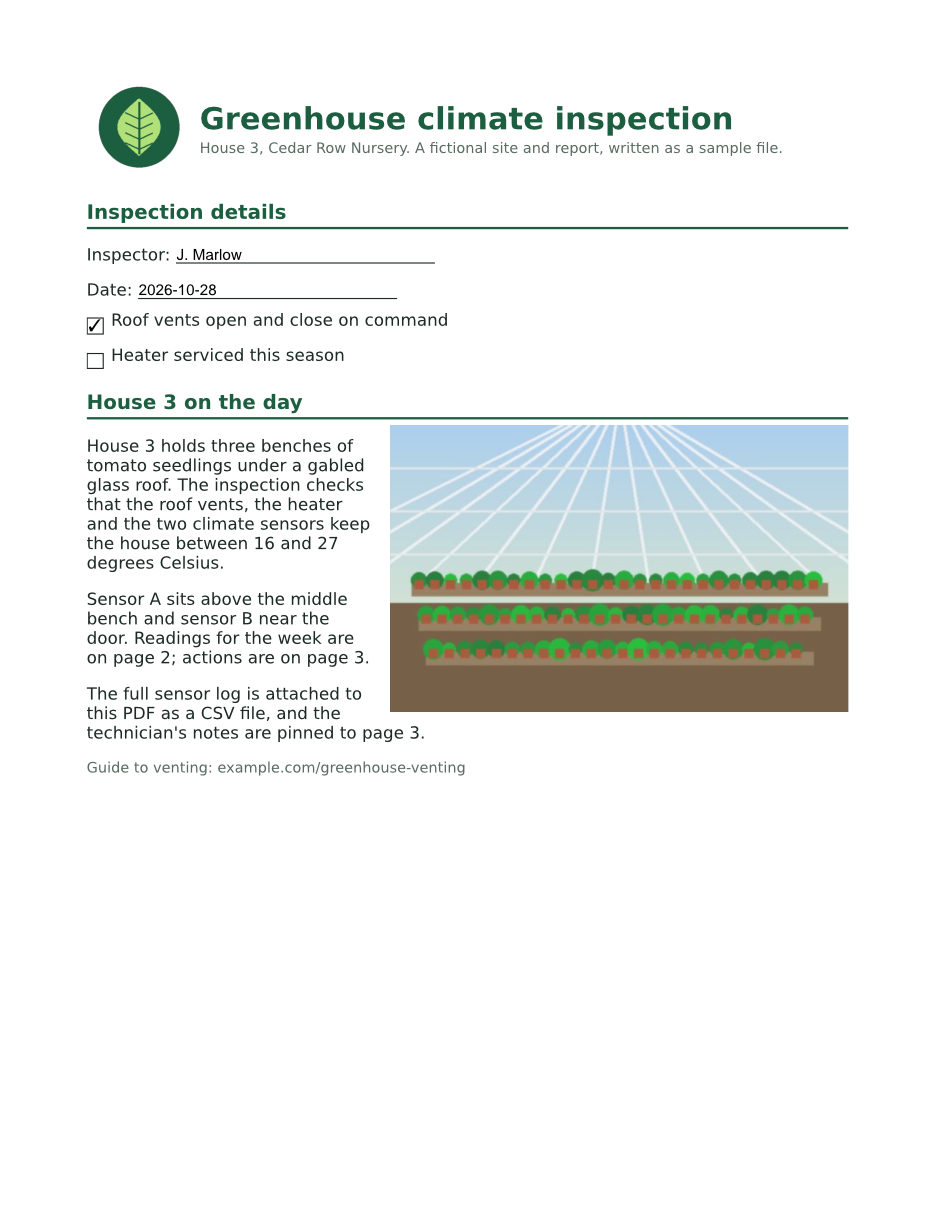
- Input
- greenhouse-inspection.pdf (115 KB)
- Output
- greenhouse-inspection.pdf (80 KB)
- Source
- A three-page greenhouse inspection report for a fictional nursery, with form fields, comments and attached files, made by us for this site. (CC0-1.0). How it was made
- Made by
- 2026-11-04, API build
9eeeb0640aba
Parameters
Send these as form fields next to the file. Names are case-insensitive. If you set one of the documented options below that we don't support yet, the request fails with a 400 that names it instead of returning a file made without it.
| Parameter | What it does |
|---|---|
PageRangestring | The pages to remove. Left out, the API returns 400 "PageRange (the pages to delete) is required". A page named twice is removed once (2,2,2 removed only page 2), and a range that runs past the end stops at the last page (2-9 on the 3-page sample left page 1). last is the final page, whatever the count.Values: Required. Pages and ranges such as 2, 1,4-6, 5- or last |
Passwordstring | Opens a PDF that needs a password. The result comes back without encryption. If the owner also limits changes, only the owner password works here, also on a file that opens without one; the open password returns 422. |
FileNamestring | Name of the shortened PDF without the extension. Left out, it keeps the upload's name, so greenhouse-inspection.pdf comes back under that same name. |
StoreFileboolean, default false | Return a download link (Url and FileId) instead of the file data. Links work for 3 hours. |
Not supported yet
Setting one of these to anything but its default returns 400.
| Option | What to do instead |
|---|---|
DeleteBlankPages | DeleteBlankPages=true returns 400; false is accepted. Pages go only by the numbers you send, so find blank pages yourself first, for example from /v2/convert/pdf/to/txt output or page images. |
What carries over, and what doesn't
Kept
- The kept pages exactly as drawn: pages 1 and 3 of the sample rendered pixel for pixel like the originals at 100 dpi
- Page order and each page's size, with nothing renumbered inside the page content
- Text you can select and search, the embedded fonts and both pictures on page 1
- Document properties as in the input: Title, Author, Subject, Keywords, both dates and the custom InspectionID entry
- The web link on page 1 and the comment-style file attachment pinned to the old page 3, which
/v2/convert/pdf/to/extract-attachmentsstill pulled out of the result - Only what the kept pages use. The fonts of the removed readings page are gone, and the sample shrank from 117,855 to 81,430 bytes
Lost or not yet supported
- Bookmarks. The sample's 3 are gone, including the two that point at pages that survived.
- The CSV in the Attachments panel. It belongs to the whole document rather than to a page, so it is not copied.
- The form dictionary (AcroForm). The 6 fields still show J. Marlow, the dates and the checkmark, and
/v2/convert/pdf/to/metastill finds them through the page annotations, but tools that read the field list from that dictionary find no form at all. - Encryption. A file opened with
Passwordcomes back unprotected; send it to/v2/convert/pdf/to/protectif it must stay locked.
Limits
- At least one page must stay:
PageRange=1-3on a 3-page file returns 400 "deleting every page would leave an empty PDF". - A page number past the end returns 400, for example "PageRange asks for page 5, but the document has 3 pages";
0and reversed ranges such as3-1return 400 "is not valid". - A digitally signed PDF returns 422 "this PDF is digitally signed, and rewriting it would invalidate the signature".
- A PDF that limits printing, copying or editing returns 422 "this PDF has permission restrictions; send the owner password in Password, or remove them with /v2/convert/pdf/to/unprotect and the owner password". With the owner password the pages are removed, even when the file opens without a password; the open password or a wrong one still gets the 422.
- One PDF per request, up to 10 MB on the Free plan or 100 MB on paid plans. A request can run for up to 120 seconds.
Where teams use it
Drop an internal page before a document goes out
A generated report may carry a review sheet, a price breakdown or a routing page meant only for staff. Remove it by number and send the rest; the removed page's text, fonts and images are not in the new file.
Cut a trailing blank or separator page
Print-to-PDF jobs and scanning stations often add an empty last page or a batch separator. PageRange=last removes the final page without first asking how many pages the file has.
Shorten a long file to the parts people read
Remove appendices, cover letters or terms pages in one call with a list such as 1,12-20, rather than extracting and re-merging the pieces you want to keep.
Questions
How do I remove the last page without knowing the page count?
Send PageRange=last. On the 3-page sample it returned pages 1 and 2. last also works inside a range: 3-last removes everything from page 3 on.
Is deleting pages the same as extracting the others?
It gives the same file. Deleting page 2 of the sample and extracting pages 1 and 3 with /v2/convert/pdf/to/extract produced byte-identical PDFs. Use whichever list is shorter to write.
Is the deleted page's content really gone from the file?
Yes. The new PDF is built from the kept pages, and objects nothing points to are dropped. In the sample result, the two fonts that only the removed page used are no longer in the file. This is different from cropping, which only hides content.
Can it find and delete blank pages for me?
Not yet. DeleteBlankPages=true returns 400. Look for pages with no text in /v2/convert/pdf/to/txt output, or check page images from /v2/convert/pdf/to/png, then send their numbers in PageRange.
Why are my bookmarks missing after deleting a page?
The result is a new document built from the kept pages and the document properties, so the outline, the Attachments panel and the form setup of the original are not carried over. Title, author and the other properties do come along. If you need bookmarks, this route is not a fit yet.
Convert your first PDF file in a minute.