Crop PDF pages API
Send a PDF and CropMode=margins to POST /v2/convert/pdf/to/crop, and the same PDF comes back with a smaller visible area on each page. Only the page's crop box changes, so text, form fields and attachments stay as they were.
- Endpoint
- POST /v2/
convert/ pdf/ to/ crop - Accepts
- Sample timing
- 25 ms median of 5 runsHow we measure
- Request size
- Up to 10 MB on the Free plan or 100 MB on paid plans, all files together
Request and response
Every sample below ran against the API before this page was published. Set PDFCONVERSIONAPI_KEY to your key and run it as is.
curl -sS -X POST \
  https://api.pdfconversionapi.com/v2/convert/pdf/to/crop \
  -H "Authorization: Bearer $PDFCONVERSIONAPI_KEY" \
  -F File=@greenhouse-inspection.pdf \
  --form-string CropMode=margins \
  --form-string MeasurementUnit=mm \
  --form-string HorizontalMargin=15 \
  --form-string VerticalMargin=12 \
  -o response.json

# FileData is base64. Save the first file in converted/,
# or print the JSON error.
if jq -e '.Files' response.json > /dev/null; then
  mkdir -p converted
  name=$(jq -r '.Files[0].FileName' response.json)
  jq -r '.Files[0].FileData' response.json \
    | base64 --decode > "converted/$name"
else
  cat response.json
fi
import base64
import os
import requests
key = os.environ["PDFCONVERSIONAPI_KEY"]
response = requests.post(
"https://api.pdfconversionapi.com/v2/convert/pdf/to/crop",
headers={"Authorization": f"Bearer {key}"},
files=[("File", open("greenhouse-inspection.pdf", "rb"))],
data={
"CropMode": "margins",
"MeasurementUnit": "mm",
"HorizontalMargin": "15",
"VerticalMargin": "12",
},
timeout=180,
)
result = response.json()
if not response.ok:
raise SystemExit(f"{result['Code']}: {result['Message']}")
os.makedirs("converted", exist_ok=True)
for file in result["Files"]:
path = os.path.join("converted", file["FileName"])
with open(path, "wb") as out:
out.write(base64.b64decode(file["FileData"]))
print(path, file["FileSize"], "bytes")
import { mkdir, readFile, writeFile } from "node:fs/promises";
import { join } from "node:path";

const form = new FormData();
const file = "greenhouse-inspection.pdf";
form.append("File", new Blob([await readFile(file)]), file);
form.append("CropMode", "margins");
form.append("MeasurementUnit", "mm");
form.append("HorizontalMargin", "15");
form.append("VerticalMargin", "12");

const url = "https://api.pdfconversionapi.com/v2/convert/pdf/to/crop";
const key = process.env.PDFCONVERSIONAPI_KEY;
const response = await fetch(url, {
  method: "POST",
  headers: { Authorization: `Bearer ${key}` },
  body: form,
});
const result = await response.json();
if (!response.ok) {
  throw new Error(`${result.Code}: ${result.Message}`);
}

await mkdir("converted", { recursive: true });
for (const file of result.Files) {
  const path = join("converted", file.FileName);
  await writeFile(path, Buffer.from(file.FileData, "base64"));
  console.log(path, file.FileSize, "bytes");
}
{
  "ConversionCost": 1,
  "ConversionTime": 0.025,
  "Files": [
    {
      "FileName": "greenhouse-inspection.pdf",
      "FileExt": "pdf",
      "FileSize": 117720,
      "FileData": "JVBERi0xLjcKJeLjz9MKOSAw…"
    }
  ]
}
Response from our test run on 2026-11-03. ConversionTime shows the median of 5 runs. FileData is shortened here; the real response carries the whole file as base64.
The sample and the result
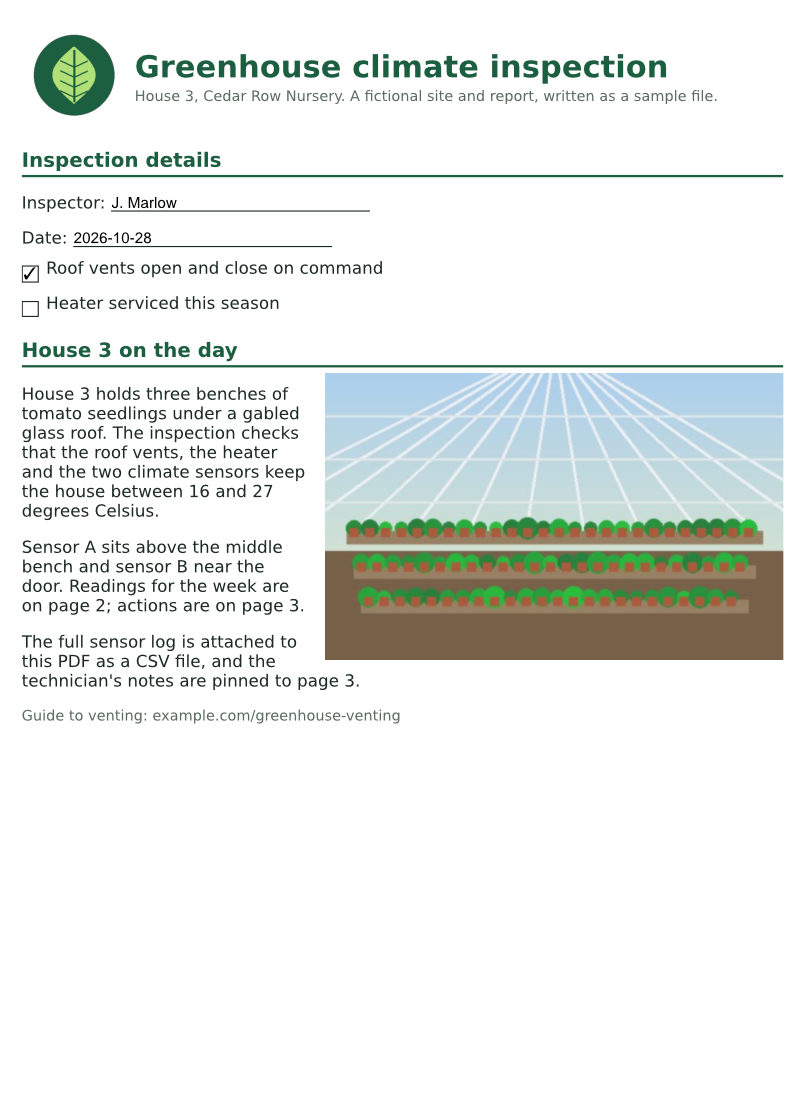
The same file the code sends. Download the input and the output and compare them yourself.
- Input
- greenhouse-inspection.pdf (115 KB)
- Output
- greenhouse-inspection.pdf (115 KB)
- Source
- A three-page greenhouse inspection report for a fictional nursery, with form fields, comments and attached files, made by us for this site. (CC0-1.0). How it was made
- Made by
- 2026-11-04, API build
9eeeb0640aba
Parameters
Send these as form fields next to the file. Names are case-insensitive. If you set one of the documented options below that we don't support yet, the request fails with a 400 that names it instead of returning a file made without it.
| Parameter | What it does |
|---|---|
CropModeenum, default auto | Send CropMode=margins with every request. Left out, the mode is auto, which returns 400 "CropMode=auto is not supported yet; use CropMode=margins"; size gets the same answer.Values: margins (auto and size return 400) |
HorizontalMarginnumber, default 1 | How much to cut from the left edge and, by the same amount, from the right edge of each page. Decimals work (4.2 was accepted). A negative value or text returns 400.Values: 0 to 10000, in MeasurementUnit |
VerticalMarginnumber, default 1 | How much to cut from the top and from the bottom. With both margins left at 1 inch, a US Letter page shows 6.5 x 9 in.Values: 0 to 10000, in MeasurementUnit |
MeasurementUnitenum, default in | Unit of both margins. The sample uses mm: 15 mm is 42.52 points. px and other units return 400 "MeasurementUnit must be one of: pt, in, mm, cm".Values: in, mm, cm, pt |
PageRangestring | Crop only these pages; the others keep their full size. PageRange=2 on the sample trimmed only the readings page, which is landscape. A page past the end returns 400 with the page count.Values: Pages and ranges such as 2, 1-3,5 or 4-last |
Passwordstring | Opens a protected PDF. A file that limits changes needs the owner password here, and the cropped copy then comes back with no encryption. The open password of a file whose owner restricted nothing also gives an unencrypted copy. If the owner restricted something else, such as copying, the cropped file keeps its protection and still asks for the open password. |
FileNamestring | Name of the cropped PDF without the extension: FileName=house3-trimmed gives house3-trimmed.pdf. Left out, the upload's name is kept. |
StoreFileboolean, default false | Return a download link (Url and FileId) instead of the file data. The link expires after 3 hours. |
Not supported yet
Setting one of these to anything but its default returns 400.
| Option | What to do instead |
|---|---|
AutoStrategy | There is no automatic crop to the printed content yet; measure the margin you want and send it. |
Anchor | The visible area is always centered on the sheet, since left and right lose the same amount. |
CropWidth | A crop to a fixed width and height (CropMode=size) returns 400. Work out the margins instead: a 6 in wide area on an 8.5 in page is HorizontalMargin=1.25. |
PageSize | To put pages on a new paper size, use /v2/convert/pdf/to/resize, which scales the content instead of cutting it. |
Also refused when set: AutoPadding, CropHeight, PageOrientation.
What carries over, and what doesn't
Kept
- Everything drawn on the page: content streams, fonts and the two images are untouched. Only a CropBox is added; the sample's MediaBox is still 612 x 792 points
- The new visible size, exact to the margin: 7.32 x 10.06 in on the sample's portrait pages and 9.82 x 7.56 in on its landscape page
- All 6 form fields, still fillable with their values, plus the comments on page 2 and the pinned attachment on page 3
- The 3 bookmarks, the attached CSV and the other document properties: Title, Author, Subject, Keywords, CreationDate and the custom InspectionID entry
- Protection, when you send the open password of a file that forbids something other than page changes: our copy that forbids copying came back with the same password and permissions
Lost or not yet supported
- The old modification date. ModDate is set to the time of the crop; CreationDate stays.
- An earlier crop. Margins are measured from the full sheet (the media box), so cropping the sample a second time gave the same box again, and margins of 0 brought back the full page.
- Content near the edge when the margin is wider than the page's own white border. The default 1 in cut the first letters off every line of the sample, whose text starts 0.79 in from the left edge.
Limits
- Margins are symmetric: HorizontalMargin applies to both sides and VerticalMargin to top and bottom, so an off-center crop is not possible today.
- Margins that leave less than a point of page return 422:
HorizontalMargin=5(in) on an 8.5 in page gave "the input file could not be read: page 1 would be smaller than a point". - A digitally signed PDF returns 422 "this PDF is digitally signed, and rewriting it would invalidate the signature".
- A PDF whose owner limits changes returns 422 "this PDF's permissions don't allow page changes; send the owner password in Password, or remove the restrictions with /v2/convert/pdf/to/unprotect and the owner password".
PageRangewith the open password of a file whose owner restricted something returns 400 "PageRange can't be combined with the open password yet for pdf/to/crop; send the owner password in Password, or remove the protection with /v2/convert/pdf/to/unprotect first". With the owner password, or the open password of a file with no restrictions,PageRangeworks.- One PDF per request, up to 10 MB on the Free plan or 100 MB on paid plans; a second file returns 400 "this conversion takes exactly one file". A crop can run for up to 120 seconds.
Where teams use it
Drop white borders before placing pages elsewhere
Reports made from HTML or a word processor carry wide blank margins. Cut 15 mm from the sides and 12 mm from top and bottom, as in the sample, and the pages fit a slide, a print layout or an image frame with less dead space.
Trim one page in a mixed document
A document can mix portrait text pages with a landscape chart or table. PageRange crops only the pages you name, so the chart page loses its empty band while the text pages stay full size.
Larger text on small screens
E-readers and phone viewers scale the whole page to the screen. Cutting the margins off a scanned or printed-style document leaves more of the screen for the text itself.
Questions
Why do I get "CropMode=auto is not supported yet"?
Because auto is the mode when CropMode is left out, as in ConvertAPI's documentation. Our crop works from fixed margins only, so add CropMode=margins to the request and set HorizontalMargin and VerticalMargin.
Does cropping delete what is outside the new edge?
No. The page's crop box tells viewers what to show; the content stays in the file. After a 1 in crop that hid the start of every line on screen, /v2/convert/pdf/to/txt still returned the full words. To really remove it, send the cropped PDF to /v2/convert/pdf/to/rasterize: the pages came back at the cropped size (6.5 x 9 in) as pictures, with no text left.
Can I cut a different amount from each side?
Not yet. Left and right always lose the same amount, and so do top and bottom. Because each crop is measured from the full sheet, a second request replaces the first one instead of adding to it.
Can I crop password-protected PDFs?
Yes, send Password. With the open password, a test copy with no restrictions came back cropped and unencrypted, while a copy that forbids copying came back still protected by that password. A file whose owner limits changes needs the owner password, and the cropped copy then has no encryption at all.
What margin gives a 6 x 9 inch page from US Letter?
HorizontalMargin=1.25 and VerticalMargin=1 in inches: 8.5 minus 2 x 1.25 is 6, and 11 minus 2 x 1 is 9. In millimeters, 31.75 and 25.4 give the same box.
Convert your first PDF file in a minute.