EPUB to JPG API
POST an .epub to /v2/convert/epub/to/jpg and the book returns as one JPEG per page. Sent with ImageResolution=100 and ImageQuality=80, the five-page ferry handbook gave five 850 × 1100 JPEGs totaling 411,621 bytes.
- Endpoint
- POST /v2/
convert/ epub/ to/ jpg - Accepts
- epub
- Sample timing
- 0.112 s median of 5 runsHow we measure
- Request size
- Up to 10 MB on the Free plan or 100 MB on paid plans, all files together
Request and response
Every sample below ran against the API before this page was published. Set PDFCONVERSIONAPI_KEY to your key and run it as is.
curl -sS -X POST \
  https://api.pdfconversionapi.com/v2/convert/epub/to/jpg \
  -H "Authorization: Bearer $PDFCONVERSIONAPI_KEY" \
  -F File=@gull-point-ferry.epub \
  --form-string ImageResolution=100 \
  --form-string ImageQuality=80 \
  -o response.json

# FileData is base64. Save the first file in converted/,
# or print the JSON error.
if jq -e '.Files' response.json > /dev/null; then
  mkdir -p converted
  name=$(jq -r '.Files[0].FileName' response.json)
  jq -r '.Files[0].FileData' response.json \
    | base64 --decode > "converted/$name"
else
  cat response.json
fi
import base64
import os
import requests
key = os.environ["PDFCONVERSIONAPI_KEY"]
response = requests.post(
"https://api.pdfconversionapi.com/v2/convert/epub/to/jpg",
headers={"Authorization": f"Bearer {key}"},
files=[("File", open("gull-point-ferry.epub", "rb"))],
data={
"ImageResolution": "100",
"ImageQuality": "80",
},
timeout=180,
)
result = response.json()
if not response.ok:
raise SystemExit(f"{result['Code']}: {result['Message']}")
os.makedirs("converted", exist_ok=True)
for file in result["Files"]:
path = os.path.join("converted", file["FileName"])
with open(path, "wb") as out:
out.write(base64.b64decode(file["FileData"]))
print(path, file["FileSize"], "bytes")
import { mkdir, readFile, writeFile } from "node:fs/promises";
import { join } from "node:path";

const form = new FormData();
const file = "gull-point-ferry.epub";
form.append("File", new Blob([await readFile(file)]), file);
form.append("ImageResolution", "100");
form.append("ImageQuality", "80");

const url = "https://api.pdfconversionapi.com/v2/convert/epub/to/jpg";
const key = process.env.PDFCONVERSIONAPI_KEY;
const response = await fetch(url, {
  method: "POST",
  headers: { Authorization: `Bearer ${key}` },
  body: form,
});
const result = await response.json();
if (!response.ok) {
  throw new Error(`${result.Code}: ${result.Message}`);
}

await mkdir("converted", { recursive: true });
for (const file of result.Files) {
  const path = join("converted", file.FileName);
  await writeFile(path, Buffer.from(file.FileData, "base64"));
  console.log(path, file.FileSize, "bytes");
}
{
  "ConversionCost": 1,
  "ConversionTime": 0.112,
  "Files": [
    {
      "FileName": "gull-point-ferry-1.jpg",
      "FileExt": "jpg",
      "FileSize": 52677,
      "FileData": "/9j/4AAQSkZJRgABAgEAZABk…"
    },
    {
      "FileName": "gull-point-ferry-2.jpg",
      "FileExt": "jpg",
      "FileSize": 32637,
      "FileData": "/9j/4AAQSkZJRgABAgEAZABk…"
    },
    {
      "FileName": "gull-point-ferry-3.jpg",
      "FileExt": "jpg",
      "FileSize": 108120,
      "FileData": "/9j/4AAQSkZJRgABAgEAZABk…"
    },
    … 2 more files
  ]
}
Response from our test run on 2026-11-03. ConversionTime shows the median of 5 runs. FileData is shortened here; the real response carries the whole file as base64.
The sample, converted
The same file the code sends. Download the input and the output and compare them yourself.
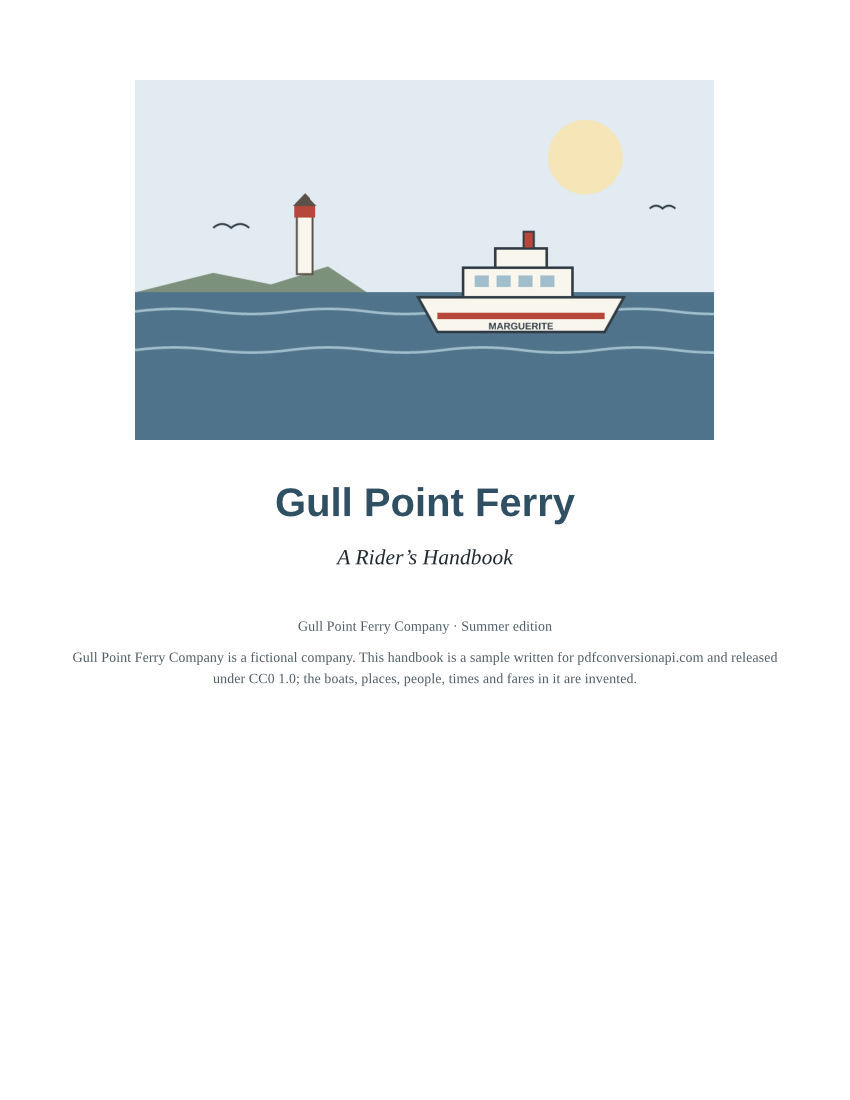
- Input
- gull-point-ferry.epub (53 KB)
- Output
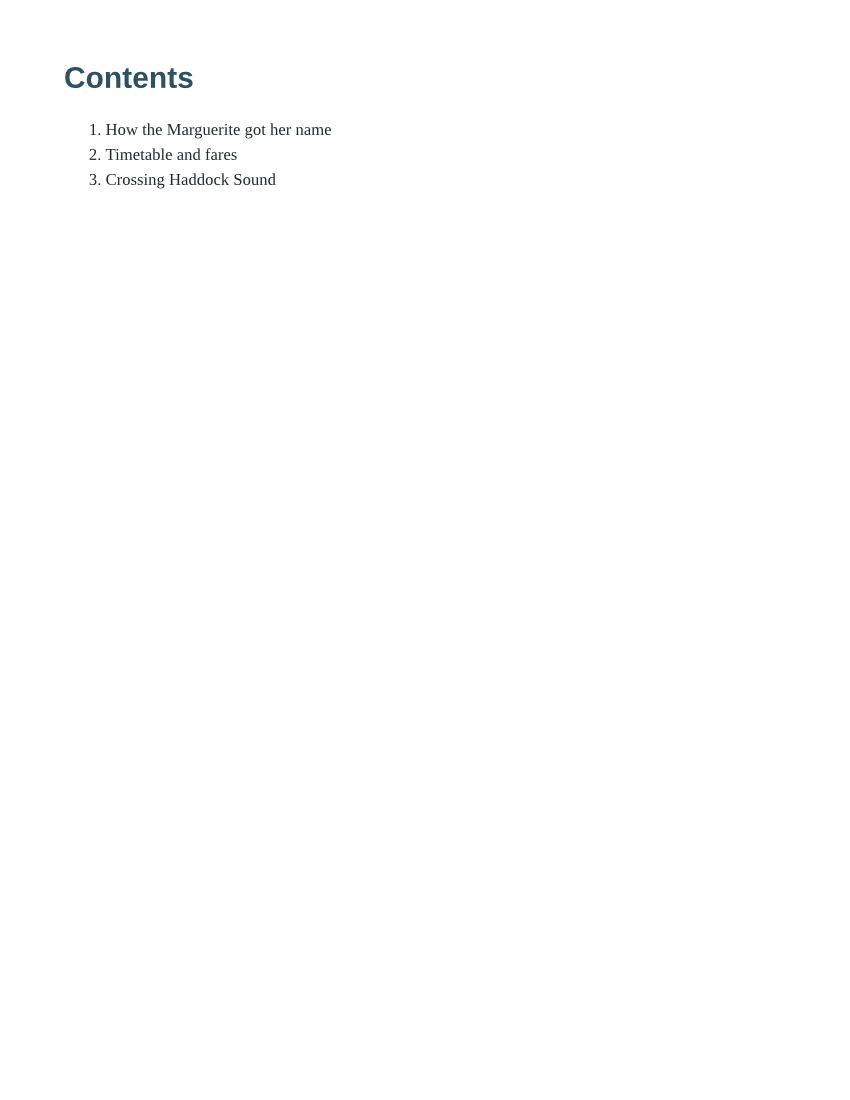
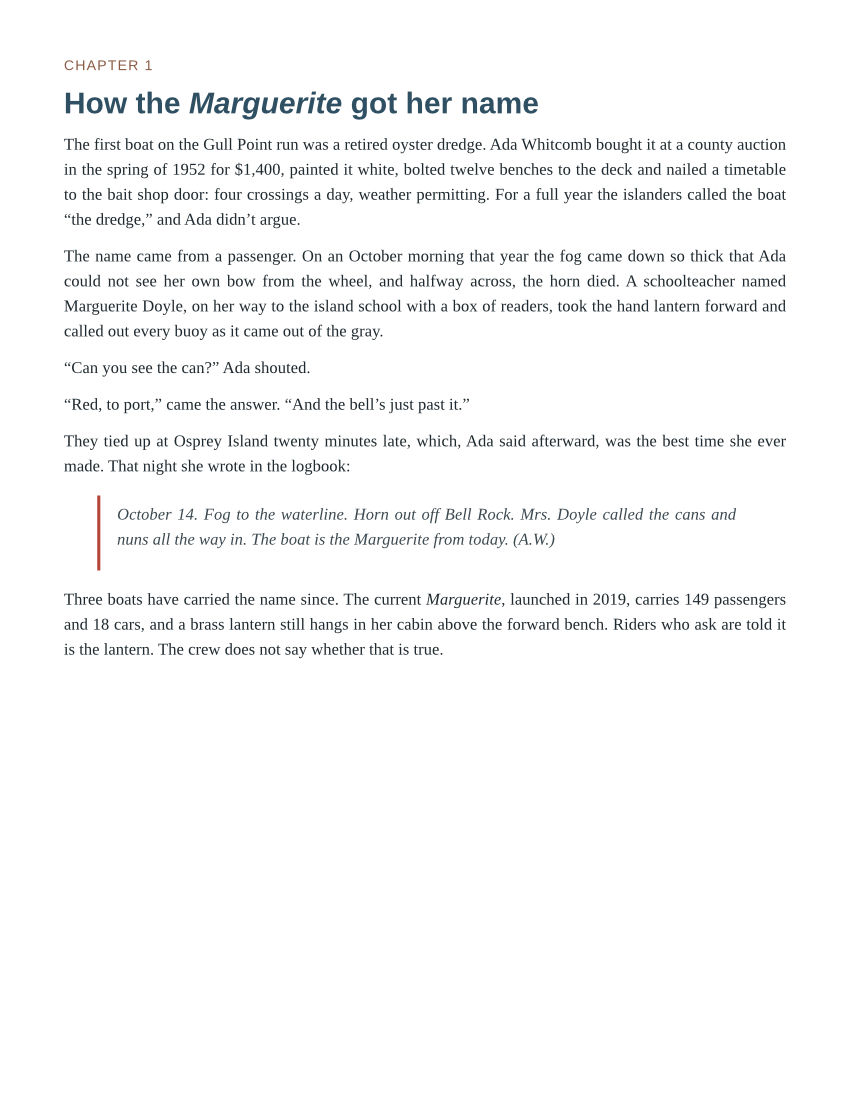
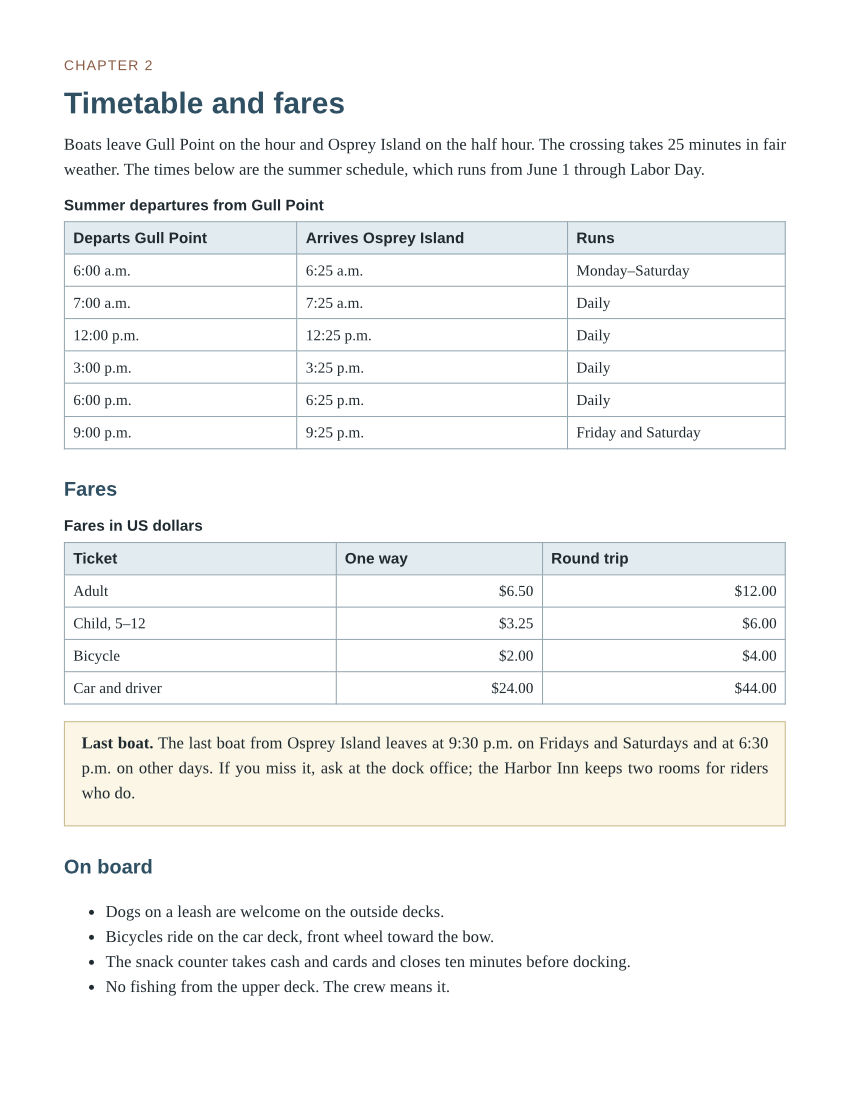
- gull-point-ferry-1.jpg (51 KB)gull-point-ferry-2.jpg (32 KB)gull-point-ferry-3.jpg (106 KB)gull-point-ferry-4.jpg (114 KB)gull-point-ferry-5.jpg (99 KB)
- Source
- A short fictional ferry guide written for this site: a cover, a contents page and three chapters with a route map and a fare table. (CC0-1.0). How it was made
- Made by
- 2026-11-04, API build
9eeeb0640aba
Parameters
Send these as form fields next to the file. Names are case-insensitive. If you set one of the documented options below that we don't support yet, the request fails with a 400 that names it instead of returning a file made without it.
| Parameter | What it does |
|---|---|
ImageQualityinteger, default 85 | JPEG quality for every page. ConvertAPI's documented default is 75; ours is 85. At 150 dpi and 85 the sample's five pages total 888,213 bytes.Values: 1–100 |
ImageResolutioninteger, default 150 | Dots per inch of Letter paper: 100 makes 850 × 1100 pages, 150 makes 1275 × 1650. A value you send is also written to the JFIF header (the sample reports 100 dpi).Values: 36–600 |
ImageWidthinteger | Exact width per page in pixels.Values: 1–20,000 |
ImageHeightinteger | Exact height per page in pixels.Values: 1–20,000 |
PageRangestring | A subset of pages. A start past the end, such as 9 for the five-page sample, returns 400 with the page count.Values: 1, 2-3, 4-, 2-last |
PageSizeenum, default letter | Paper size for pagination; pages are always portrait.Values: a0–a9, b0–b5, letter, legal, ledger |
BaseFontSizenumber, default 12 | Body text size in points, which the book's em and percent sizes scale from. Larger text means more pages, and so more JPEGs.Values: 1–50 (points) |
MarginTopnumber, default 40 | Top margin in points.Values: 0–200 (points) |
MarginRightnumber, default 40 | Right margin in points.Values: 0–200 (points) |
MarginBottomnumber, default 40 | Bottom margin in points.Values: 0–200 (points) |
MarginLeftnumber, default 40 | Left margin in points.Values: 0–200 (points) |
ColorSpaceenum, default default | gray writes one-channel grayscale JPEGs; monochrome makes them black and white.Values: default, rgb, gray, monochrome |
BackgroundColorstring, default white | Paper color under pages whose CSS sets no background, for example a light cream.Values: Color names, #RRGGBB or R,G,B |
FileNamestring | Name stem for the JPEGs; -1.jpg and onward are appended. |
StoreFileboolean, default false | Get links valid for 3 hours instead of the images in the response. |
What carries over, and what doesn't
Kept
- All five pages of the sample in reading order: title page, contents, then chapters 1, 2 and 3, each starting on a new page
- The look the book's CSS sets: centered title, colored headings, italic logbook quote with its red rule, bordered tables with shaded heading rows, and the yellow note box
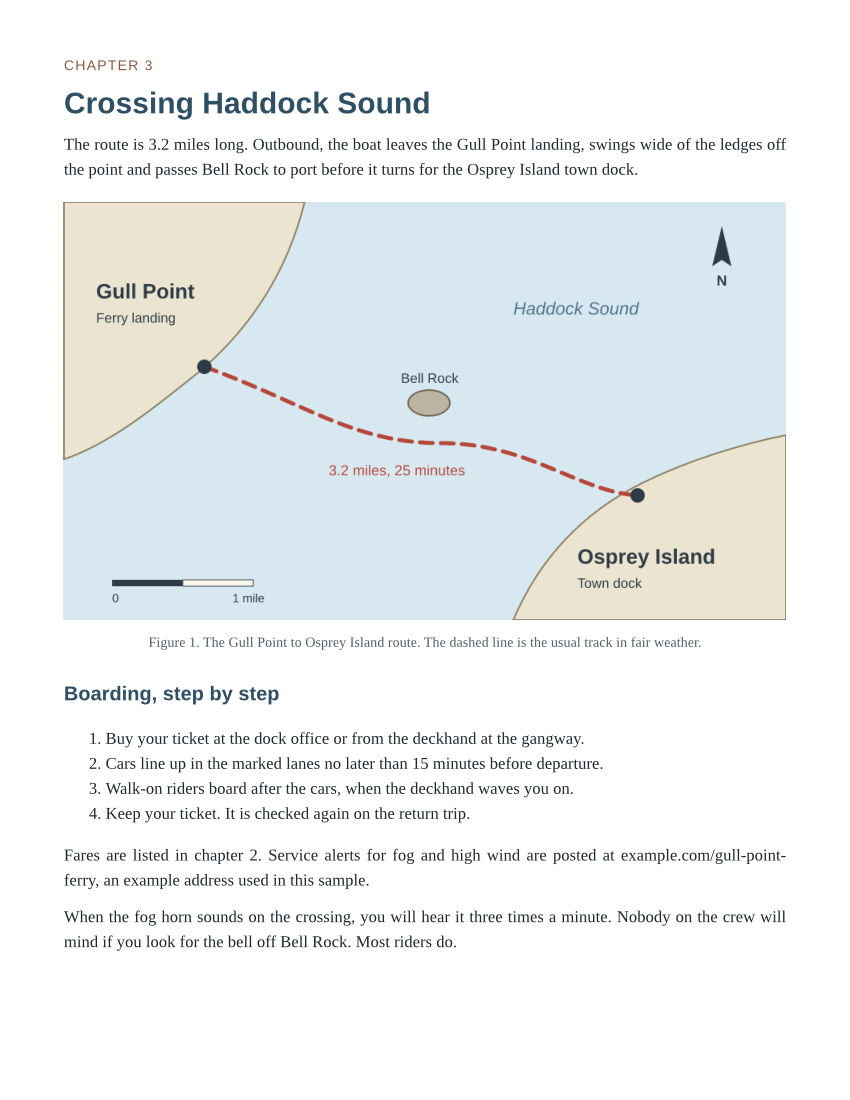
- Pictures from inside the book: the JPEG cover drawing and the PNG route map, both re-encoded as part of the page
- Curly quotes, en dashes and the middle dot in the book's UTF-8 text, drawn as the right characters
- Full-color detail, since the JPEGs are written without chroma subsampling
Lost or not yet supported
- Exact pixel values. JPEG is lossy; at the sample's quality 80 the route map and body text looked the same as a PNG render when we zoomed to twice their size, but the pixels are not identical.
- The book's table of contents as links. Page 2 shows the contents as text, without page numbers, and nothing in a JPEG is clickable.
- Embedded fonts. A font the book ships with @font-face was not used in our test, and text fell back to the server's serif font.
- Landscape pages;
PageOrientationis not an option here and is ignored. - The title and author from the book's metadata, which go into no part of the image files.
Limits
- One EPUB per request.
- Requests up to 10 MB on the Free plan or 100 MB on paid plans, all files and fields together.
- Books up to 1 GB and 10,000 files unpacked, and up to 2,000 laid-out pages; beyond that, 413.
- DRM-protected books return 422; books that only obfuscate their fonts are converted.
ImageQuality1 to 100 andImageResolution36 to 600; other values return 400.- 120 seconds per conversion.
Where teams use it
Sample pages on a book's sales page
Convert the first chapter of each title to JPEG and show the pages in the product gallery. JPEG keeps a five-page sample at 100 dpi near 400 KB, small enough for a page that lists many books.
Pages to share in posts and newsletters
A page image is easier to show in a post or a newsletter than a link to an EPUB. Pick the page with PageRange and the paper with PageSize, and the image matches the book's own styling.
Questions
How many JPEGs will a book produce?
One per laid-out page, and a long novel can run to hundreds. The sample has five Letter pages at the default 12 pt and seven at BaseFontSize=14. Use PageRange to render only what you need; a request is limited to 2,000 pages.
What sizes should I expect?
At the defaults (150 dpi, quality 85) the sample's pages were 72,854 bytes for the short contents page and 245,285 bytes for the page with two tables. The sample's 100 dpi at quality 80 cut the total from 888,213 to 411,621 bytes.
Is the text in the JPEGs readable at small sizes?
At the sample's 100 dpi, body lines are about 25 pixels apart and comfortable to read. At 70 dpi the text was still readable in our test, with lines about 17 pixels apart. For smaller images than that, raise BaseFontSize so the text grows with the page count.
Does this work for MOBI or AZW books?
Not on this route, which needs an EPUB (a ZIP with META-INF/container.xml). Unprotected MOBI books have their own route, /v2/convert/mobi/to/jpg.
Convert your first EPUB file in a minute.