EPUB to TIFF API
POST an .epub to /v2/convert/epub/to/tiff and the laid-out book comes back as one multi-page TIFF. With ImageResolution=100 the ferry handbook became a 507,098-byte file of five 850 × 1100 frames, LZW-compressed and tagged 100 dpi.
- Endpoint
- POST /v2/
convert/ epub/ to/ tiff - Accepts
- epub
- Sample timing
- 0.189 s median of 5 runsHow we measure
- Request size
- Up to 10 MB on the Free plan or 100 MB on paid plans, all files together
Request and response
Every sample below ran against the API before this page was published. Set PDFCONVERSIONAPI_KEY to your key and run it as is.
curl -sS -X POST \
  https://api.pdfconversionapi.com/v2/convert/epub/to/tiff \
  -H "Authorization: Bearer $PDFCONVERSIONAPI_KEY" \
  -F File=@gull-point-ferry.epub \
  --form-string ImageResolution=100 \
  -o response.json

# FileData is base64. Save the first file in converted/,
# or print the JSON error.
if jq -e '.Files' response.json > /dev/null; then
  mkdir -p converted
  name=$(jq -r '.Files[0].FileName' response.json)
  jq -r '.Files[0].FileData' response.json \
    | base64 --decode > "converted/$name"
else
  cat response.json
fi
import base64
import os
import requests
key = os.environ["PDFCONVERSIONAPI_KEY"]
response = requests.post(
"https://api.pdfconversionapi.com/v2/convert/epub/to/tiff",
headers={"Authorization": f"Bearer {key}"},
files=[("File", open("gull-point-ferry.epub", "rb"))],
data={
"ImageResolution": "100",
},
timeout=180,
)
result = response.json()
if not response.ok:
raise SystemExit(f"{result['Code']}: {result['Message']}")
os.makedirs("converted", exist_ok=True)
for file in result["Files"]:
path = os.path.join("converted", file["FileName"])
with open(path, "wb") as out:
out.write(base64.b64decode(file["FileData"]))
print(path, file["FileSize"], "bytes")
import { mkdir, readFile, writeFile } from "node:fs/promises";
import { join } from "node:path";

const form = new FormData();
const file = "gull-point-ferry.epub";
form.append("File", new Blob([await readFile(file)]), file);
form.append("ImageResolution", "100");

const url = "https://api.pdfconversionapi.com/v2/convert/epub/to/tiff";
const key = process.env.PDFCONVERSIONAPI_KEY;
const response = await fetch(url, {
  method: "POST",
  headers: { Authorization: `Bearer ${key}` },
  body: form,
});
const result = await response.json();
if (!response.ok) {
  throw new Error(`${result.Code}: ${result.Message}`);
}

await mkdir("converted", { recursive: true });
for (const file of result.Files) {
  const path = join("converted", file.FileName);
  await writeFile(path, Buffer.from(file.FileData, "base64"));
  console.log(path, file.FileSize, "bytes");
}
{
  "ConversionCost": 1,
  "ConversionTime": 0.189,
  "Files": [
    {
      "FileName": "gull-point-ferry.tiff",
      "FileExt": "tiff",
      "FileSize": 507098,
      "FileData": "SUkqAFxCAQBkAAAAAQAAAGQA…"
    }
  ]
}
Response from our test run on 2026-11-03. ConversionTime shows the median of 5 runs. FileData is shortened here; the real response carries the whole file as base64.
The sample, converted
The same file the code sends. Download the input and the output and compare them yourself.
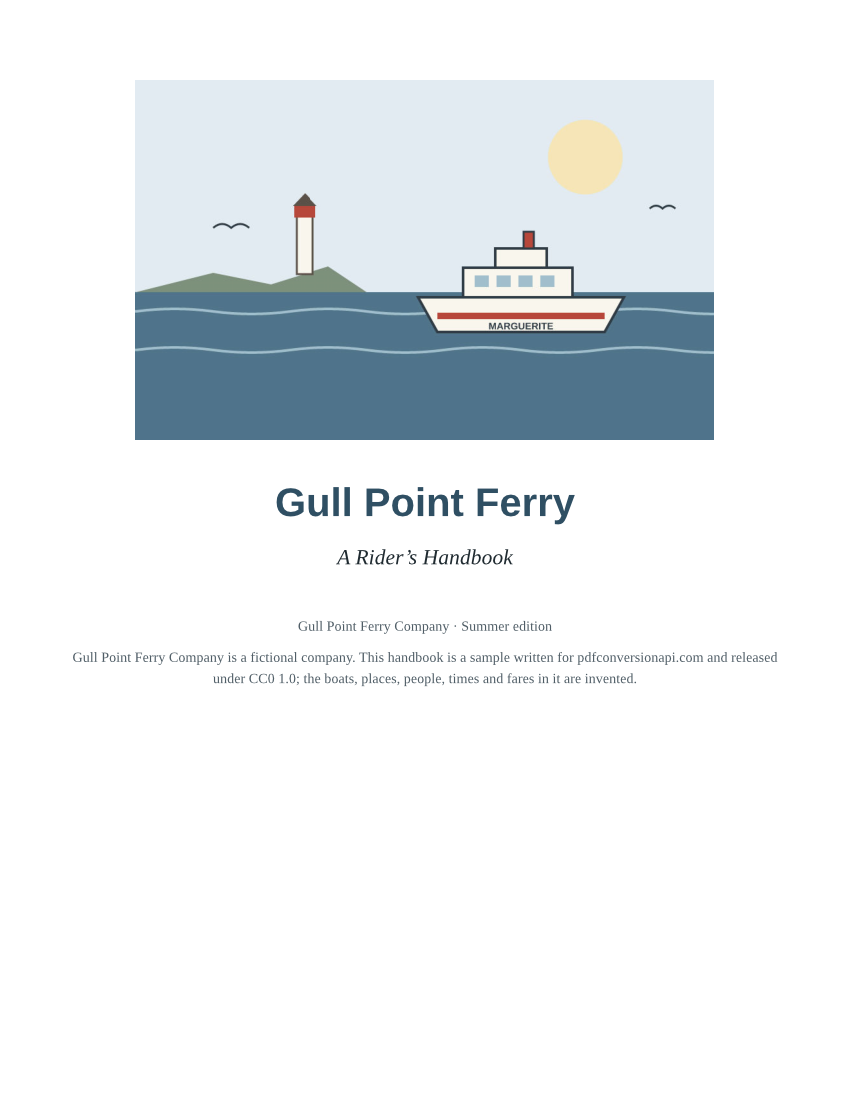
- Input
- gull-point-ferry.epub (53 KB)
- Output
- gull-point-ferry.tiff (495 KB)
- Source
- A short fictional ferry guide written for this site: a cover, a contents page and three chapters with a route map and a fare table. (CC0-1.0). How it was made
- Made by
- 2026-11-04, API build
9eeeb0640aba
Parameters
Send these as form fields next to the file. Names are case-insensitive. If you set one of the documented options below that we don't support yet, the request fails with a 400 that names it instead of returning a file made without it.
| Parameter | What it does |
|---|---|
MultiPageboolean, default true | All pages in one TIFF named gull-point-ferry.tiff. With false you get gull-point-ferry-1.tiff to -5.tiff, each stored without compression (701,460 bytes apiece at 50 dpi). |
ImageResolutioninteger, default 150 | Resolution the pages are drawn at, written to the TIFF when sent. The defaults give five 1275 × 1650 frames in 852,102 bytes, with resolution tags of 1 × 1 and no unit.Values: 36–600 |
PageRangestring | Frames to include. Two or more stay in one compressed TIFF; a single page comes back uncompressed.Values: 1, 3-5, 2-, 2-last |
ImageWidthinteger | Frame width in pixels.Values: 1–20,000 |
ImageHeightinteger | Frame height in pixels.Values: 1–20,000 |
PageSizeenum, default letter | Paper the chapters flow onto, portrait only; a4 for European archives.Values: a0–a9, b0–b5, letter, legal, ledger |
BaseFontSizenumber, default 12 | The book's base text size; larger values add frames.Values: 1–50 (points) |
MarginTopnumber, default 40 | Top margin, points.Values: 0–200 (points) |
MarginRightnumber, default 40 | Right margin, points.Values: 0–200 (points) |
MarginBottomnumber, default 40 | Bottom margin, points.Values: 0–200 (points) |
MarginLeftnumber, default 40 | Left margin, points.Values: 0–200 (points) |
ColorSpaceenum, default default | Gray or black-and-white frames with a single 8-bit channel, in the combined TIFF as well: 102,108 bytes for the five pages at 50 dpi, against 181,615 in color.Values: default, rgb, gray, monochrome |
BackgroundColorstring, default white | Fill for page areas the book's CSS leaves unpainted.Values: Color names, #RRGGBB or R,G,B |
TransparentColorstring | An exact color to make transparent. The frames then gain an alpha channel; without it they are plain RGB.Values: Color names, #RRGGBB or R,G,B |
FileNamestring | File name without the .tiff extension. |
StoreFileboolean, default false | A 3-hour download link instead of base64 data, handy for TIFFs of long books. |
What carries over, and what doesn't
Kept
- Every page in reading order inside one file: the sample's title page, contents page and three chapters are frames 1 to 5
- The book's CSS layout on each frame: headings, the logbook blockquote with its red rule, the timetable and fare tables, the note box
- The cover drawing and the route map from inside the book
- Lossless LZW frames tagged with the resolution you sent (100 × 100 dpi in the sample)
- A new frame for each chapter, because every chapter starts on a new page
Lost or not yet supported
- Compression for single pages:
PageRange=1orMultiPage=falsegives raw RGB, about 6.3 MB for one Letter page at 150 dpi. - Searchable text, the contents page's links and the book's navigation; for those, use
/v2/convert/epub/to/pdf. - Fonts the book embeds, which were not used in our test; text is drawn with the server's fonts.
- Bilevel fax compression (CCITT Group 4), which is not offered.
- Web images and style sheets the book links to by URL, which are not fetched.
Limits
- One EPUB per request.
- Requests up to 10 MB on the Free plan or 100 MB on paid plans, all files and fields together.
- Up to 2,000 frames per request; books over 1 GB or 10,000 files unpacked return 413.
- Each output file up to 512 MB; at 600 dpi the five-page sample came to 4,891,582 bytes.
- DRM-protected books return 422; files without META-INF/container.xml return 422 "this is not an EPUB".
- 120 seconds per conversion.
Where teams use it
Legal deposit and print-ready archives
Libraries and publishers that archive page images can keep a TIFF of each e-book edition next to the EPUB itself. One file holds every page in order, at the resolution you choose.
Proofing and stamping tools
Review software that marks up scanned pages can open the TIFF frame by frame, so an editor can annotate the e-book's layout with the same tools used for print proofs.
Questions
Is the TIFF one file or one per page?
One file whenever the book has two or more pages, which is the default MultiPage=true. The frames follow the book's reading order. Send MultiPage=false for one TIFF per page, keeping in mind that those are uncompressed.
How large is a TIFF of a whole book?
It depends on the page count and resolution. The five-page sample is 852,102 bytes at the default 150 dpi and 507,098 bytes at 100 dpi. A long novel has hundreds of pages, so check the 2,000-page limit and consider StoreFile=true to receive a link instead of a very large JSON response.
Can I make the TIFF black and white?
You can make the pixels black and white with ColorSpace=monochrome; the combined TIFF then holds one 8-bit gray channel per frame with LZW (13,696 bytes for the sample at 50 dpi), not a 1-bit image. Systems that need bilevel TIFF will have to convert it.
Are the book's title and author stored in the TIFF?
No. The frames carry pixels and resolution tags only. The title page shows the title as the book's HTML prints it, but the EPUB's metadata is not copied into TIFF tags.
Convert your first EPUB file in a minute.