ODP to PDF API
POST /v2/convert/odp/to/pdf prints the visible slides of an OpenDocument presentation. Sent with PdfaVersion=pdfA2b, our five-slide composting workshop, one slide hidden, came back as a 4-page, 96,173-byte PDF that passes the API's PDF/A-2b validator.
- Endpoint
- POST /v2/
convert/ odp/ to/ pdf - Accepts
- odp
- Sample timing
- 0.769 s median of 5 runsHow we measure
- Request size
- Up to 10 MB on the Free plan or 100 MB on paid plans, all files together
Request and response
Every sample below ran against the API before this page was published. Set PDFCONVERSIONAPI_KEY to your key and run it as is.
curl -sS -X POST \
  https://api.pdfconversionapi.com/v2/convert/odp/to/pdf \
  -H "Authorization: Bearer $PDFCONVERSIONAPI_KEY" \
  -F File=@compost-workshop.odp \
  --form-string PdfaVersion=pdfA2b \
  -o response.json

# FileData is base64. Save the first file in converted/,
# or print the JSON error.
if jq -e '.Files' response.json > /dev/null; then
  mkdir -p converted
  name=$(jq -r '.Files[0].FileName' response.json)
  jq -r '.Files[0].FileData' response.json \
    | base64 --decode > "converted/$name"
else
  cat response.json
fi
import base64
import os
import requests
key = os.environ["PDFCONVERSIONAPI_KEY"]
response = requests.post(
"https://api.pdfconversionapi.com/v2/convert/odp/to/pdf",
headers={"Authorization": f"Bearer {key}"},
files=[("File", open("compost-workshop.odp", "rb"))],
data={
"PdfaVersion": "pdfA2b",
},
timeout=180,
)
result = response.json()
if not response.ok:
raise SystemExit(f"{result['Code']}: {result['Message']}")
os.makedirs("converted", exist_ok=True)
for file in result["Files"]:
path = os.path.join("converted", file["FileName"])
with open(path, "wb") as out:
out.write(base64.b64decode(file["FileData"]))
print(path, file["FileSize"], "bytes")
import { mkdir, readFile, writeFile } from "node:fs/promises";
import { join } from "node:path";

const form = new FormData();
const file = "compost-workshop.odp";
form.append("File", new Blob([await readFile(file)]), file);
form.append("PdfaVersion", "pdfA2b");

const url = "https://api.pdfconversionapi.com/v2/convert/odp/to/pdf";
const key = process.env.PDFCONVERSIONAPI_KEY;
const response = await fetch(url, {
  method: "POST",
  headers: { Authorization: `Bearer ${key}` },
  body: form,
});
const result = await response.json();
if (!response.ok) {
  throw new Error(`${result.Code}: ${result.Message}`);
}

await mkdir("converted", { recursive: true });
for (const file of result.Files) {
  const path = join("converted", file.FileName);
  await writeFile(path, Buffer.from(file.FileData, "base64"));
  console.log(path, file.FileSize, "bytes");
}
{
  "ConversionCost": 1,
  "ConversionTime": 0.769,
  "Files": [
    {
      "FileName": "compost-workshop.pdf",
      "FileExt": "pdf",
      "FileSize": 96173,
      "FileData": "JVBERi0xLjcKJcOkw7zDtsOf…"
    }
  ]
}
Response from our test run on 2026-11-03. ConversionTime shows the median of 5 runs. FileData is shortened here; the real response carries the whole file as base64.
The sample, converted
The same file the code sends. Download the input and the output and compare them yourself.
- Input
- compost-workshop.odp (40 KB)
- Output
- compost-workshop.pdf (94 KB)
- Source
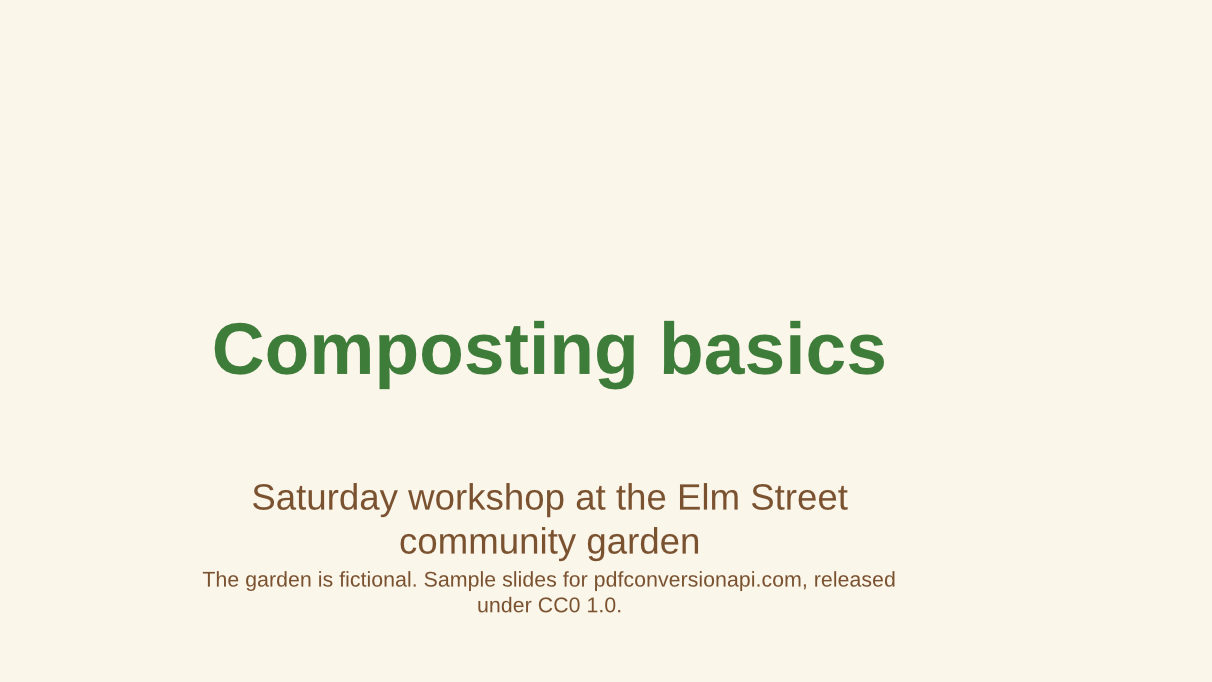
- Five OpenDocument slides for a composting workshop at a fictional community garden, with a table, a diagram drawn from shapes and one hidden slide. We made them for this page. (CC0-1.0). How it was made
- Made by
- 2026-11-04, API build
9eeeb0640aba
Parameters
Send these as form fields next to the file. Names are case-insensitive. If you set one of the documented options below that we don't support yet, the request fails with a 400 that names it instead of returning a file made without it.
| Parameter | What it does |
|---|---|
PdfaVersionenum, default none | The one option ConvertAPI documents for ODP. pdfA2b and pdfA3b both validated with no issues; pdfA1b is the same as Pdfa=true. Without it the PDF is 87,225 bytes.Values: none, pdfA1b, pdfA2b, pdfA3b |
Pdfaboolean, default false | PDF/A-1b, 199,995 bytes for the workshop. The diagram slide, whose shapes have soft shadows, became one 3,304 × 1,858 picture with no text. Sent with PdfaVersion, the version wins: Pdfa=true with pdfA3b gave PDF/A-3b. |
PageRangestring | Pages to keep after hidden slides are skipped. The sample prints 4 pages, so 9 returns 400 "PageRange asks for page 9, but the document has 4 pages". A range that drops pages can't be combined with PDF/A.Values: e.g. 2-3, 1,4 |
ConvertHiddenSlidesboolean, default false | Print hidden slides as well: the facilitator checklist becomes page 4 of 5. That PDF has no tags. |
Passwordstring | For an .odp saved with a password. Our locked copy gave the same 87,225 bytes as the open file. |
FileNamestring | PDF name without the extension; the default here is compost-workshop.pdf. |
StoreFileboolean, default false | Store the PDF for 3 hours and answer with its link. |
Not supported yet
Setting one of these to anything but its default returns 400.
| Option | What to do instead |
|---|---|
ConvertSpeakerNotes | The squeeze-test note on slide 3 is not printed. Values other than Disabled return 400 "ConvertSpeakerNotes is not supported yet for ODP files". |
EmbedFonts | Fonts are always embedded as subsets; false returns 400. |
IncludeMetadata | false returns 400; the title "Composting basics workshop" is always written. |
What carries over, and what doesn't
Kept
- The slide size: 28 by 15.75 cm, which is 793.7 by 446.5 points per page
- Liberation Sans, the font the slides use, embedded as is: the server has it, so nothing is replaced
- The table with its green and brown header cells, as text you can select
- The cycle diagram's boxes and arrows as vector shapes, with their labels as text
- The bin picture at its own 420 × 360 pixels
- A bookmark per page from the slide names, and tags in the default and PDF/A files
Lost or not yet supported
- Vector shadows: the soft shadows under the four boxes and four arrows become small bitmaps with transparency masks: eight placements of three shadow images.
- Speaker notes, and the hidden facilitator slide unless you ask for it.
- Tags, when
ConvertHiddenSlides=true: that PDF has no structure tree. - Bookmarks and tags, when
PageRangedrops pages.
Limits
- One .odp per request, up to 10 MB on the Free plan or 100 MB on paid plans including the fields.
- 120 seconds per conversion, then 504.
- 512 MB per output PDF.
Where teams use it
Archiving slides made in an open-source office suite
Councils, schools and community groups that keep presentations in OpenDocument can store a PDF/A-2b copy of each one next to the .odp, checked with /v2/convert/pdfa/to/validate.
Handouts for a workshop
Send attendees a PDF of the slides after the session. Slides you hid for the facilitator, like our checklist, stay out unless you ask for them.
Questions
Which PDF/A parts can I get from an ODP?
PDF/A-1b with Pdfa=true or PdfaVersion=pdfA1b, and PDF/A-2b or 3b with PdfaVersion. Prefer 2b or 3b for slides with shadows or transparency: in the 1b file the diagram slide is a flat picture without text, while 2b keeps all four pages as text and shapes. Pdfa=true alongside PdfaVersion is accepted; the version decides.
Are fonts replaced?
Only fonts the server doesn't have. This presentation uses Liberation Sans, which is installed, so the PDF embeds Liberation Sans and Liberation Sans Bold subsets and the line breaks match the original.
Can I convert an .odp saved with a password?
Yes, with Password. Without it, or with a wrong one, the API answers 422 "the input file is password-protected".
What happens with a file that isn't an ODP?
It is refused with 422 and "it could not be opened as ODP". The route opens files only as OpenDocument presentations, so a PowerPoint or Word file sent here is not converted.
Convert your first ODP file in a minute.