PPSX to PDF API
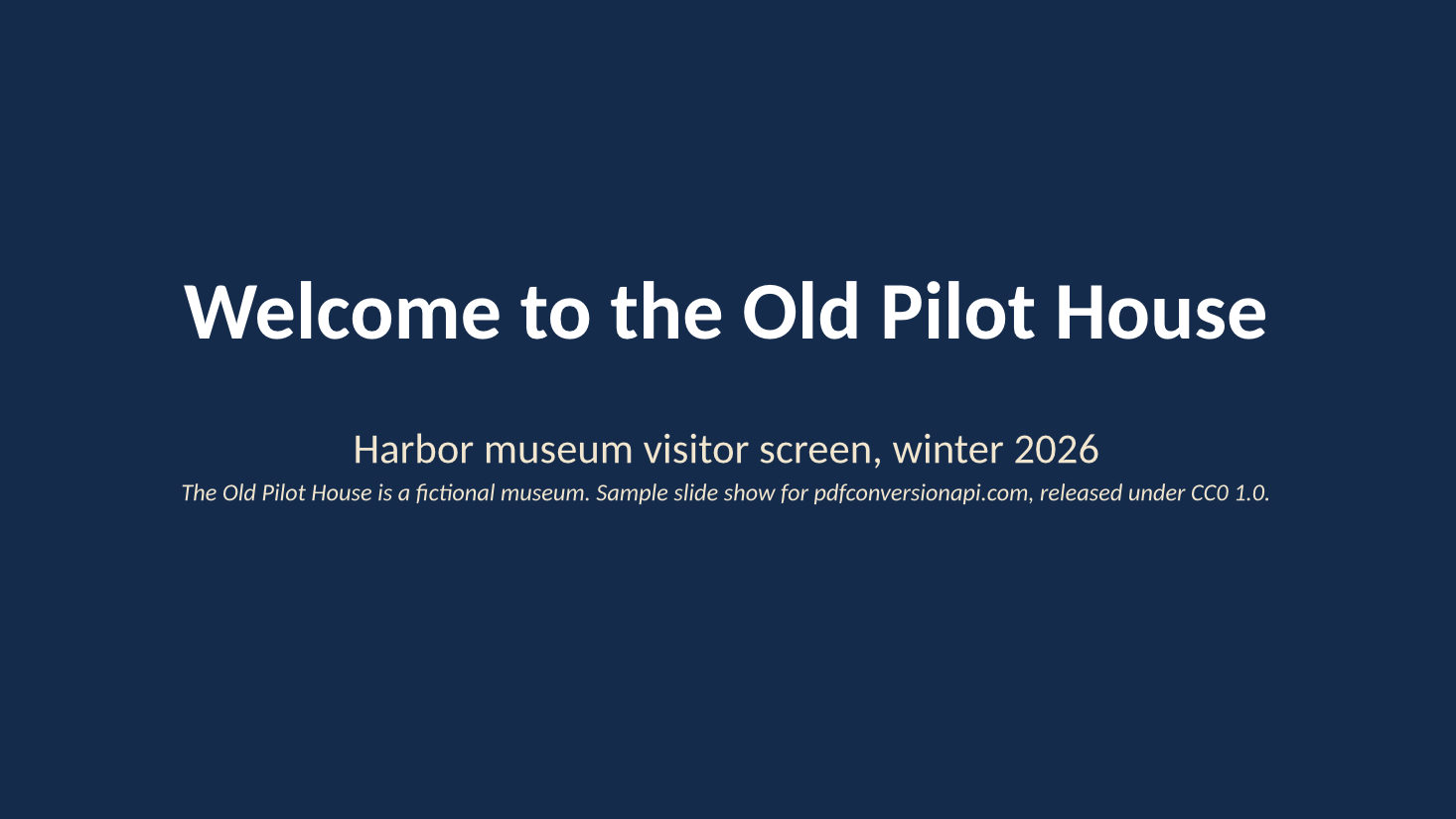
Send a PowerPoint show to POST /v2/convert/ppsx/to/pdf and get back a PDF with one page for each slide the show would play. Our six-slide museum loop, whose staff slide is hidden, came back as a 5-page PDF of 52,644 bytes.
- Endpoint
- POST /v2/
convert/ ppsx/ to/ pdf - Accepts
- ppsx
- Sample timing
- 0.627 s median of 5 runsHow we measure
- Request size
- Up to 10 MB on the Free plan or 100 MB on paid plans, all files together
Request and response
Every sample below ran against the API before this page was published. Set PDFCONVERSIONAPI_KEY to your key and run it as is.
curl -sS -X POST \
  https://api.pdfconversionapi.com/v2/convert/ppsx/to/pdf \
  -H "Authorization: Bearer $PDFCONVERSIONAPI_KEY" \
  -F File=@pilot-house-welcome.ppsx \
  -o response.json

# FileData is base64. Save the first file in converted/,
# or print the JSON error.
if jq -e '.Files' response.json > /dev/null; then
  mkdir -p converted
  name=$(jq -r '.Files[0].FileName' response.json)
  jq -r '.Files[0].FileData' response.json \
    | base64 --decode > "converted/$name"
else
  cat response.json
fi
import base64
import os
import requests
key = os.environ["PDFCONVERSIONAPI_KEY"]
response = requests.post(
"https://api.pdfconversionapi.com/v2/convert/ppsx/to/pdf",
headers={"Authorization": f"Bearer {key}"},
files=[("File", open("pilot-house-welcome.ppsx", "rb"))],
timeout=180,
)
result = response.json()
if not response.ok:
raise SystemExit(f"{result['Code']}: {result['Message']}")
os.makedirs("converted", exist_ok=True)
for file in result["Files"]:
path = os.path.join("converted", file["FileName"])
with open(path, "wb") as out:
out.write(base64.b64decode(file["FileData"]))
print(path, file["FileSize"], "bytes")
import { mkdir, readFile, writeFile } from "node:fs/promises";
import { join } from "node:path";

const form = new FormData();
const file = "pilot-house-welcome.ppsx";
form.append("File", new Blob([await readFile(file)]), file);

const url = "https://api.pdfconversionapi.com/v2/convert/ppsx/to/pdf";
const key = process.env.PDFCONVERSIONAPI_KEY;
const response = await fetch(url, {
  method: "POST",
  headers: { Authorization: `Bearer ${key}` },
  body: form,
});
const result = await response.json();
if (!response.ok) {
  throw new Error(`${result.Code}: ${result.Message}`);
}

await mkdir("converted", { recursive: true });
for (const file of result.Files) {
  const path = join("converted", file.FileName);
  await writeFile(path, Buffer.from(file.FileData, "base64"));
  console.log(path, file.FileSize, "bytes");
}
{
  "ConversionCost": 1,
  "ConversionTime": 0.627,
  "Files": [
    {
      "FileName": "pilot-house-welcome.pdf",
      "FileExt": "pdf",
      "FileSize": 52644,
      "FileData": "JVBERi0xLjcKJcOkw7zDtsOf…"
    }
  ]
}
Response from our test run on 2026-11-03. ConversionTime shows the median of 5 runs. FileData is shortened here; the real response carries the whole file as base64.
The sample, converted
The same file the code sends. Download the input and the output and compare them yourself.
- Input
- pilot-house-welcome.ppsx (46 KB)
- Output
- pilot-house-welcome.pdf (51 KB)
- Source
- A six-slide welcome loop for a fictional harbor museum, set to advance by itself, with one hidden staff slide. We made it for this page. (CC0-1.0). How it was made
- Made by
- 2026-11-04, API build
9eeeb0640aba
Parameters
Send these as form fields next to the file. Names are case-insensitive. If you set one of the documented options below that we don't support yet, the request fails with a 400 that names it instead of returning a file made without it.
| Parameter | What it does |
|---|---|
PageRangestring | Pages to keep, counted after hidden slides are left out. 2-last returns the four pages from Opening hours on; 9 returns 400 "PageRange asks for page 9, but the document has 5 pages".Values: e.g. 2-3, 1,4, 2-last |
ConvertHiddenSlidesboolean, default false | Print hidden slides where they sit in the show. The staff checklist becomes page 4 and the PDF has 6 pages, but that file comes back untagged. |
Pdfaboolean, default false | Write PDF/A-1b, ConvertAPI's meaning of Pdfa=true. The sample grew from 52,644 to 61,449 bytes and kept its text and vector chart; no page was turned into a picture. |
PdfaVersionenum, default none | Choose the PDF/A part. pdfA2b gave 61,592 bytes that /v2/convert/pdfa/to/validate passed with no issues. Sent alongside Pdfa=true, the version decides: with pdfA3b the file is PDF/A-3b.Values: none, pdfA1b, pdfA2b, pdfA3b |
Passwordstring | Opens a show saved with a password. A copy of the loop locked with one converted to the same 52,644 bytes. |
FileNamestring | Name of the PDF without the extension. By default it follows the upload: pilot-house-welcome.pdf. |
StoreFileboolean, default false | Answer with a download link instead of the PDF itself. Stored files are deleted after 3 hours. |
Not supported yet
Setting one of these to anything but its default returns 400.
| Option | What to do instead |
|---|---|
ConvertSpeakerNotes | The desk note on slide 2 is never printed. Any value but Disabled returns 400 "ConvertSpeakerNotes is not supported yet for PPSX files". |
IncludeMetadata | The show's title and author always go into the PDF; false returns 400. |
EmbedFonts | Fonts are always embedded, as subsets; false returns 400. |
PageSize | Pages take the slide size. Any value but default returns 400 "PageSize is not supported yet for PPSX files". |
What carries over, and what doesn't
Kept
- One page per played slide at the slide's own size: 960 by 540 points for the 13.33 by 7.5-inch sample
- The visitor chart and the opening-hours table as vector drawings: page 3 contains no bitmap at all
- The lighthouse picture at its original 480 × 540 pixels
- A bookmark per page with the slide's title, from "Welcome to the Old Pilot House" to "Thank you for visiting"
- Tags: the PDF is marked as tagged and has a structure tree for screen readers
- Full-bleed backgrounds, navy on the first page and sand on the last
Lost or not yet supported
- Everything about playback: the fade, the 8-second automatic advance, the loop and kiosk mode. A PDF opens on page 1 like any document.
- Calibri, which the server doesn't have. Text is set in Carlito, a font with the same widths, so lines break in the same places.
- Speaker notes, and the hidden staff slide unless you ask for it.
- Bookmarks and tags, when
PageRangeleaves pages out: the 4-page2-lastfile has neither. - Tags, when
ConvertHiddenSlides=true: the 6-page file has no structure tree.
Limits
- One .ppsx per request, up to 10 MB on the Free plan or 100 MB on paid plans with all fields.
- 120 seconds per conversion; a longer one returns 504.
- The PDF can be up to 512 MB.
Where teams use it
A dated record of what a lobby screen showed
Shops, clinics and museums that run a .ppsx on a loop can file a PDF each time the loop changes. Slides hidden from the screen, such as a staff checklist, stay out of the record unless you ask for them.
Letting people read a show at their own pace
A .ppsx is built to start playing the moment it opens. Send the PDF to anyone who wants to scroll through the slides, print them, or open them on a device without a presentation app.
Long-term copies for a records system
Ask for PdfaVersion=pdfA2b when the PDF goes into an archive that requires PDF/A. Our sample passed the API's own PDF/A-2b validator.
Questions
Does the PDF keep the show's timings and transitions?
No. The sample fades between slides, moves on every 8 seconds and loops in kiosk mode, and none of that has a place in a PDF. To keep the timings, convert to an editable deck with /v2/convert/ppsx/to/pptx, which keeps the fades and the 8-second advance.
How do hidden slides change the page numbers?
Hidden slides are removed first, then PageRange counts what is left. In the sample, slide 5 (Lamp room tours) is page 4. With ConvertHiddenSlides=true the staff checklist comes back as page 4 and the tour moves to page 5.
Can people search and copy the text?
Yes. Titles, bullets, table cells and the chart's labels and legend (Jul to Nov, Adults, Children) are real text in embedded Carlito subsets.
Which PDF/A versions are available?
Pdfa=true gives PDF/A-1b. PdfaVersion=pdfA2b or pdfA3b give the later parts. A PageRange that drops pages can't be combined with either: 400 "PageRange cannot be combined with PDF/A yet". PageRange=1-2000 with Pdfa=true is accepted, because it keeps every page.
What does a broken or locked show return?
422 in both cases. A truncated .ppsx gets "it could not be opened as PPSX". A show saved with a password gets "the input file is password-protected" until you send the right Password.
Convert your first PPSX file in a minute.