POTX to JPG API
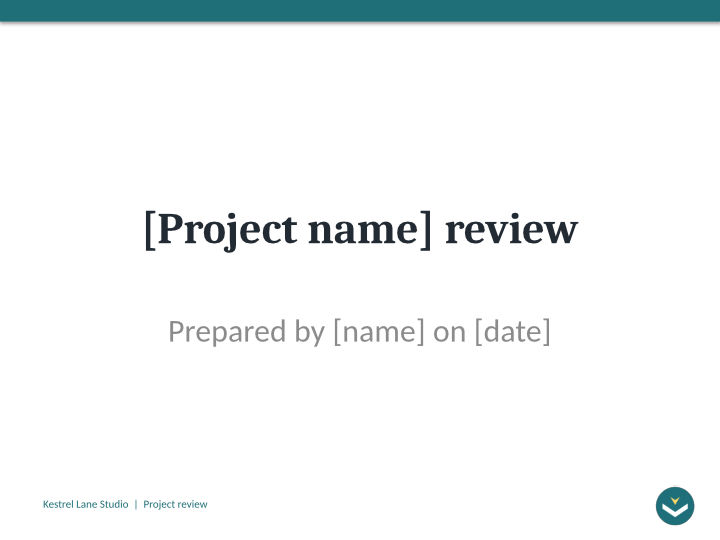
POST /v2/convert/potx/to/jpg returns a JPEG for each visible slide of a PowerPoint template. At ImageResolution=72 and ImageQuality=80, our project review template gave five 720 × 540 images of 18,999 to 48,287 bytes, each marked 72 DPI.
- Endpoint
- POST /v2/
convert/ potx/ to/ jpg - Accepts
- potx
- Sample timing
- 0.723 s median of 5 runsHow we measure
- Request size
- Up to 10 MB on the Free plan or 100 MB on paid plans, all files together
Request and response
Every sample below ran against the API before this page was published. Set PDFCONVERSIONAPI_KEY to your key and run it as is.
curl -sS -X POST \
  https://api.pdfconversionapi.com/v2/convert/potx/to/jpg \
  -H "Authorization: Bearer $PDFCONVERSIONAPI_KEY" \
  -F File=@project-review.potx \
  --form-string ImageResolution=72 \
  --form-string ImageQuality=80 \
  -o response.json

# FileData is base64. Save the first file in converted/,
# or print the JSON error.
if jq -e '.Files' response.json > /dev/null; then
  mkdir -p converted
  name=$(jq -r '.Files[0].FileName' response.json)
  jq -r '.Files[0].FileData' response.json \
    | base64 --decode > "converted/$name"
else
  cat response.json
fi
import base64
import os
import requests
key = os.environ["PDFCONVERSIONAPI_KEY"]
response = requests.post(
"https://api.pdfconversionapi.com/v2/convert/potx/to/jpg",
headers={"Authorization": f"Bearer {key}"},
files=[("File", open("project-review.potx", "rb"))],
data={
"ImageResolution": "72",
"ImageQuality": "80",
},
timeout=180,
)
result = response.json()
if not response.ok:
raise SystemExit(f"{result['Code']}: {result['Message']}")
os.makedirs("converted", exist_ok=True)
for file in result["Files"]:
path = os.path.join("converted", file["FileName"])
with open(path, "wb") as out:
out.write(base64.b64decode(file["FileData"]))
print(path, file["FileSize"], "bytes")
import { mkdir, readFile, writeFile } from "node:fs/promises";
import { join } from "node:path";

const form = new FormData();
const file = "project-review.potx";
form.append("File", new Blob([await readFile(file)]), file);
form.append("ImageResolution", "72");
form.append("ImageQuality", "80");

const url = "https://api.pdfconversionapi.com/v2/convert/potx/to/jpg";
const key = process.env.PDFCONVERSIONAPI_KEY;
const response = await fetch(url, {
  method: "POST",
  headers: { Authorization: `Bearer ${key}` },
  body: form,
});
const result = await response.json();
if (!response.ok) {
  throw new Error(`${result.Code}: ${result.Message}`);
}

await mkdir("converted", { recursive: true });
for (const file of result.Files) {
  const path = join("converted", file.FileName);
  await writeFile(path, Buffer.from(file.FileData, "base64"));
  console.log(path, file.FileSize, "bytes");
}
{
  "ConversionCost": 1,
  "ConversionTime": 0.723,
  "Files": [
    {
      "FileName": "project-review-1.jpg",
      "FileExt": "jpg",
      "FileSize": 25381,
      "FileData": "/9j/4AAQSkZJRgABAgEASABI…"
    },
    {
      "FileName": "project-review-2.jpg",
      "FileExt": "jpg",
      "FileSize": 31728,
      "FileData": "/9j/4AAQSkZJRgABAgEASABI…"
    },
    {
      "FileName": "project-review-3.jpg",
      "FileExt": "jpg",
      "FileSize": 43033,
      "FileData": "/9j/4AAQSkZJRgABAgEASABI…"
    },
    … 2 more files
  ]
}
Response from our test run on 2026-11-03. ConversionTime shows the median of 5 runs. FileData is shortened here; the real response carries the whole file as base64.
The sample, converted
The same file the code sends. Download the input and the output and compare them yourself.
- Input
- project-review.potx (43 KB)
- Output
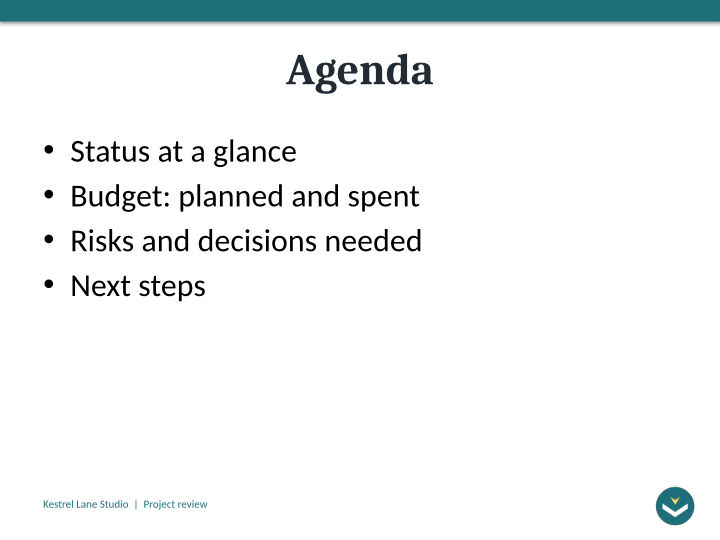
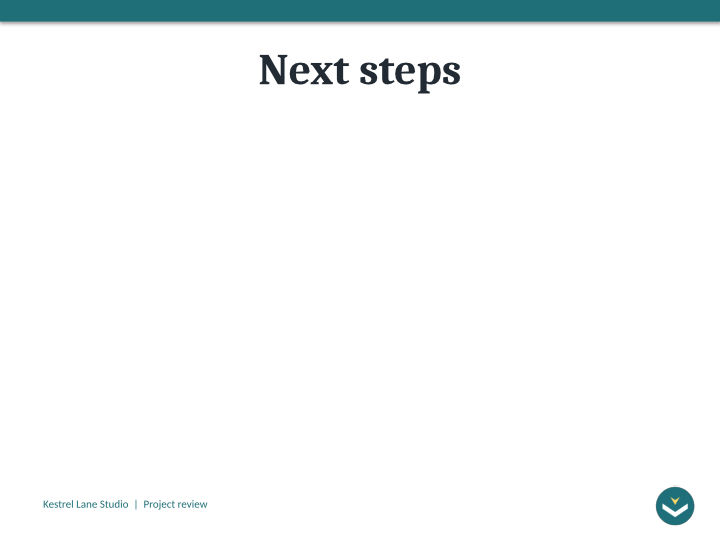
- project-review-1.jpg (25 KB)project-review-2.jpg (31 KB)project-review-3.jpg (42 KB)project-review-4.jpg (47 KB)project-review-5.jpg (19 KB)
- Source
- A six-slide project review template for a fictional design studio, with bracketed text to replace and one hidden instructions slide. We made it for this page. (CC0-1.0). How it was made
- Made by
- 2026-11-04, API build
9eeeb0640aba
Parameters
Send these as form fields next to the file. Names are case-insensitive. If you set one of the documented options below that we don't support yet, the request fails with a 400 that names it instead of returning a file made without it.
| Parameter | What it does |
|---|---|
ImageResolutioninteger, default 150 | At 72 one point of slide becomes one pixel: 720 × 540 for this 10 by 7.5-inch template. The default gives 1,500 × 1,125. A value you send is also written into the file.Values: 36–600 |
ImageQualityinteger, default 85 | Lower means smaller files with more artifacts around edges. The five slides at 72 DPI total 184,043 bytes at 85 and 167,428 at 80. ConvertAPI's default is 75.Values: 1–100 |
ImageWidthinteger | Exact width, height following the 4:3 slide.Values: 1–20,000 |
ImageHeightinteger | Exact height, width following.Values: 1–20,000 |
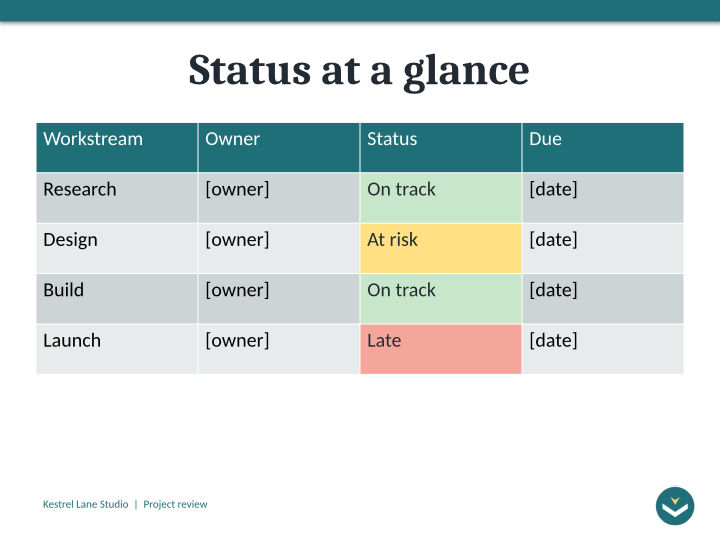
PageRangestring | Slides to render; hidden slides don't count. 3 returns only the status table.Values: e.g. 3, 1-2 |
ConvertHiddenSlidesboolean, default false | Add the hidden how-to slide; the sample then gives 6 JPEGs. |
ColorSpaceenum, default default | gray or monochrome for one-channel JPEGs.Values: default, rgb, gray, monochrome |
Passwordstring | Opens an encrypted template; without it the API returns 422. |
StoreFileboolean, default false | One link per JPEG, valid for 3 hours, instead of base64 data. |
Not supported yet
Setting one of these to anything but its default returns 400.
| Option | What to do instead |
|---|---|
ConvertSpeakerNotes | Speaker notes are never rendered; values other than Disabled return 400. |
PageSize | The template's 4:3 shape is kept; PageSize returns 400. |
What carries over, and what doesn't
Kept
- The master's band, footer and logo on every image
- Status cell colors in the table: green, amber and red
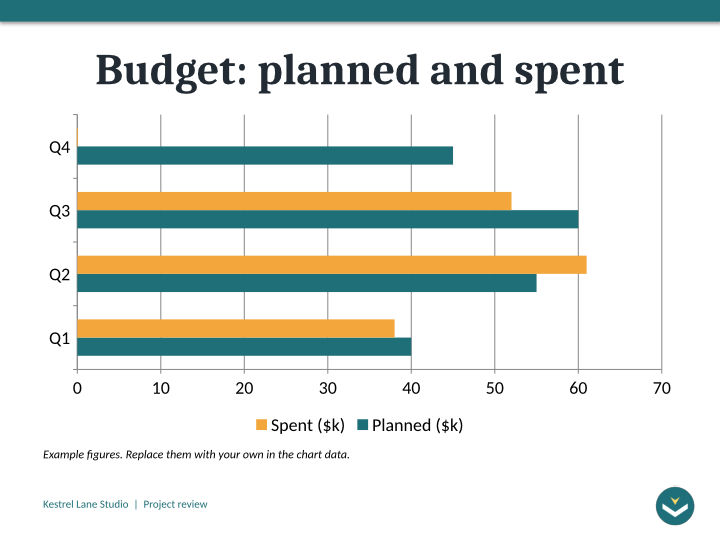
- The bar chart's two series and its legend
- The template's bracketed fields, exactly as typed
Lost or not yet supported
- Clean edges: JPEG adds noise around thin text such as the 11-point footer.
- Prompt text of the empty Next steps body.
- Cambria and Calibri, drawn as Caladea and Carlito.
- Speaker notes and the hidden how-to slide, unless you ask for hidden slides.
Limits
- 2,000 images per request at most.
- Each image at most 16,000 pixels per side and 100 million pixels.
- 10 MB on the Free plan or 100 MB on paid plans per request, 120 seconds per conversion.
Where teams use it
Emailing a new template for approval
Send all five slides inline to whoever approves brand templates. At 720 × 540 and quality 80 the whole set is 167,428 bytes.
Template pages in a wiki or marketplace
Show several slides of each template on its page, so people see the title, agenda and table layouts before they download the .potx.
Questions
Why does 72 DPI give 720 × 540?
Slides are measured in points, 72 to the inch. This template is 10 by 7.5 inches, 720 by 540 points, so at 72 pixels per inch each point is one pixel.
Which slides of a template are rendered?
The slides saved in it that aren't hidden: 5 of the 6 here. Layouts on their own are not rendered, even though the template has 11.
Is the DPI written into the JPEG?
When you send ImageResolution, yes: these files say 72 DPI. Without it, images are drawn at 150 pixels per inch and the JPEG header carries no DPI.
Convert your first POTX file in a minute.