POTX to PPTX API
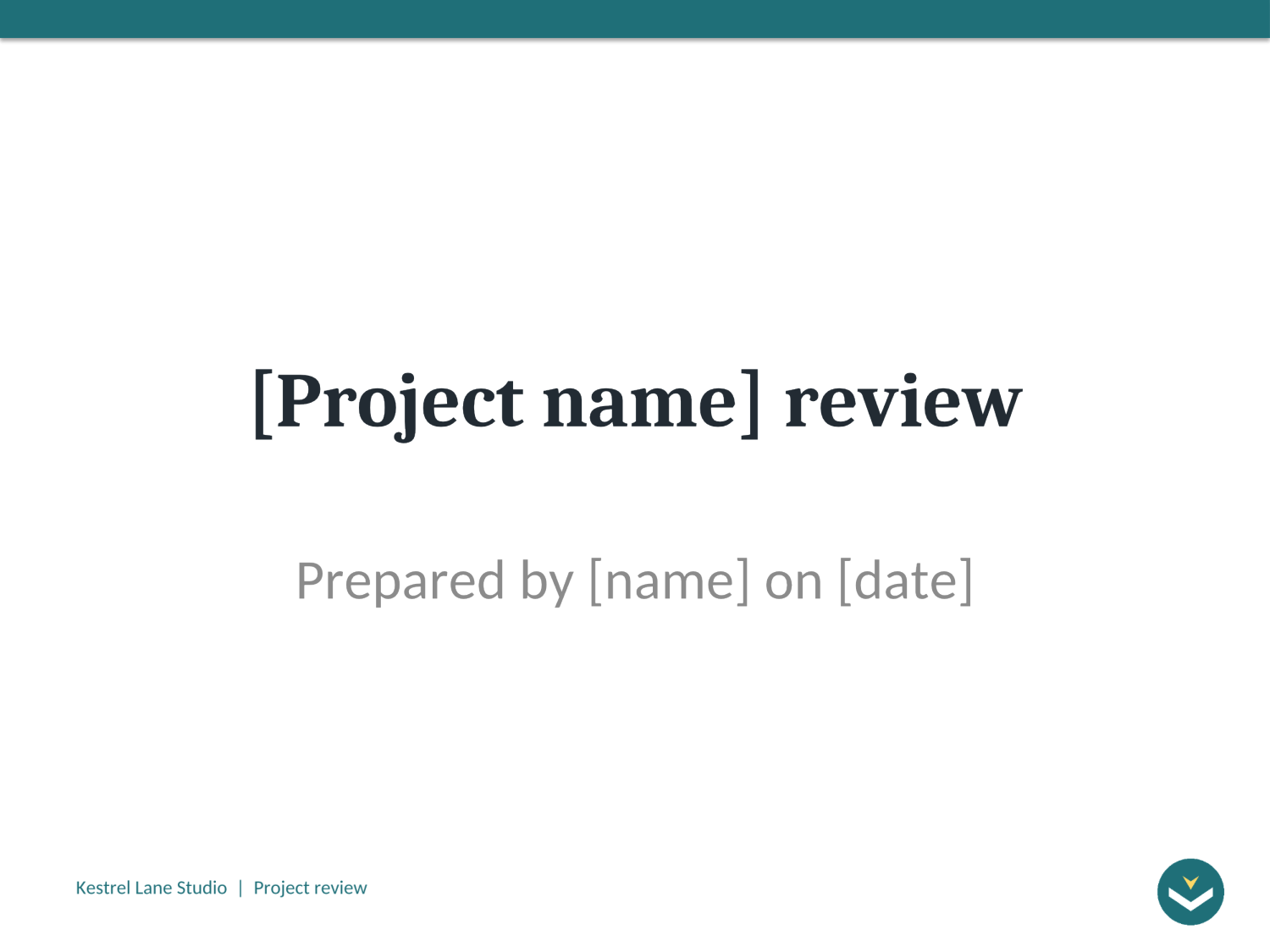
POST /v2/convert/potx/to/pptx saves a PowerPoint template as an ordinary presentation, ready to fill in. Our 44,339-byte project review template came back as a 47,067-byte .pptx with its six slides, 11 layouts, theme and speaker note.
- Endpoint
- POST /v2/
convert/ potx/ to/ pptx - Accepts
- potx
- Sample timing
- 0.666 s median of 5 runsHow we measure
- Request size
- Up to 10 MB on the Free plan or 100 MB on paid plans, all files together
Request and response
Every sample below ran against the API before this page was published. Set PDFCONVERSIONAPI_KEY to your key and run it as is.
curl -sS -X POST \
  https://api.pdfconversionapi.com/v2/convert/potx/to/pptx \
  -H "Authorization: Bearer $PDFCONVERSIONAPI_KEY" \
  -F File=@project-review.potx \
  -o response.json

# FileData is base64. Save the first file in converted/,
# or print the JSON error.
if jq -e '.Files' response.json > /dev/null; then
  mkdir -p converted
  name=$(jq -r '.Files[0].FileName' response.json)
  jq -r '.Files[0].FileData' response.json \
    | base64 --decode > "converted/$name"
else
  cat response.json
fi
import base64
import os
import requests
key = os.environ["PDFCONVERSIONAPI_KEY"]
response = requests.post(
"https://api.pdfconversionapi.com/v2/convert/potx/to/pptx",
headers={"Authorization": f"Bearer {key}"},
files=[("File", open("project-review.potx", "rb"))],
timeout=180,
)
result = response.json()
if not response.ok:
raise SystemExit(f"{result['Code']}: {result['Message']}")
os.makedirs("converted", exist_ok=True)
for file in result["Files"]:
path = os.path.join("converted", file["FileName"])
with open(path, "wb") as out:
out.write(base64.b64decode(file["FileData"]))
print(path, file["FileSize"], "bytes")
import { mkdir, readFile, writeFile } from "node:fs/promises";
import { join } from "node:path";

const form = new FormData();
const file = "project-review.potx";
form.append("File", new Blob([await readFile(file)]), file);

const url = "https://api.pdfconversionapi.com/v2/convert/potx/to/pptx";
const key = process.env.PDFCONVERSIONAPI_KEY;
const response = await fetch(url, {
  method: "POST",
  headers: { Authorization: `Bearer ${key}` },
  body: form,
});
const result = await response.json();
if (!response.ok) {
  throw new Error(`${result.Code}: ${result.Message}`);
}

await mkdir("converted", { recursive: true });
for (const file of result.Files) {
  const path = join("converted", file.FileName);
  await writeFile(path, Buffer.from(file.FileData, "base64"));
  console.log(path, file.FileSize, "bytes");
}
{
  "ConversionCost": 1,
  "ConversionTime": 0.666,
  "Files": [
    {
      "FileName": "project-review.pptx",
      "FileExt": "pptx",
      "FileSize": 47067,
      "FileData": "UEsDBBQAAAgIAFF3ZF1gxYga…"
    }
  ]
}
Response from our test run on 2026-11-03. ConversionTime shows the median of 5 runs. FileData is shortened here; the real response carries the whole file as base64.
The sample, converted
The same file the code sends. Download the input and the output and compare them yourself.
- Input
- project-review.potx (43 KB)
- Output
- project-review.pptx (46 KB)
- Source
- A six-slide project review template for a fictional design studio, with bracketed text to replace and one hidden instructions slide. We made it for this page. (CC0-1.0). How it was made
- Made by
- 2026-11-04, API build
9eeeb0640aba
Parameters
Send these as form fields next to the file. Names are case-insensitive. If you set one of the documented options below that we don't support yet, the request fails with a 400 that names it instead of returning a file made without it.
| Parameter | What it does |
|---|---|
Passwordstring | Opens an encrypted template. Our locked copy came back as a deck with no password and the same parts as the open template's; without it the API returns 422. |
FileNamestring | Name for the deck, such as q3-review for q3-review.pptx; by default project-review.pptx. |
StoreFileboolean, default false | Return a download link valid for 3 hours instead of the deck. |
Not supported yet
Setting one of these to anything but its default returns 400.
| Option | What to do instead |
|---|---|
ConvertHiddenSlides | The how-to slide stays in the deck, hidden. true returns 400 "ConvertHiddenSlides is not supported yet for POTX files". |
IncludeMetadata | The title "Project review template" is kept; false returns 400. |
What carries over, and what doesn't
Kept
- All six slides, the how-to slide still hidden
- The theme "Kestrel Lane": Cambria headings, Calibri body, the teal accent color
- The 4:3 slide size, 10 by 7.5 inches
- 11 slide layouts with their names, from Title Slide to Picture with Caption
- The status table, the bar chart and the logo picture
- The speaker note on the title slide
Lost or not yet supported
- Shapes on the slide master. The band, logo and footer are copied onto each of the 11 layouts instead, so a later change means editing every layout.
- Custom prompts. No layout keeps the custom-prompt setting, and the title layout's subtitle prompt "Who presents, and when" is replaced by generic outline text.
- The title layout's centered title and subtitle placeholder types, which become a plain title and body.
- The spreadsheet embedded behind the chart; the chart keeps its own numbers.
Limits
- One template per request, up to 10 MB on the Free plan or 100 MB on paid plans.
- 120 seconds per conversion; up to 512 MB for the deck.
Where teams use it
Building reports from a company template in code
A widely used Python deck library refuses to open a .potx because of its declared type, and opened the converted .pptx with all six slides. Convert the template once, then fill the bracketed fields for each report.
A fresh deck per project
Keep one approved template and hand each project lead a .pptx made from it, with the instructions slide still hidden and the title-slide note in place.
Questions
What changes besides the file type?
The package is rewritten. Slides, theme, notes and the hidden flag come through; the master's band, logo and footer move onto the layouts, custom layout prompts lose their custom setting, and the chart's embedded spreadsheet is dropped.
Do the example slides come along, or only the layouts?
Both. The template's six stored slides become the deck's six slides, and all 11 layouts are there for new slides.
Can I fill in the fields in the same request?
No; the route only changes the format. Fill "[Project name]" and the other fields in the .pptx with your own code, then convert the result to PDF with /v2/convert/pptx/to/pdf if you need one.
Convert your first POTX file in a minute.