PPTX to PPTX API
POST /v2/convert/pptx/to/pptx reads a deck and writes it out again as a fresh .pptx package. The sample's 47,390 bytes come back as 43,382, with the same six slides, the hidden one still hidden and its speaker note in place.
- Endpoint
- POST /v2/
convert/ pptx/ to/ pptx - Accepts
- pptx
- Sample timing
- 26 ms median of 5 runsHow we measure
- Request size
- Up to 10 MB on the Free plan or 100 MB on paid plans, all files together
Request and response
Every sample below ran against the API before this page was published. Set PDFCONVERSIONAPI_KEY to your key and run it as is.
curl -sS -X POST \
  https://api.pdfconversionapi.com/v2/convert/pptx/to/pptx \
  -H "Authorization: Bearer $PDFCONVERSIONAPI_KEY" \
  -F File=@calloway-ferry-winter.pptx \
  -o response.json

# FileData is base64. Save the first file in converted/,
# or print the JSON error.
if jq -e '.Files' response.json > /dev/null; then
  mkdir -p converted
  name=$(jq -r '.Files[0].FileName' response.json)
  jq -r '.Files[0].FileData' response.json \
    | base64 --decode > "converted/$name"
else
  cat response.json
fi
import base64
import os
import requests
key = os.environ["PDFCONVERSIONAPI_KEY"]
response = requests.post(
"https://api.pdfconversionapi.com/v2/convert/pptx/to/pptx",
headers={"Authorization": f"Bearer {key}"},
files=[("File", open("calloway-ferry-winter.pptx", "rb"))],
timeout=180,
)
result = response.json()
if not response.ok:
raise SystemExit(f"{result['Code']}: {result['Message']}")
os.makedirs("converted", exist_ok=True)
for file in result["Files"]:
path = os.path.join("converted", file["FileName"])
with open(path, "wb") as out:
out.write(base64.b64decode(file["FileData"]))
print(path, file["FileSize"], "bytes")
import { mkdir, readFile, writeFile } from "node:fs/promises";
import { join } from "node:path";

const form = new FormData();
const file = "calloway-ferry-winter.pptx";
form.append("File", new Blob([await readFile(file)]), file);

const url = "https://api.pdfconversionapi.com/v2/convert/pptx/to/pptx";
const key = process.env.PDFCONVERSIONAPI_KEY;
const response = await fetch(url, {
  method: "POST",
  headers: { Authorization: `Bearer ${key}` },
  body: form,
});
const result = await response.json();
if (!response.ok) {
  throw new Error(`${result.Code}: ${result.Message}`);
}

await mkdir("converted", { recursive: true });
for (const file of result.Files) {
  const path = join("converted", file.FileName);
  await writeFile(path, Buffer.from(file.FileData, "base64"));
  console.log(path, file.FileSize, "bytes");
}
{
  "ConversionCost": 1,
  "ConversionTime": 0.026,
  "Files": [
    {
      "FileName": "calloway-ferry-winter.pptx",
      "FileExt": "pptx",
      "FileSize": 43382,
      "FileData": "UEsDBBQAAAAIAAAAIQBow5fx…"
    }
  ]
}
Response from our test run on 2026-11-03. ConversionTime shows the median of 5 runs. FileData is shortened here; the real response carries the whole file as base64.
The sample, converted
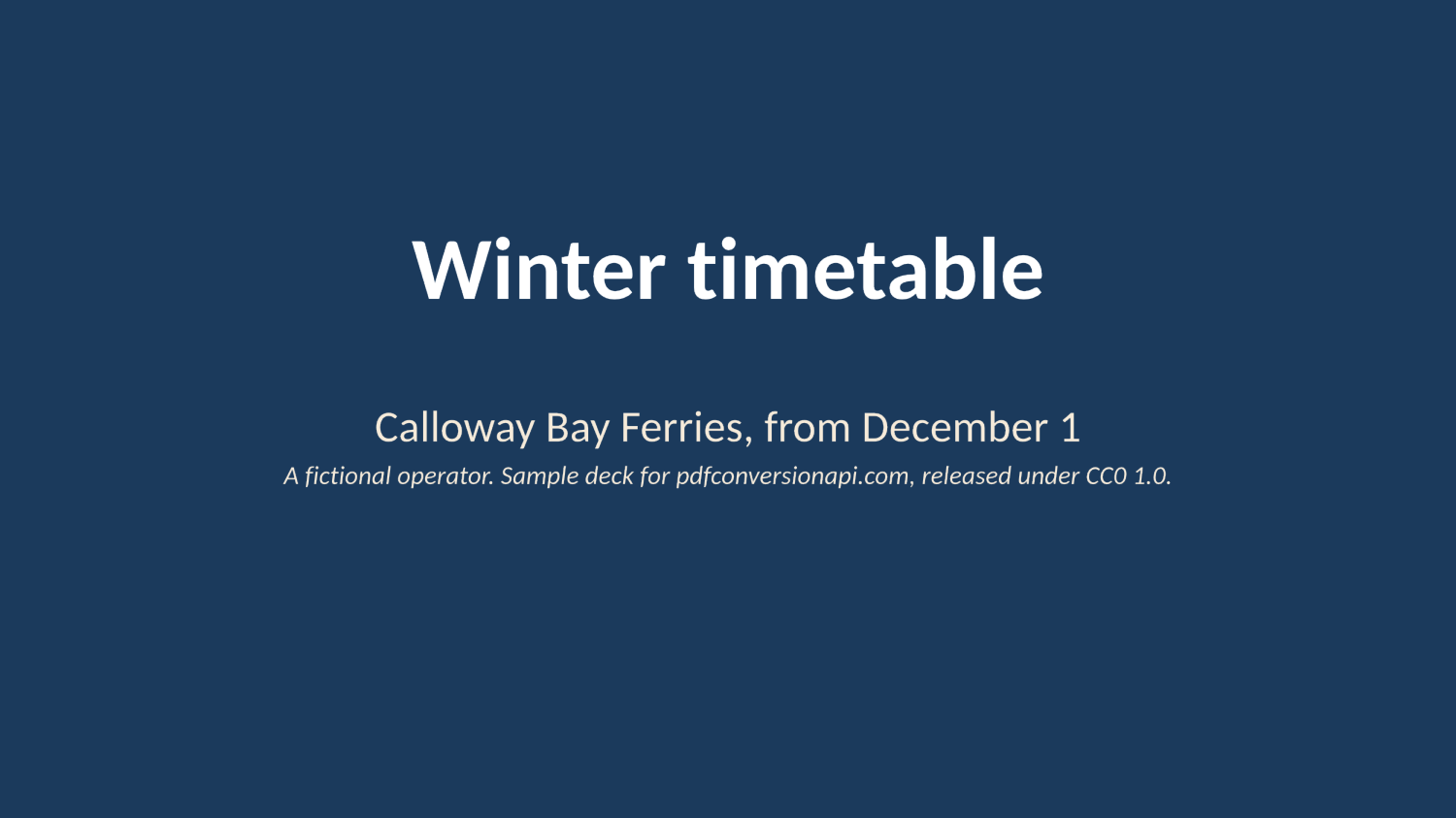
The same file the code sends. Download the input and the output and compare them yourself.
- Input
- calloway-ferry-winter.pptx (46 KB)
- Output
- calloway-ferry-winter.pptx (42 KB)
- Source
- A six-slide winter timetable deck for a fictional ferry operator, made by us for this site; slide 5 is hidden and slide 2 has speaker notes. (CC0-1.0). How it was made
- Made by
- 2026-11-04, API build
9eeeb0640aba
Parameters
Send these as form fields next to the file. Names are case-insensitive. If you set one of the documented options below that we don't support yet, the request fails with a 400 that names it instead of returning a file made without it.
| Parameter | What it does |
|---|---|
Passwordstring | Open password of an encrypted deck. The deck that comes back has no password: the sample locked with Tide-Table-2026 returned as a plain 43,382-byte .pptx. |
FileNamestring | Name of the returned deck; the extension stays .pptx. |
What carries over, and what doesn't
Kept
- Every slide in order, with hidden slides still marked hidden
- Speaker notes, the table and the native chart; the chart's embedded workbook and the picture are copied byte for byte
- Slide size, the 11 layouts of the master, and the theme
- Title, author, description and dates from the document properties
- How slides look: our renders of the re-saved deck matched those of the original pixel for pixel
Lost or not yet supported
- The thumbnail in
docProps/thumbnail.jpegand the printer settings part are not written again. - Part names: the chart's workbook is stored as
kept1.xlsx, and notes pages are renumbered. Code that looks parts up by their old names must follow the relationships instead. - The application name in
docProps/app.xml, which now reads "PDF Conversion API". - Byte-for-byte identity. Element order and default attributes are rewritten, so compare decks by content, not by checksum.
Limits
- One .pptx per request, up to 10 MB on the Free plan or 100 MB on paid plans.
- Files that are not PowerPoint packages, such as a .ppt renamed to .pptx, return 422 "the input file could not be read: it is not a PPTX presentation, or one that can't be read". Old .ppt files have their own route,
/v2/convert/ppt/to/pptx. - 120 seconds per conversion, then 504.
Where teams use it
Fixing decks written by templating code
Code that writes .pptx files can leave out a content-type entry or point at a picture that was never added. Pass such decks through this route before you hand them to people: our test files with each fault came back as valid packages.
Removing a password for a processing step
Send an encrypted deck with its Password and keep the plain copy for indexing or conversion inside your own systems. Encrypt it again with /v2/convert/pptx/to/protect before it leaves.
Cleaning up before storage
The re-saved file leaves out the embedded preview picture and printer settings the sample carried, so it is a little smaller: 8% for the sample.
Questions
What does the re-save repair?
We tested two faults that code writing .pptx files can produce. A slide missing from [Content_Types].xml was added back, and the result was identical to the re-save of the intact deck. A picture whose image file was missing became an empty rectangle at the same place, keeping its name and alt text, with the broken relationship removed.
How do I remove a password from a PowerPoint file?
Send the deck with Password set to its open password. The response is the same deck without encryption. With a wrong password the API answers 422 "the input file is password-protected".
Will the deck look different afterwards?
Not in our test. We drew all five visible slides of the original and of the re-saved file, and the images were identical. The package parts are rewritten, so the XML and the file size change.
Does it change my content, like fonts or text?
No text, picture or chart data is edited. Missing default attributes are written out in full, for example a rectangle geometry on text placeholders.
Convert your first PPTX file in a minute.